

Rubik’s Cube Solver
Scan, Solve, Master
• Stop struggling with endless cube twists.
• Our advanced Rubik’s Cube Solver gives you the fastest, easiest way to crack any scramble — whether you’re brand new or an expert speedcuber.
Why This Solver Stands Out
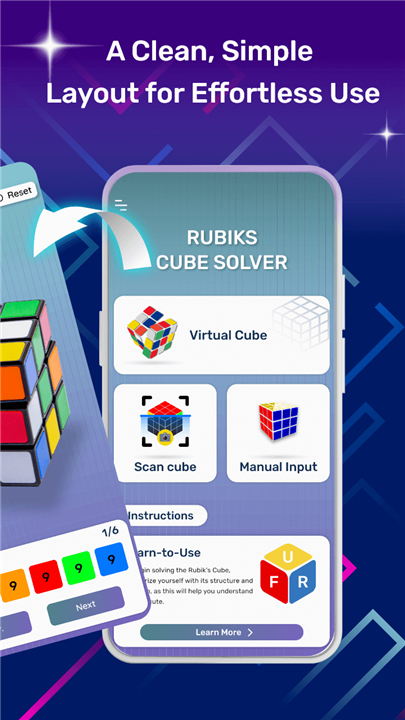
• Instant solutions with camera scan, manual color entry, or virtual cube simulation
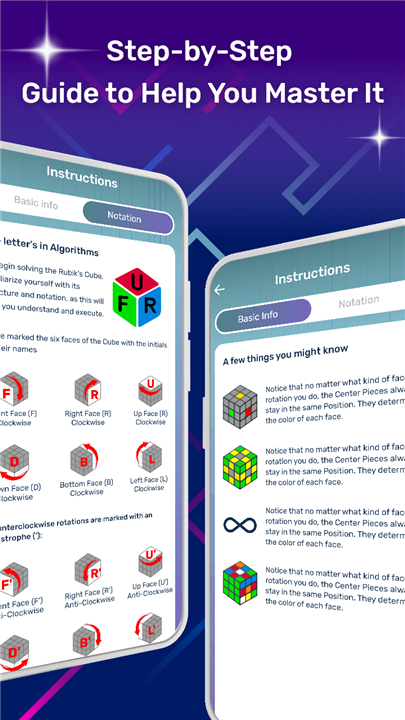
• Step-by-step guidance for every move
• Works offline — solve anywhere, anytime
• Designed for speed, accuracy, and simplicity
Key Features
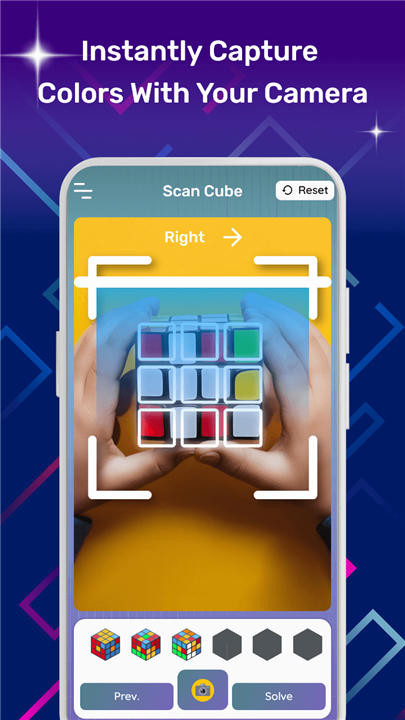
1. Camera Scan Mode
• Scan all six sides in seconds.
• The solver detects colors automatically and calculates the most efficient solution — no guesswork, no formulas to memorize.
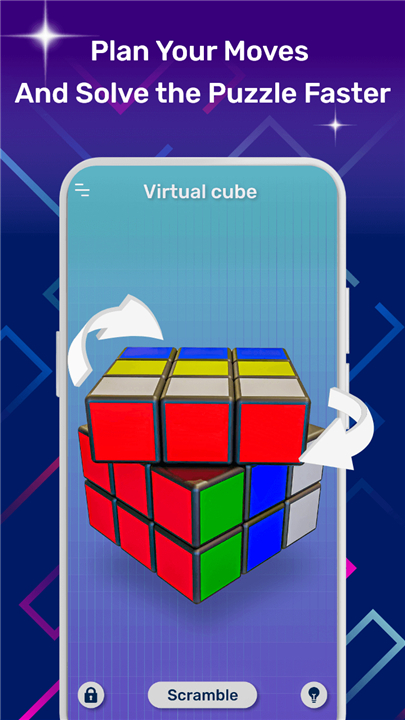
2. Virtual Cube Practice
• Experiment with a fully interactive 3x3 cube on your device.
• Perfect for learning new algorithms, practicing patterns, and visualizing moves before trying them on your real cube.
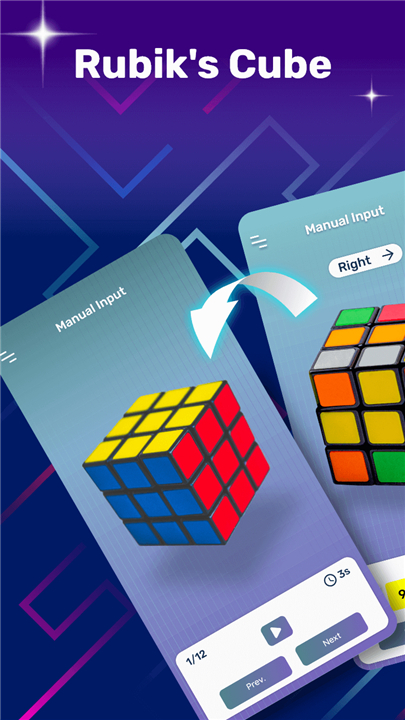
3. Manual Input Mode
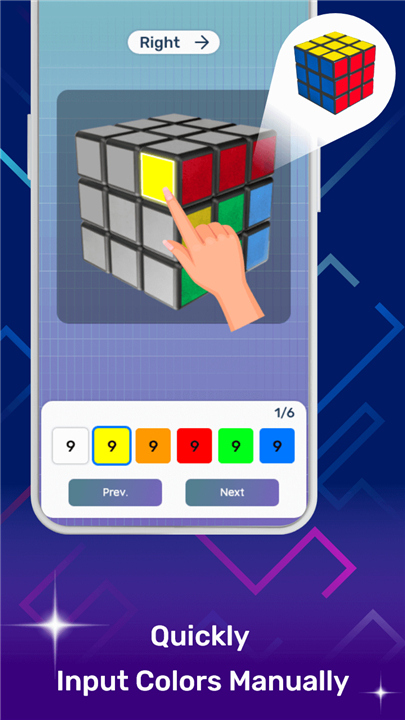
• For complete control, enter cube colors tile-by-tile.
• Ideal when scanning isn’t possible or when you want to verify your cube configuration.
4. Fast, Accurate Algorithm
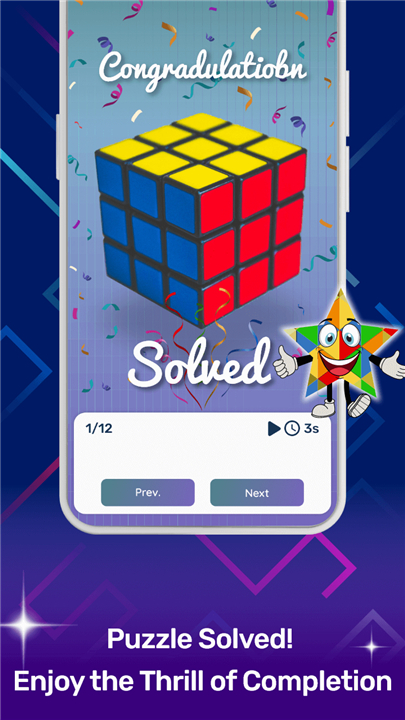
• Our solver finds the shortest path to the solution, no matter how scrambled your cube is, and delivers clear, easy-to-follow instructions.
Perfect For
• Beginners learning the Rubik’s Cube for the first time
• Puzzle fans who want quick, reliable solutions
• Speedcubers checking their scrambles
• Teachers and students using cubes for learning activities
Solve with Confidence
• Forget complicated formulas and endless trial-and-error.
• Scan your cube, follow the guided solution, and master it in minutes.
Download today and turn any scramble into a solved cube — faster, smarter, and with complete confidence.
FAQ
Q: My cube’s stickers sometimes look faded under certain lighting. What can I do if colors aren’t recognized correctly?
A: If the automatic color detection struggles, simply switch to manual input mode for that face. You’ll see a digital representation of a cube where you can tap each tile and assign its true color. This feature works smoothly even in dim or overly bright settings, ensuring your digital cube matches your real one before solving.
Q: Do I need an internet connection to use the solver?
A: No, once you’ve downloaded the app, all solving capabilities work offline. You can scan cubes, enter tile colors manually, and access virtual practice cubes without any network connection. The only time you’ll need the internet is when checking for updates or downloading optional content packs.
Q: Is this solver limited to 3×3 cubes, or will it handle other sizes too?
A: The current version focuses exclusively on standard 3×3 cubes, where our algorithms are optimized for speed and accuracy. We’re exploring future support for 2×2 and 4×4 cubes, but at this stage the app’s features and instructions are tailored specifically to the classic 3×3 experience.
Version History
v4.2——14 Jan 2026
Rubiks cube solver with camera scan and manual input for fast solutions Download the latest version of Rubiks Cube Solver to enjoy new features and updates immediately!
*4.2
Minor bug fixes and improvements. Install or update to the newest version to check it out!
*4.1
- Minor bug fixes
- Performance optimization for a smoother experience
*4.0
- Added a proper guide to help users give cube colors input correctly
- Now supports 6x6 and 7x7 Rubik’s Cube solving
- Performance improvements for a smoother experience
- Bug fixes and minor stability updates









Ratings and reviews
There are no reviews yet. Be the first one to write one.