


Guess That Tune
The Ultimate Music Quiz Experience
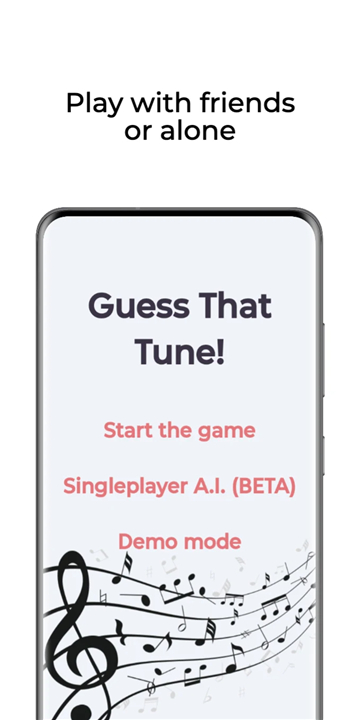
• Step into the world of music trivia and put your knowledge to the test with Guess That Tune, the most exciting and engaging music quiz game available right now.
• Whether you’re a casual listener or a die-hard music enthusiast, this game offers endless fun while challenging your memory, speed, and recognition skills.
About the Game
• Designed for music lovers of all ages, from pop fans to rock legends.
• Features a huge variety of songs spanning decades and genres.
• Perfect for parties, family gatherings, game nights, or competitive challenges with friends.
How to Play
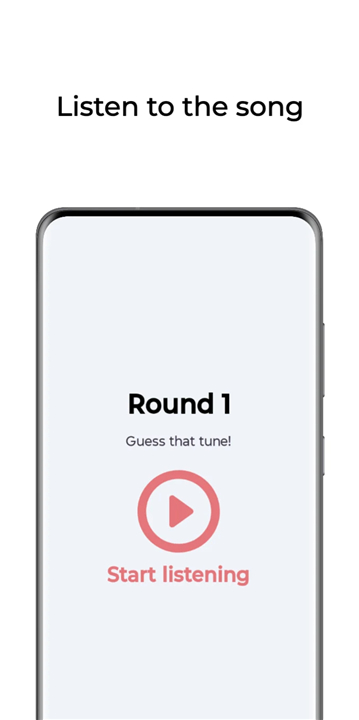
• Listen to short clips of famous songs and try to guess the title or artist as quickly as possible.
• Identify the biggest chart-toppers, unforgettable classics, and hidden gems.
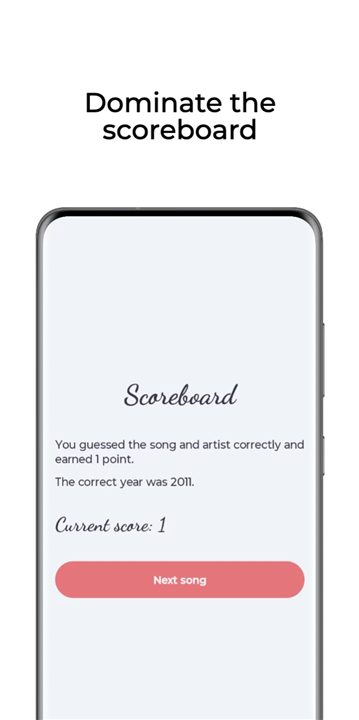
• Play individually or form teams for a more competitive experience.
Game Modes and Features
• Classic Guessing Mode: Hear a snippet and name the song or artist.
• Team Battles: Split into groups and compete head-to-head.
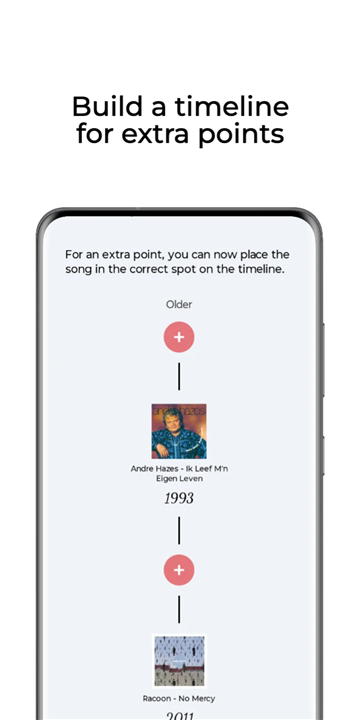
• Timeline Challenge: Arrange songs in chronological order to earn bonus points.
• Speed Round: Guess as many songs as possible before the timer runs out.
Why You’ll Love It
• Brings together people of all ages and music tastes.
• Combines fun, competition, and learning in one exciting package.
• Encourages teamwork, quick thinking, and sharp listening skills.
• Constantly updated with new music selections to keep the game fresh.
The Big Question
• Who in your group will recognize the most songs?
• Who will emerge as the ultimate music champion? It’s time to find out.
Get Started
• Download Guess That Tune today and join the growing community of music quiz fans.
• Gather your friends and family, press play, and let the competition begin!
FAQ
Q: How do I start a new game?
A: After downloading and opening the app, simply tap the “New Game” button on the main screen. You’ll be prompted to select your preferred game mode, decide whether you want to play solo or with friends, and choose the musical categories or eras that interest you. Once your selections are confirmed, the first audio clip will play automatically, and you can begin guessing.
Q: What game modes does Guess That Tune offer?
A: Guess That Tune features several engaging modes: Classic Guessing Mode challenges you to name the song or artist from a short snippet; Team Battles let you split into groups and compete head-to-head; the Timeline Challenge asks you to arrange songs in chronological order for bonus points; and the Speed Round tests how many clips you can identify before the time runs out. Each mode offers a unique twist on music trivia to keep gameplay fresh.
Q: Can I play Guess That Tune by myself, or do I need a group?
A: You can enjoy Guess That Tune either on your own or with friends and family. Solo mode allows you to challenge your personal music knowledge and improve your high score, while multiplayer options let you form teams or invite friends for real-time battles. The app automatically adjusts the interface depending on whether you’re playing solo or in a group.
Version History
v1.0.18——12 Jan 2026
Challenge your music trivia skills with Guess That Tune, the ultimate music quiz game! Enjoy hits and hidden gems in parties or solo play. Download the latest version of Guess That Tune to enjoy new features and updates immediately!
*1.0.18
- Optimized the user experience









Ratings and reviews
There are no reviews yet. Be the first one to write one.