

MaxPlayer™
Transform Your Entertainment
• Unlock a seamless viewing experience on every screen.
• MaxPlayer™ empowers you to take full control of your media, bringing live TV, movies, and series together into one sleek, elegant platform designed to elevate your everyday viewing.
Key Features
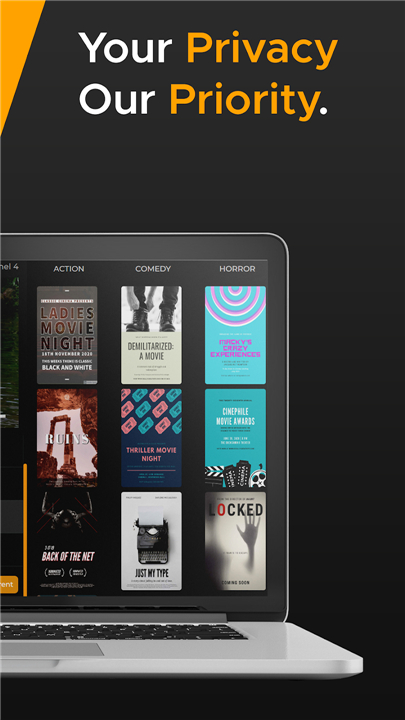
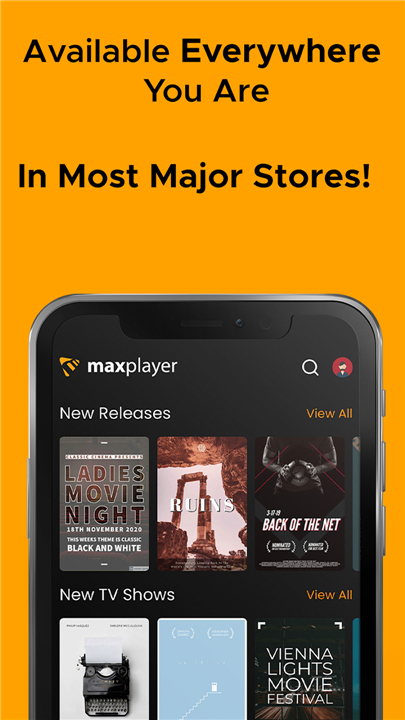
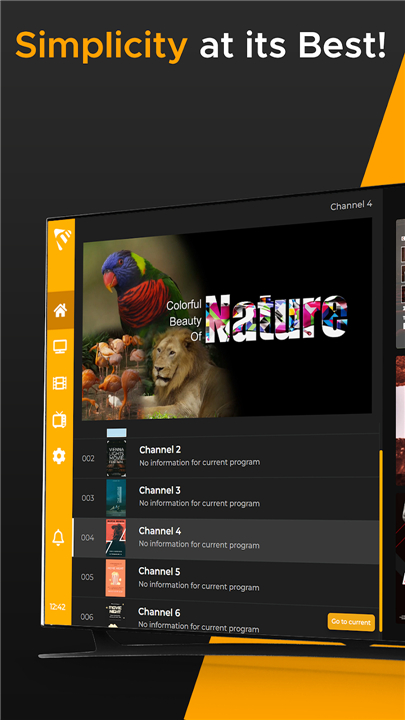
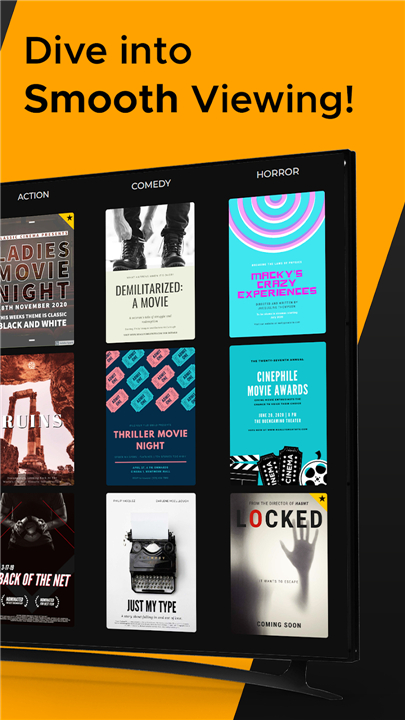
• Cinematic Design: A clean, modern interface beautifully optimized for both smartphones and large television displays.
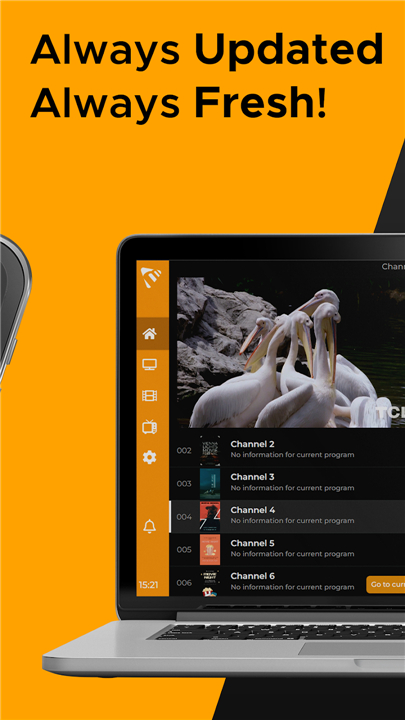
• Complete Media Support: Effortless streaming for live IPTV, VOD, TV series, and catch-up programming.
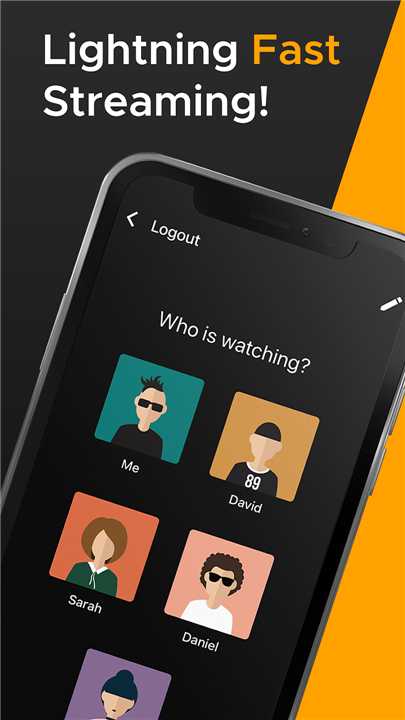
• Built for Families: Share your access with up to 5 devices and 5 sub-users per account, supported by customized parental controls.
• Smart Navigation: Effortlessly locate content with fast search options, personalized favorites, and automatic EPG guide updates.
• Flexible Compatibility: Full integration with M3U playlists, Xtream Codes API, and other leading playlist formats.
Supported Platforms
• Smart TVs & Streaming Devices: Android TV, Google TV, Apple TV (tvOS), Fire TV/FireStick, Samsung (Tizen), and LG (webOS).
• Mobile & Desktop: iOS (iPhone/iPad), Android devices, and Windows PC.
Important Notices
• Media Player Only: MaxPlayer™ is a media playback application and does not supply channels, streams, or content subscriptions. Users must provide their own content sources.
• Community & Support: Join our active community on Discord at https://discord.gg/maxplayer.
• Legal & Privacy: MaxPlayer™ is a trademark of E Galactic e.U. Review our Terms of Service and Privacy Policy at https://my.maxplayer.tv.
FAQ
Q: Does MaxPlayer™ come with any pre-installed channels or movie libraries?
A: No, MaxPlayer™ is strictly a media player application and does not provide, host, or supply any channels, streams, or content subscriptions. You are responsible for providing your own content sources, such as M3U playlists or service credentials, to use within the app.
Q: Which television brands and streaming devices can I use with this app?
A: The application is designed for broad compatibility and works perfectly on a wide range of hardware including Android TV, Google TV, Apple TV (tvOS), and Amazon Fire TV or FireStick. Additionally, it is fully optimized for Samsung Smart TVs running Tizen and LG Smart TVs using the webOS platform.
Q: Can I watch my content on my phone or computer as well?
A: Yes, MaxPlayer™ is built for flexibility across all your screens, offering dedicated versions for iOS devices like the iPhone and iPad as well as Android mobile devices. If you prefer to watch on a desktop or laptop, there is also a version available for Windows PCs to ensure you never miss your favorite shows.
Version History
v1.1.184——5 Aug 2026
Max Player ™ is an IPTV player app that streams your own playlists across devices. Download the latest version of Max Player ™ to enjoy new features and updates immediately!
*1.1.184
Minor bug fixes and improvements. Install or update to the newest version to check it out!
*1.1.179
Minor bug fixes and improvements. Install or update to the newest version to check it out!
*1.1.178
Minor bug fixes and improvements. Install or update to the newest version to check it out!











Ratings and reviews
There are no reviews yet. Be the first one to write one.