

Screen Mirroring Hisense TV APK
1.2
Screen Mirroring Hisense TV
Screen Mirroring Hisense TV APK
Download for Android
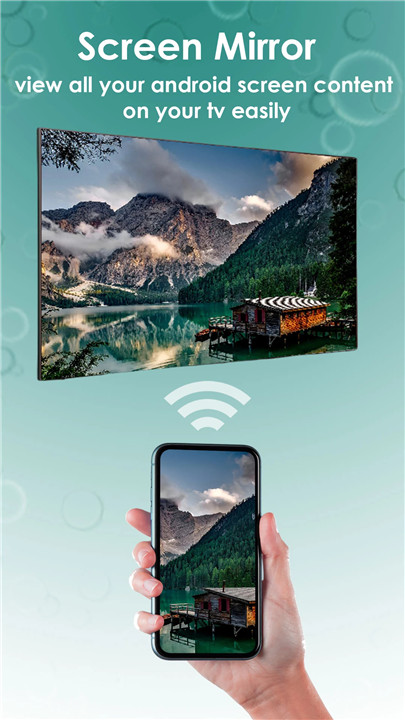
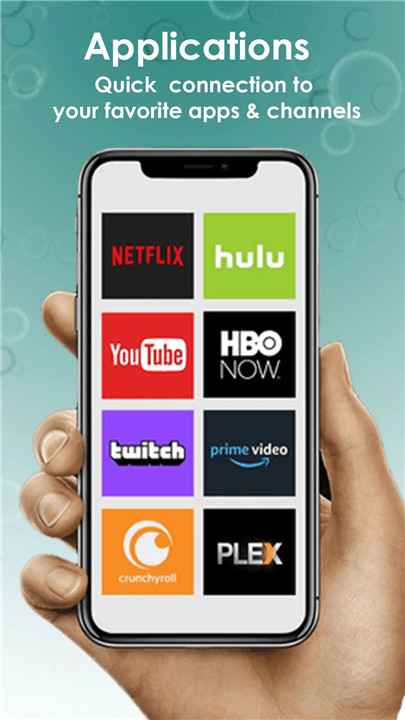
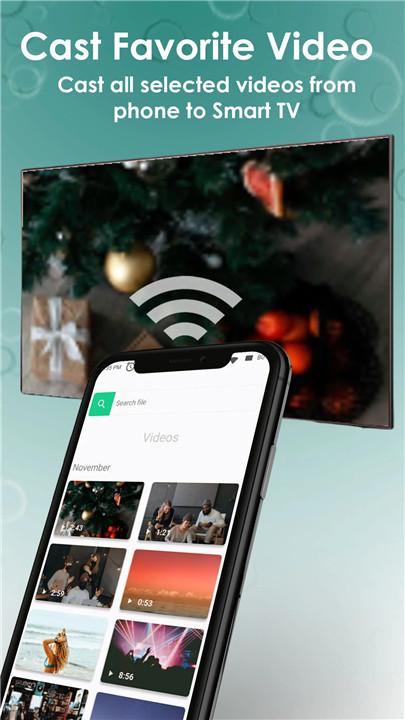
Are you fed up with huddling around a tiny phone or tablet just to enjoy videos or games with your loved ones? Elevate your entertainment experience with Screen Mirroring on Hisense TV, featuring robust Anyview and Anyview Cast functionalities, including Miracast! With just a few taps, you can seamlessly connect your mobile device to your Hisense Smart TV, sharing your screen, photos, and videos in real-time through Miracast technology.
Effortless Screen Mirroring
Hisense TV Screen Mirroring simplifies the process of casting to your Hisense, allowing you to relish all your favorite content on a larger screen using Anyview and Anyview Cast, including Miracast. But that’s not all—Hisense Smart TV Screen Mirroring also enables you to share your screen with others remotely, making it ideal for wireless screen sharing and online meetings. Just invite your colleagues or friends to join your screen-sharing session and utilize Anyview Cast with Miracast to collaborate in real-time, no matter where you are.
Personalization
Hisense TV Screen Mirroring with Miracast offers additional features like customizing screen size and resolution, as well as using your TV as a secondary display for your phone or tablet. With its user-friendly interface and extensive capabilities, it’s clear why Hisense TV Screen Mirroring with Anyview, Anyview Cast, and Miracast is the preferred choice for mirroring screens to Hisense TVs and connecting phones to Hisense TVs.
Cast to Other Brand TVs
This app also allows you to cast images, videos, and music to a variety of devices, including Hisense, Samsung, Toshiba, LG, Sony, Xiaomi, TCL, Vizio, Chromecast, Roku, Amazon Fire Stick, Xbox, Apple TV, and other DLNA devices using Anyview, Anyview Cast, and Miracast.
Experience Seamless Connectivity
With us, you’ll enjoy not just the convenience and user-friendly interface, but also the extensive compatibility with a variety of devices through Anyview, Anyview Cast, and Miracast:
• Compatible with Smart TVs from brands like Samsung, Sony, LG, Hisense, TCL, Vizio Smartcast, Xiaomi Mi TV, Panasonic, and more;
• Roku devices including Roku Stick and Roku TV;
• Chromecast;
• WebOS and Miracast;
• Xbox, Xbox One, and Xbox 360;
• Fire TV and Amazon Fire Stick;
• Apple TV and Airplay;
• Smart View and Allshare;
• AnyCast.
Control Your TV from Your Mobile Device
But that’s just the beginning! Hisense Smart TV Screen Mirroring also provides a host of additional features, including the ability to manage your TV directly from your phone or tablet, along with streaming content from your favorite services straight to your TV.
Download Today!
So why hesitate? Download Hisense Smart TV Screen Mirror now and start reaping the rewards of real-time screen mirroring on your Hisense TV with Anyview, Anyview Cast, and Miracast! Stay ahead of the game with this innovative app and elevate your entertainment experience. Whether you’re at home or on the move, Hisense TV Screen Mirroring simplifies sharing your content with friends and family using Anyview, Anyview Cast, and Miracast.
Try it out and discover how easy it is to utilize your Hisense Smart TV as a secondary display. Enhance your entertainment journey with Hisense screen mirroring, mirror your screen to Hisense TV, and enjoy seamless presentations on your Hisense Smart TV using Anyview, Anyview Cast, and Miracast!
FAQ
Q: What is Anyview and Anyview Cast?
A: Anyview and Anyview Cast are Hisense's proprietary technologies designed to facilitate screen mirroring and casting. Anyview is the user interface for Hisense Smart TVs, while Anyview Cast allows you to stream content from your mobile device to your TV. These technologies ensure a smooth and user-friendly experience.
Q: What is Miracast, and how does it work with Hisense TV?
A: Miracast is a wireless display standard that allows you to mirror your mobile device's screen to a TV without the need for additional hardware. When you use Miracast with your Hisense TV, it creates a direct connection between your device and the TV, enabling seamless screen sharing. To use Miracast, ensure both your device and TV support it, and follow the steps to connect as described in the TV's settings.
Q: Can I use Screen Mirroring to share my screen remotely?
A: Yes, Hisense TV Screen Mirroring supports remote screen sharing. This feature is particularly useful for online meetings and collaborative work. You can invite colleagues or friends to join your screen-sharing session, and they can view your content in real-time, even if they are not in the same location.
Version History
v1.2——5 Mar 2025
Hisense Screen Mirroring helps you cast any phone and tablet to Hisense SmartTV Download the latest version of Screen Mirroring Hisense TV 1.2 to enjoy new features and updates immediately!
We’ve made some exciting improvements in this update!
**What's New:**
- **Bug Fixes:** We've addressed various bugs to improve the stability and performance of the app.
- **Enhanced User Experience:** Ads have been reduced for a smoother and more enjoyable experience.
We appreciate your feedback and hope these updates help improve your app usage! If you enjoy the app, please take a moment to rate us on the app store.









Ratings and reviews
There are no reviews yet. Be the first one to write one.