

TTReader - Text Reader, OCR APK
8.5.5
TTReader - Text Reader, OCR
TTReader - Text Reader, OCR APK
Download for Android

This application is an advanced text viewer specifically designed to optimize Text-to-Speech (TTS) functionality, enhancing the overall user experience by presenting text in a way that is ideal for listening.
Adaptability
A key highlight of this application is its adaptability; it works seamlessly across a range of mobile devices, including both smartphones and tablets. Users can easily transition between devices, ensuring a smooth and uninterrupted reading experience without losing any content.
Background Playback
The TTS engine operates efficiently in the background, delivering a fluid auditory experience. It smartly manages audio output to prevent any overlap or interference with other sounds. Whether users are on a call, listening to music, or using navigation, the TTS feature remains discreet and unobtrusive.
Various File Types Support
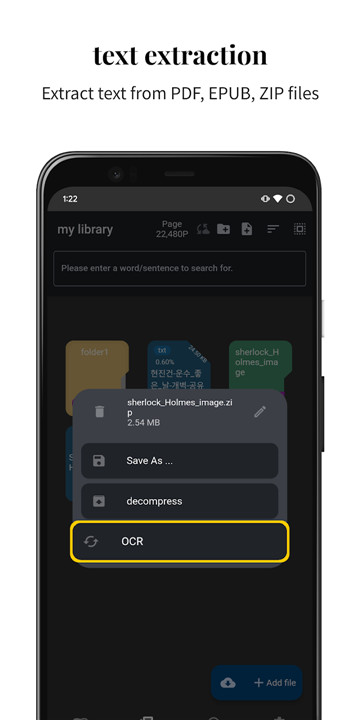
Additionally, the application includes a useful built-in function that converts various file types—such as images, EPUB files, and PDFs—into accessible text documents. This ensures that users can effortlessly access and listen to content from diverse sources.
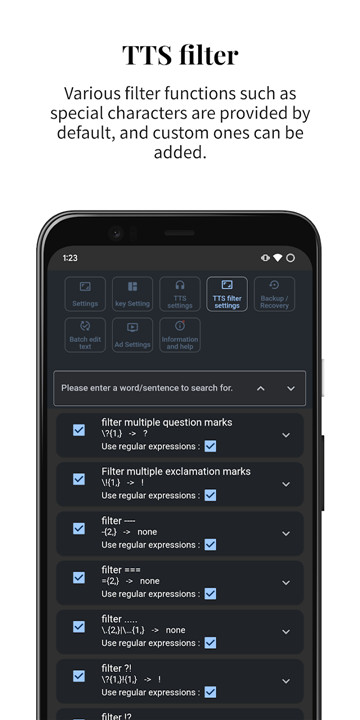
Moreover, the application features a powerful TTS filter function, allowing users to personalize their listening experience according to their preferences. Overall, this text viewer application is a versatile tool that elegantly meets both reading and listening needs.
It also supports detailed TTS settings, allowing speeds of up to five times faster and the option to read 1 to 10 lines at once instead of just one. For Bluetooth earphone users, it addresses disconnection issues when reading short words.
Users can synchronize their reading position across different devices through Google Drive integration.
Supported features:
TTS
- Background TTS playback
- TTS filter options (offering a variety of basic filters for easy use)
- Function to repeat TTS sections
- TTS timer capability
- Ability to read multiple lines simultaneously
- TTS pause option during navigation prompts or phone calls
- Scroll through TTS while it plays, allowing you to view preceding and following content.
Text
- Text editing capabilities
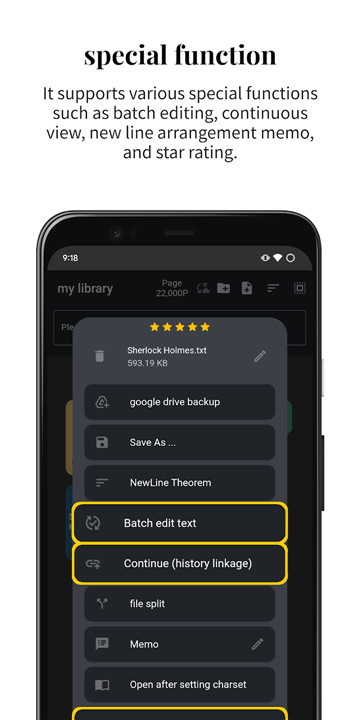
- Batch editing for multiple texts
- Combine several text files into one document
- Newline cleanup tool for files with irregular line breaks
- OCR (Optical Character Recognition) for text extraction from images
- Real-time OCR (extract text instantly using the camera)
- Numerous batch editing templates available for streamlined editing post-OCR
- Extract text from EPUB files
- Extract text from PDF files
- Convert to EPUB images
- Convert to PDF images
UI Features
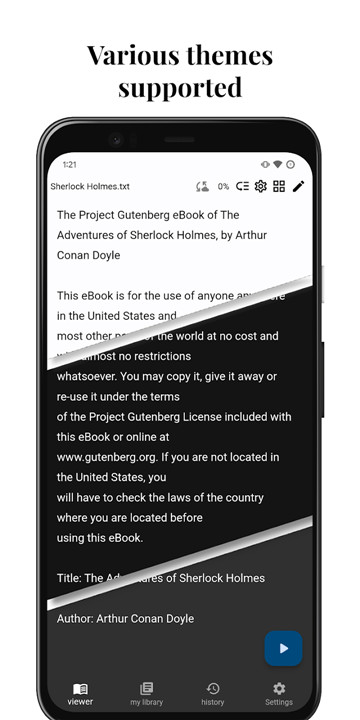
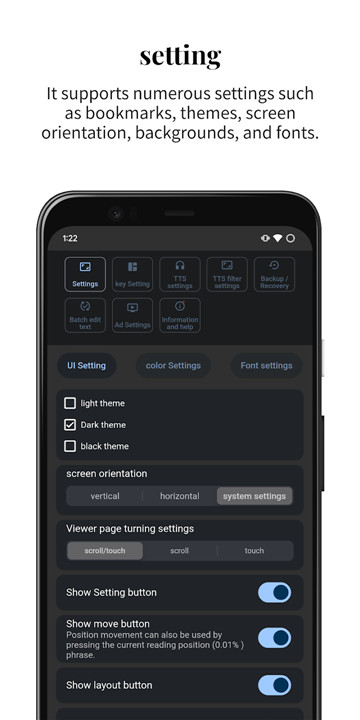
- Support for light and dark themes
- Black theme option to reduce screen burn-in
- 108 free fonts available
- 799 international free fonts
- 65 background images to choose from
- Scroll speed adjustment feature (minimizes finger fatigue during extensive scrolling)
- Various settings for font size, color, and spacing
- Customizable highlight and bookmark display colors
- Margin adjustment options
- Screen orientation settings
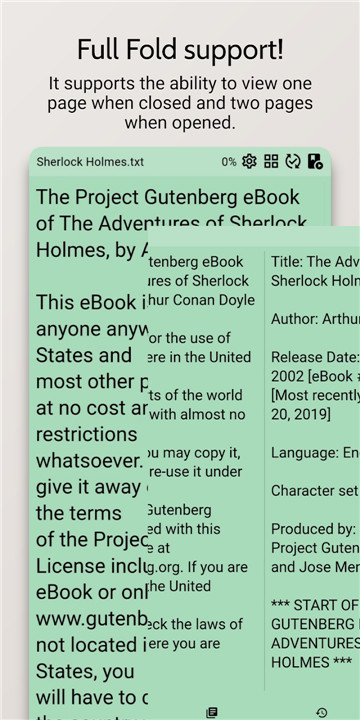
- Two-page view mode (for tablets)
Special Features
- Bookmarking capability
- Backup and recovery of locations using Google Drive
- Backup and recovery of settings, history, and filters via Google Drive
- File upload and download functionality through Google Drive
- Option to shorten touch areas for easier navigation
- Custom button settings for external devices (like pens or Bluetooth controllers)
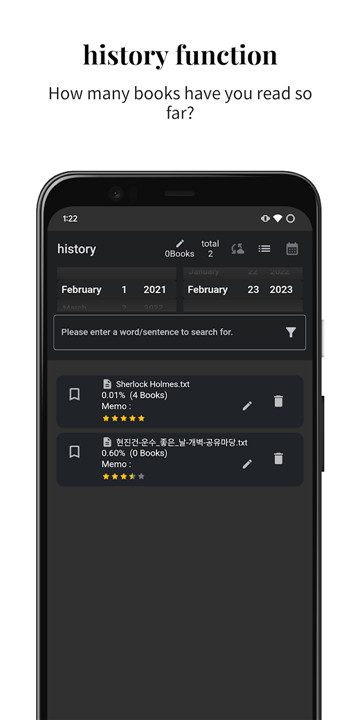
- History linking feature (continue viewing files even if the names differ)
- Memo functionality
- Ability to add files by connecting with various cloud applications
- Operate a chat room for diverse communication, including bug reporting and feature requests.
FAQ
Q: What is this application, and what does it do?
A: This application is an advanced text viewer specifically designed to optimize Text-to-Speech (TTS) functionality. It enhances the user experience by presenting text in a way that is ideal for listening, making it a versatile tool for both reading and listening needs.
Q: Which devices are supported by this application
A: The application works seamlessly across a range of mobile devices, including both smartphones and tablets, ensuring a smooth and uninterrupted reading experience.
Q: Can the TTS engine play in the background while I use other apps?
A: Yes, the TTS engine operates efficiently in the background, allowing you to continue using other apps while the text is being read to you.
-----------------
What's New in the Latest Version 8.5.5
Last updated on Dec 14, 2024
TextReader app. Support TTS, OCR Download the latest version of TTReader - Text Reader, OCR 8.5.5 to enjoy new features and updates immediately!
- An emergency fix has been made to a bug that prevented fonts from being applied.









Ratings and reviews
There are no reviews yet. Be the first one to write one.