

AR Drawing: TraceCam & Draw APK
1.1.2_20251209
AR Drawing: TraceCam & Draw
AR Drawing: TraceCam & Draw APK
Download for Android

AR Drawing: TraceCam & Draw
Learn to Sketch with Augmented Reality
• AR Drawing: TraceCam & Draw transforms any flat surface into your personal art space.
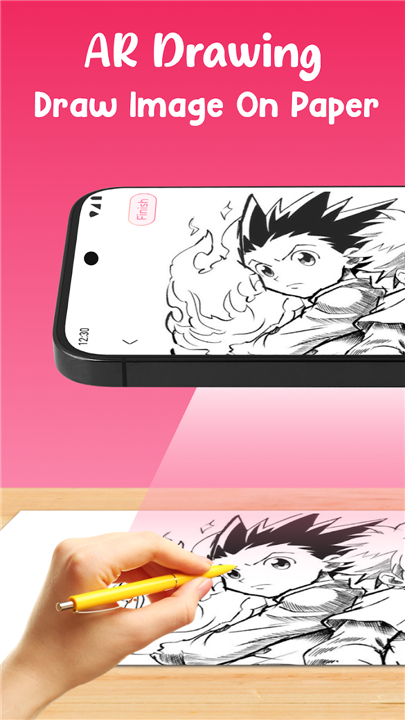
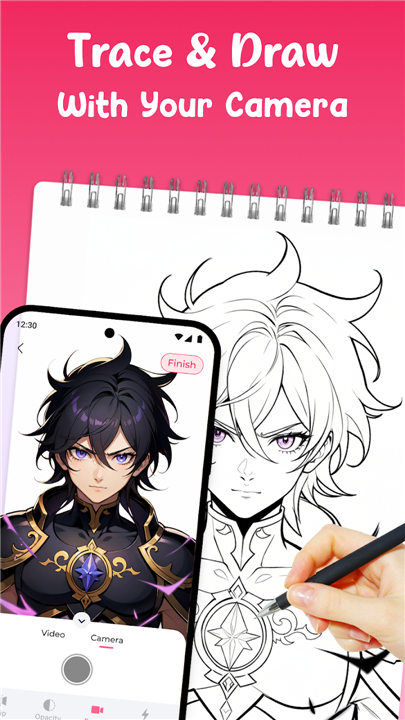
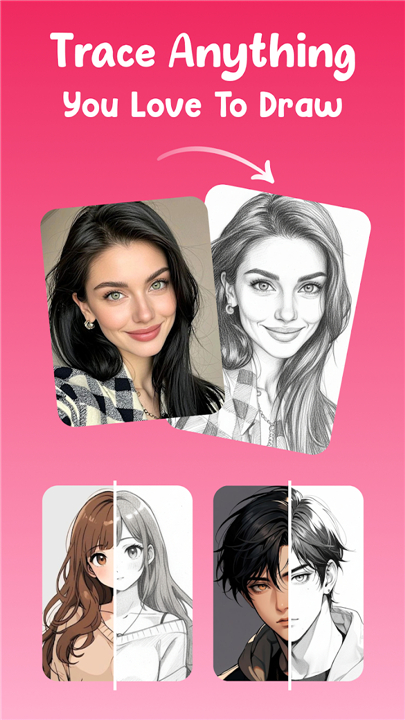
• Using your phone’s camera and augmented reality technology, it projects images directly onto your chosen surface, allowing you to trace by hand with precision.
• This makes it an ideal tool for beginners learning the basics, students practicing techniques, or experienced creators looking for a quick way to produce accurate sketches.
How It Works
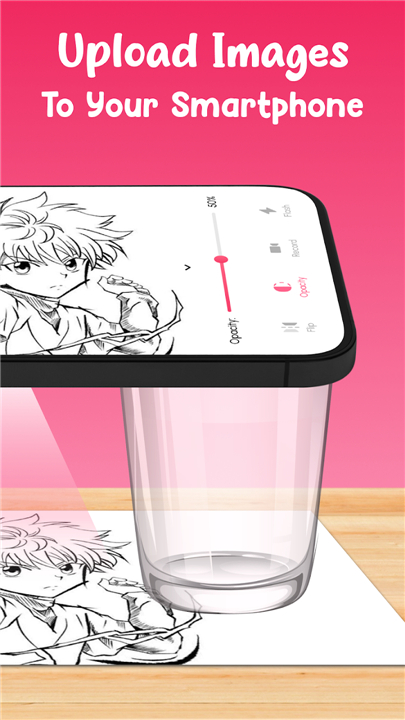
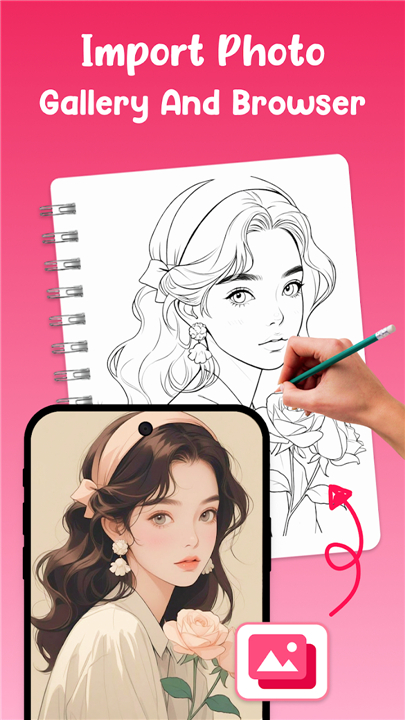
• Project and Trace: Select a ready-made template from the app’s library or import your own photo.
• Point your camera at a sheet of paper, and follow the projected outline visible through your screen.
• Stabilize for Accuracy: For best results, place your phone on a stand, tripod, or stable surface to prevent movement while tracing.
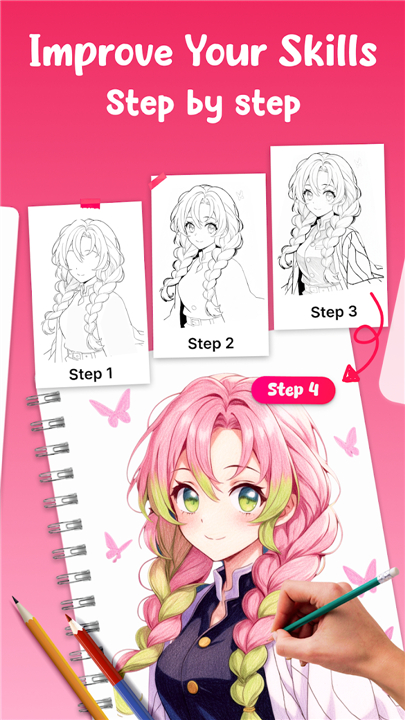
• Draw and Refine: Start with the main lines, then add finer details, textures, and shading to complete your artwork.
Creative Features
• Template Library: Includes a wide range of subjects such as cartoons, animals, flowers, portraits, and anime.
• Import Your Own: Convert any image into a traceable overlay.
• Adjustable Overlay: Easily scale, rotate, mirror, and change opacity for better alignment.
• Flashlight Mode: Keeps your workspace visible in low-light conditions.
• Save to Gallery: Organize your completed drawings in one place.
• Record and Time-lapse: Document your creative process for later viewing or sharing.
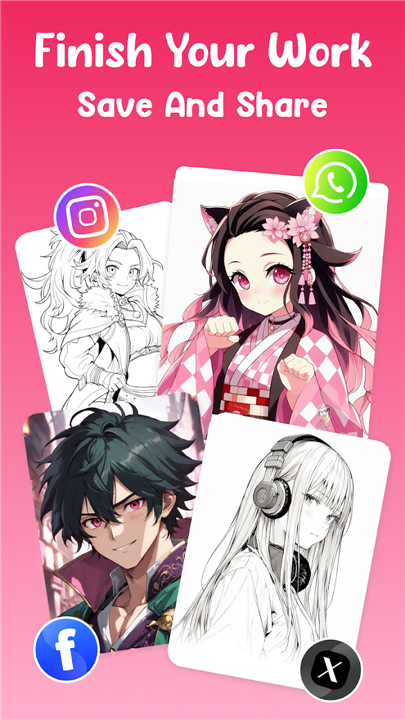
• One-Tap Sharing: Quickly post to social media platforms or send directly to friends and clients.
Made for All Skill Levels
Suitable for:
• Beginners learning proportion, perspective, and line control
• Hobbyists refining their style
• Professionals creating references and outlines efficiently
Ideal Uses
• Art fundamentals practice
• Classroom demonstrations or home learning
• Posters, murals, tattoo stencils, and craft projects
Simple and Private
• Just open the app, choose your image, and start tracing.
• Your creations remain stored on your device unless you choose to share them.
Sketch Smarter, Not Harder
• Download AR Drawing: TraceCam & Draw to bring your artistic ideas to life anytime and anywhere.
FAQ
Q: How do I begin a new tracing project in the app?
A: To start, launch the app and either choose a template from the built-in library or import your own photo from your gallery. Point your camera at a flat, well-lit surface, position your device until the overlay appears, then tap “Project.” The app will stabilize the image on your real-world surface. All that’s left is to pick up your pencil and trace the projected lines.
Q: Can I import custom images, and are there any restrictions on file types?
A: Yes—you can import any image saved on your device. The app accepts common file formats like JPEG and PNG, and it automatically converts them into high-contrast overlays optimized for tracing. While there is no strict size limit, very large files may take a second or two longer to process.
Q: How do I keep the projected image steady while I trace?
A: Stability is key. The best practice is to place your phone on a tripod or a dedicated stand aimed at your drawing surface. If you don’t have a tripod, lean your phone against a stable object and activate the app’s built-in stabilization mode. This algorithm reduces jitter so your projection remains virtually motionless as you work.
Version History
v1.1.2_20251209——19 Jan 2026
Trace with your camera—learn to draw fast with AR templates & guides! Download the latest version of AR Drawing: TraceCam & Draw to enjoy new features and updates immediately!
*1.1.2_20251209
Minor bug fixes and improvements. Install or update to the newest version to check it out!
*1.1.120251202
Minor bug fixes and improvements. Install or update to the newest version to check it out!
*1.1.020251126
Minor bug fixes and improvements. Install or update to the newest version to check it out!









Ratings and reviews
There are no reviews yet. Be the first one to write one.