

Screen Splitter : Use 2 apps APK
1.4
Screen Splitter : Use 2 apps
Screen Splitter : Use 2 apps APK
Download for Android
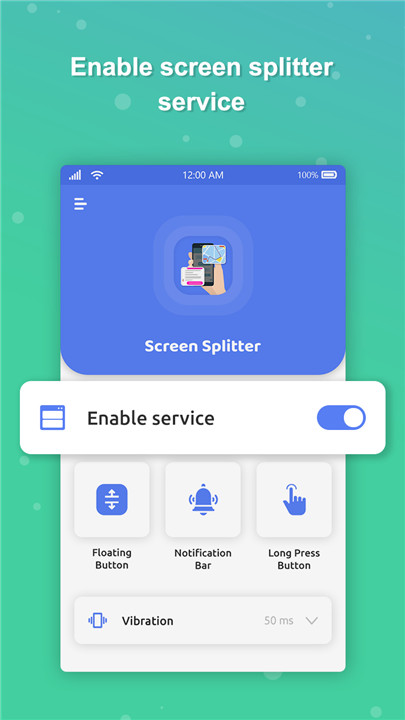
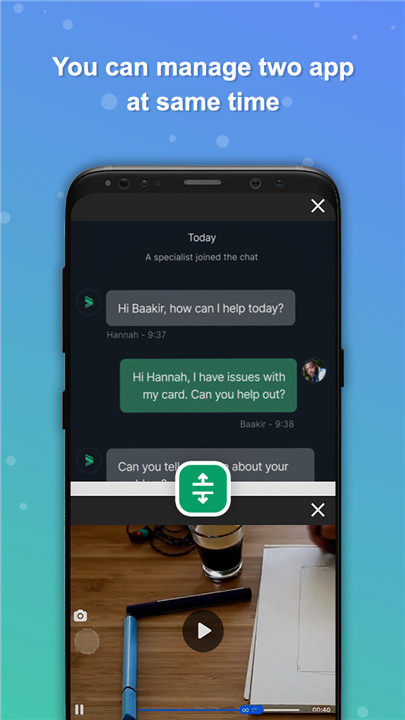
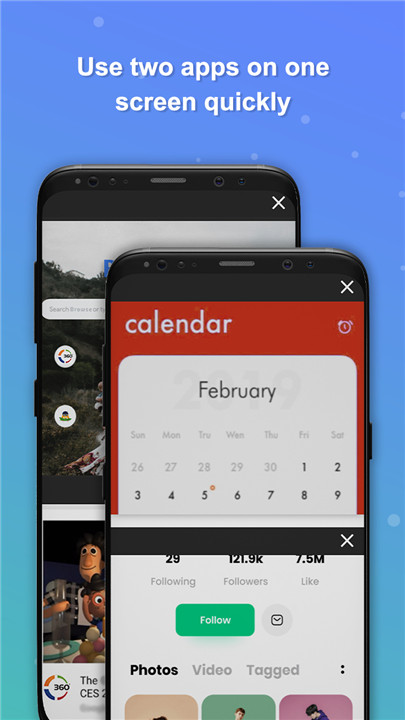
Are you searching for a way to effortlessly run two applications at the same time on one screen? Do you want to boost your multitasking skills by splitting your phone's display? If that sounds like you, then the Screen Splitter: Use 2 Apps Quickly app is exactly what you need!
Picture this: managing two apps simultaneously without the hassle of toggling back and forth, leading to a more productive workflow. With the Split Screen Manager app, you can easily create a multi-window setup right on your device. This cutting-edge app offers a user-friendly shortcut that enables a split-screen view, making multitasking simpler than ever.
What Can You Expect from the Split Screen Manager?
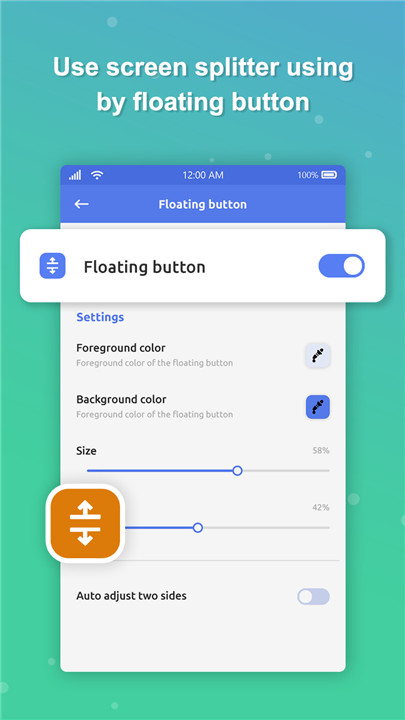
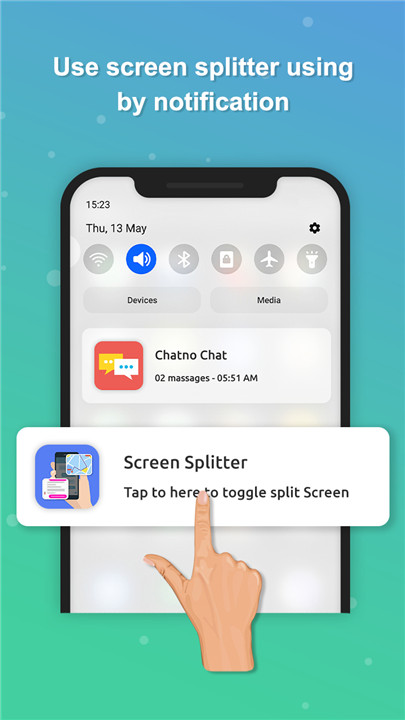
To begin, just activate the screen splitter service, which will unlock a variety of features tailored for your ease. Once activated, a floating Split Screen Shortcut will pop up on your screen, allowing you to tap it and quickly launch two apps in a dual window format. You can also customize your experience by adjusting the color, size, and opacity of the floating button to suit your style. Additionally, you have the option to toggle notifications for the Screen Splitter app on or off as you wish.
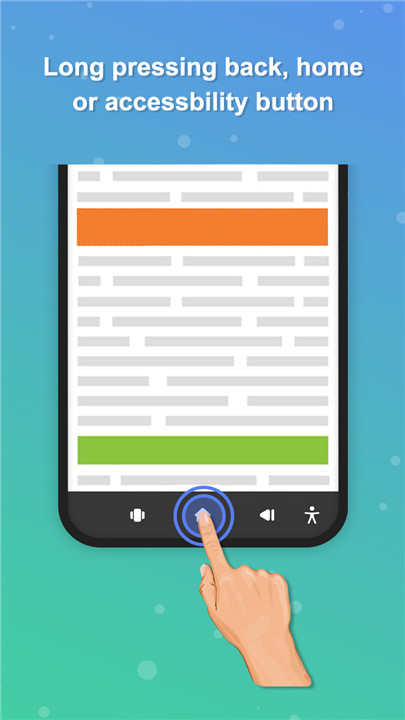
With the long-press feature, you can swiftly enable two applications on your screen, utilizing accessibility features along with the back and home buttons. You can even personalize the vibration settings to alert you when you turn the split-screen mode on or off.
Key Features of the Split Screen Manager:
+ Add a Floating Button:
Easily place a floating button on your home screen for instant access.
+ Resize and Adjust:
Tailor the size and transparency of the floating button to match your personal style.
+ Color Customization:
Make it your own by adjusting the foreground and background colors of the floating button.
+ Vibration Feedback:
Feel the buzz when you activate or deactivate the split-screen feature, providing a satisfying tactile response.
+ Dual Screen Capability:
Effortlessly split your screen to use two applications simultaneously.
+ User-Friendly Interface:
Crafted for simplicity, ensuring a smooth and intuitive user experience.
+ Offline Functionality:
Use the app without needing an internet connection, making it convenient wherever you are.
+ Completely Free:
Access all these features at no cost to you.
Take the first step towards a more efficient mobile experience. Download the Screen Splitter: Use 2 Apps Quickly app today and unlock the potential of dual windows for multitasking! Say goodbye to switching between apps—boost your productivity now!
FAQ
Q: What is the Screen Splitter: Use 2 Apps Quickly app?
A: The Screen Splitter: Use 2 Apps Quickly app is a powerful tool designed to enhance your multitasking capabilities by allowing you to run two applications simultaneously on one screen. It provides a user-friendly interface and a variety of customizable features to make your workflow more efficient.
Q: How do I activate the screen splitter service?
A: To activate the screen splitter service, you need to grant the necessary permissions to the app. Open the app, go to the settings, and follow the prompts to enable the screen splitter service. This usually involves toggling a switch and granting accessibility permissions.
Q: What is the floating Split Screen Shortcut?
A: The floating Split Screen Shortcut is a small, customizable button that appears on your screen once the screen splitter service is activated. You can tap this button to quickly launch two apps in a dual window format, making it easy to switch between applications without toggling back and forth.
-----------------
What's New in the Latest Version 1.4
Last updated on Nov 21, 2024
Convert your phone screen into a multitasking gadget with screen splitter app. Download the latest version of Screen Splitter : Use 2 apps 1.4 to enjoy new features and updates immediately!
- Bug Fixes.









Ratings and reviews
There are no reviews yet. Be the first one to write one.