

Fcitx5 for Android
Overview
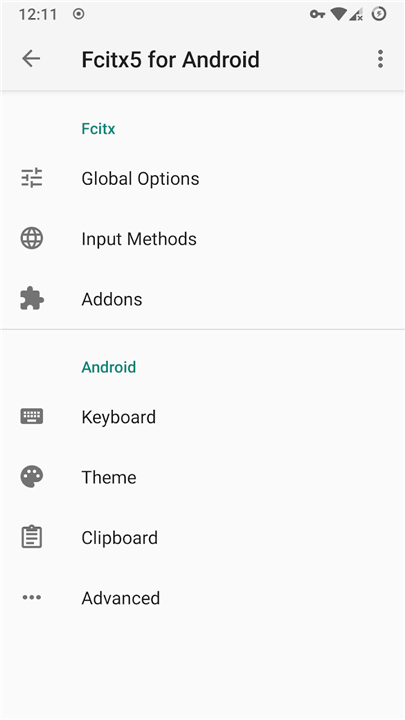
• Fcitx5 for Android is a lightweight, open-source input method framework tailored for Android mobile devices.
• It is published under the LGPL-2.1+ open-source license, providing a secure and flexible platform for multilingual typing.
Language Support
• English: Includes built-in spellcheck functionality to assist with typing accuracy.
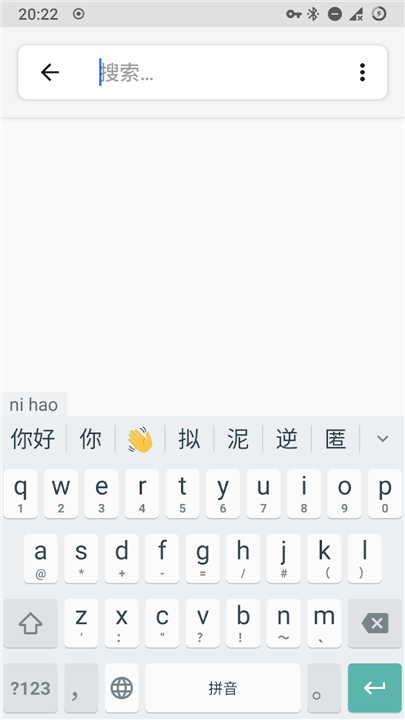
• Chinese: Fully supports Pinyin, Shuangpin, Wubi, Cangjie, and custom user-defined table input methods. Please note that T9 layout Pinyin is not supported.
• Vietnamese: Utilizes the UniKey engine to support popular input methods including Telex, VNI, and VIQR.
Core Features
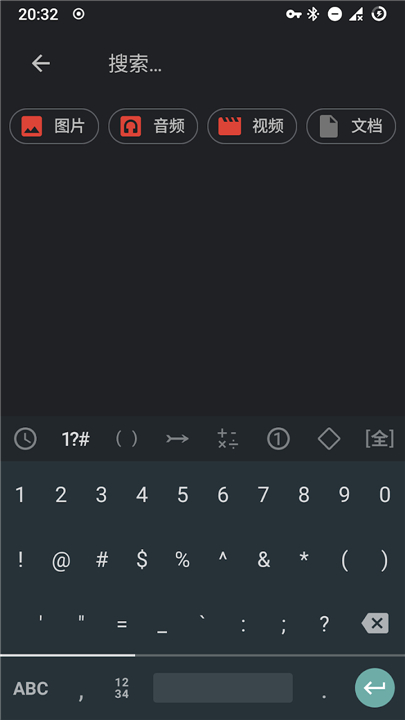
• Virtual Keyboard: Intuitive touch keyboard implementation for everyday typing.
• Expandable Candidate View: Allows users to expand the candidate selection bar to view more suggestions easily.
• Clipboard Manager: Includes a basic clipboard manager for quick copy-and-paste operations (plain text only).
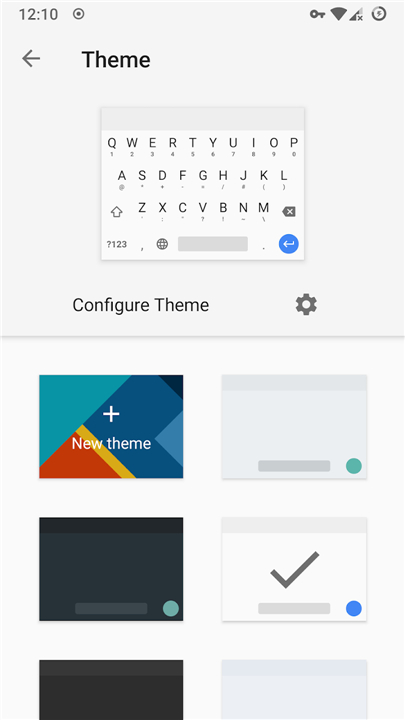
• Custom Theming: Offers personalized visual styles with customizable color schemes and custom background images.
• Visual Key Preview: Displays a pop-up preview window over pressed keys for enhanced typing accuracy.
• Long-Press Symbol Menu: Provides quick access to secondary symbols through a long-press pop-up keyboard.
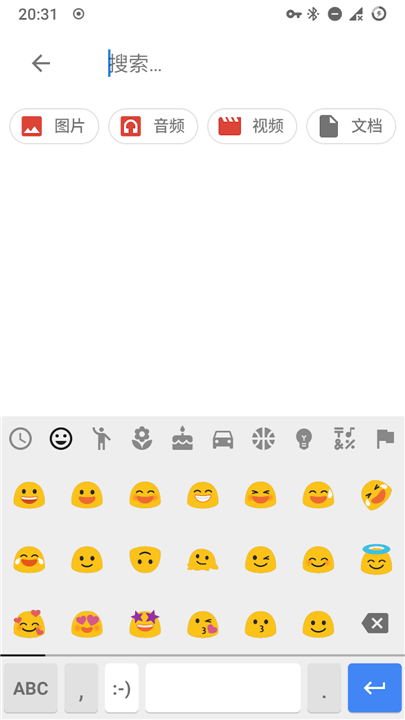
• Symbol and Emoji Picker: Dedicated interfaces for browsing and inserting standard punctuation, symbols, and emojis.
Work in Progress
• Customizable Keyboard Layouts: Development is ongoing to allow full user customization of key arrangements and keyboard layouts.
• Broader Engine Support: Continuous expansion to integrate a wider variety of language engines and specialized input methods.
FAQ
Q: Is Fcitx5 for Android free and open-source?
A: Yes, Fcitx5 for Android is completely open-source and published under the LGPL-2.1+ license. This guarantees transparency and gives users the freedom to review, modify, and use the software securely without privacy concerns.
Q: Does Fcitx5 for Android support English spellcheck?
A: Yes, English input comes with a built-in spellcheck functionality. This helps improve your typing accuracy by detecting typos and providing real-time text corrections as you type.
Q: Which Chinese input methods are available on Fcitx5 for Android?
A: Fcitx5 supports a comprehensive set of Chinese input methods, including Pinyin, Shuangpin, Wubi, Cangjie, and custom user-defined table input methods. This ensures that users with varying typing habits can find their preferred system.
Version History
v0.1.3——17 Aug 2026
Fcitx 5 input method framework and engines ported to Android. Download the latest version of Fcitx5 for Android to enjoy new features and updates immediately!
*0.1.3
- On some phones with physical keyboards, the input method can select candidates or input digits/punctuations with combination keys.
- CandidatesView for physical keyboards will pop up automatically when switching input method by keyboard shortcuts.
- In password inputs, the toolbar number row can be dismissed by swiping right. Swipe left on the right-most button on toolbar to bring it back.
- Expanded candidate list in virtual keyboard could display tabs for filtering candidates.
*0.1.2
- Dynamic color themes for Android 12+, and monochrome variant of adaptive icon for Android 13+
- New theme options: candidate window border radius, hide punctuation on keys, draw key border stroke instead of shadow
- New option for Emoji Picker to hide unsupported emojis #747 and change skin tone modifier
*0.1.1
New option to enable "Haptic feedback on key repeat"
New theme properties for candidate label/text/comment color
Click to turn pages/select candidates when using CandidatesView for physical keyboard
"Follow system day/night theme" has been enabled by default
Always prepend user input as spellchecker's first candidate











Ratings and reviews
There are no reviews yet. Be the first one to write one.