

Features of Classcraft GO
QR Code Scanning:
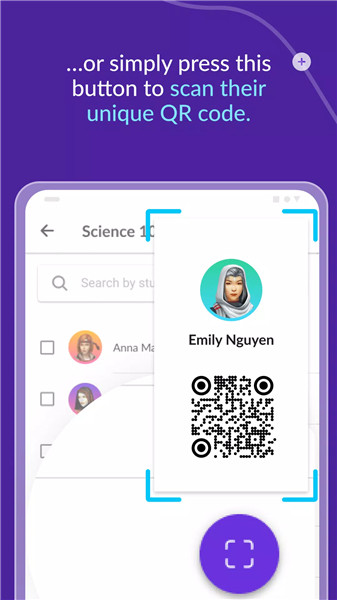
Teachers can scan unique student QR codes to instantly recognize positive behaviors.
This feature encourages a “human” interaction with students, as teachers physically approach them for scanning.
Behavior Recognition in Real-Time:
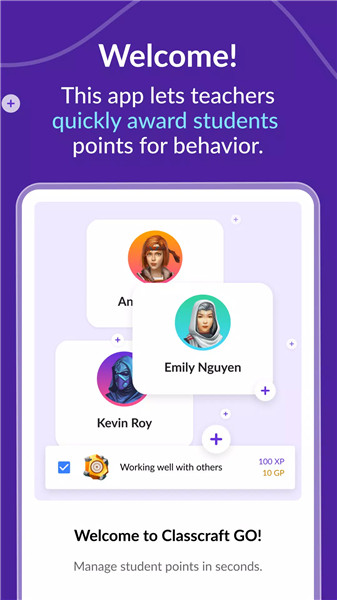
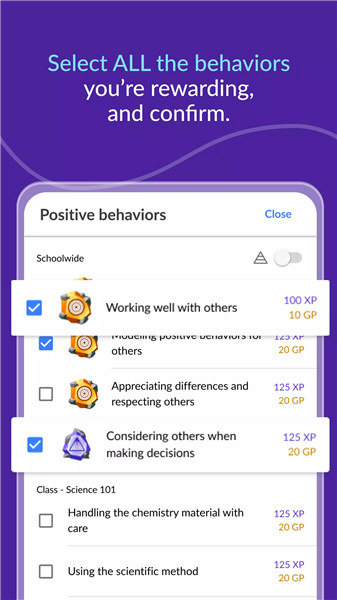
Award points to individual students or groups for positive behavior.
Remove points (Hearts) for negative behavior.
Instantly validate and celebrate student achievements during teachable moments.
Mobile Accessibility:
Teachers can use Classcraft GO on their personal smartphones.
No need to be tied to a desktop computer; recognition happens wherever teachers are present.
Highlights of Classcraft GO
Human Interaction: Scanning QR codes allows teachers to engage with students directly, reinforcing positive behaviors.
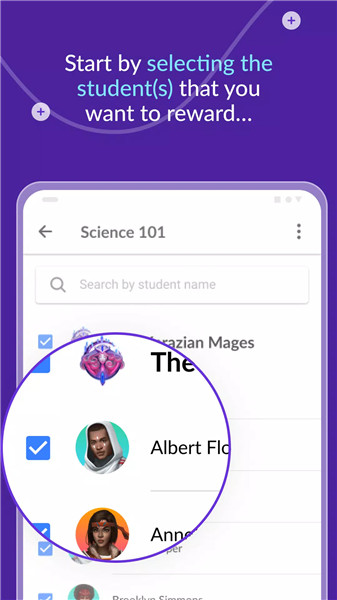
Efficiency: Selecting multiple students for the same behavior saves time and ensures teachers are fully present in the classroom.
Student Awareness: Students become more aware of being recognized when teachers approach them with their phones.
How to Use Classcraft GO
Download the App:
Get Classcraft GO.
Create an account if you haven’t already.
Start Recognizing Behaviors:
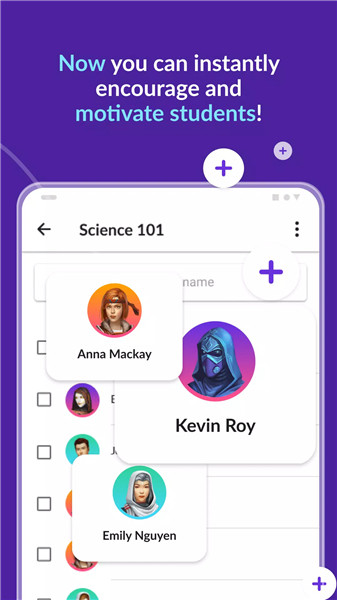
Open the app and view your list of classes.
Search your student list within each class.
Scan student QR codes to award points for positive behavior.
Benefits of Classcraft GO
Enhanced Communication: Teachers bridge gaps by recognizing students’ efforts in real-time.
Positive Engagement: Students feel motivated and validated through immediate recognition.
Efficient Classroom Management: Teachers save time and create a positive classroom culture.
What's New in the Latest Version 1.0.5
Last updated on Oct 31, 2022
Minor bug fixes and improvements. Install or update to the newest version to check it out.









Ratings and reviews
There are no reviews yet. Be the first one to write one.