

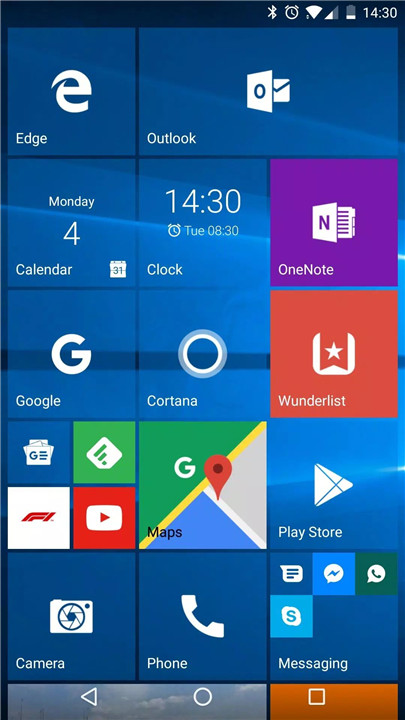
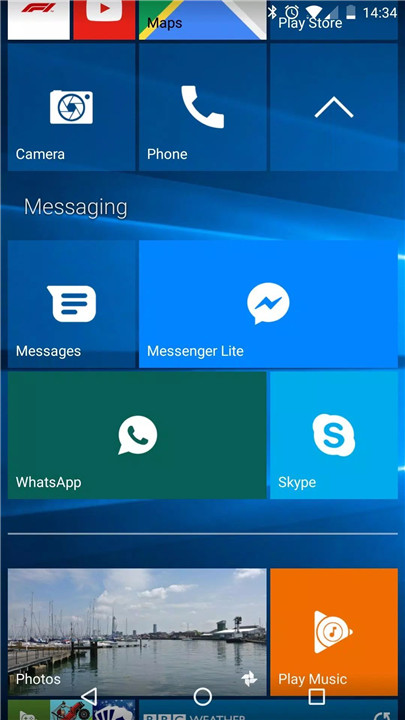
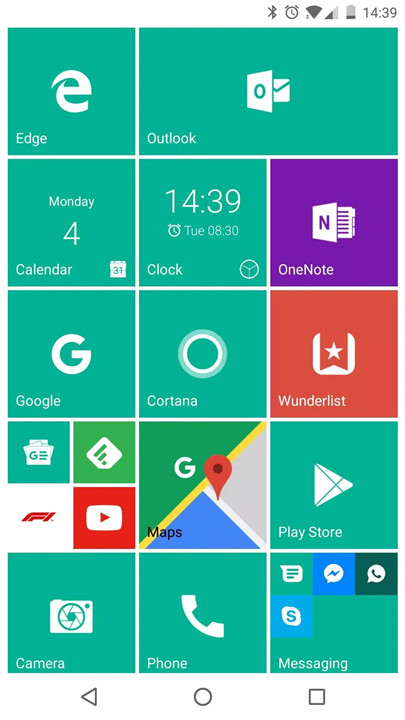
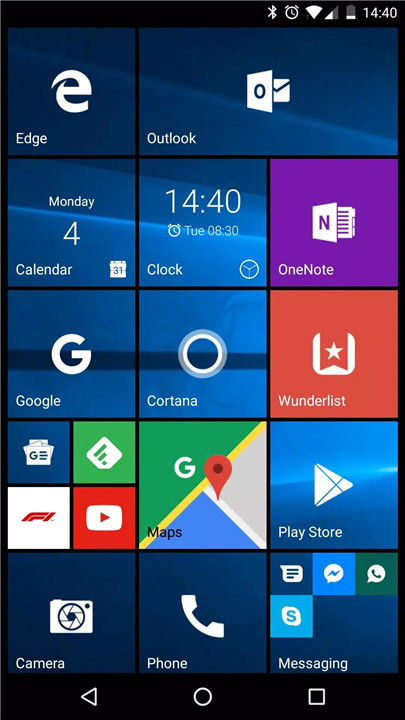
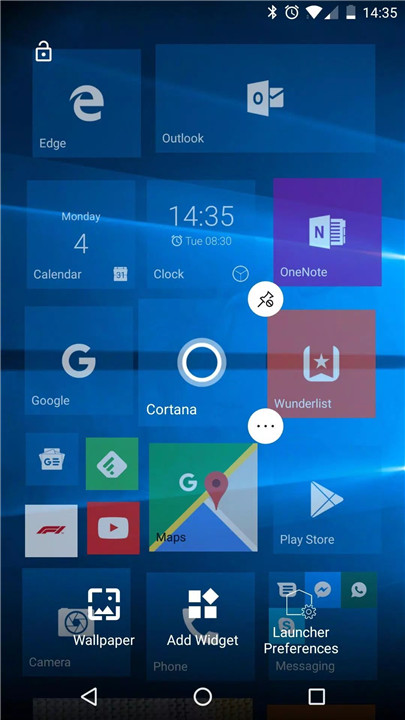
Launcher 10 is a powerful and customizable Android launcher that brings the clean, sleek, and familiar Windows 10 interface to your mobile device!
Best of Both Worlds
With Launcher 10, you get the best of both worlds: a modern, Windows-inspired interface and the flexibility of an Android to make it your own. From adjusting tile transparency to changing the background color, you can modify every aspect of the launcher to match your personal style. It’s a perfect blend of visual appeal and functionality, designed for those who want a stylish yet efficient home screen experience.
Premium Features (In-App Purchase Required):
Launcher 10 comes with a range of premium features that take your customization to the next level:
- Live Tiles: Display real-time notifications and content, such as messages, calendar updates, clock, and gallery, directly within the tiles.
- Tile Badges: Show the number of missed calls, unread messages, and other notifications within each tile, keeping you updated at a glance.
Start Screen Customization
- Pin Apps as Tiles: Add your favorite apps as tiles on the home screen for easy access and organization.
- Add Widgets: Personalize your home screen by adding widgets for quick access to important information like weather, news, and calendar events.
- Create Folders: Group related apps together into folders, keeping your home screen neat and tidy while still offering quick access to everything you need.
All Apps Screen
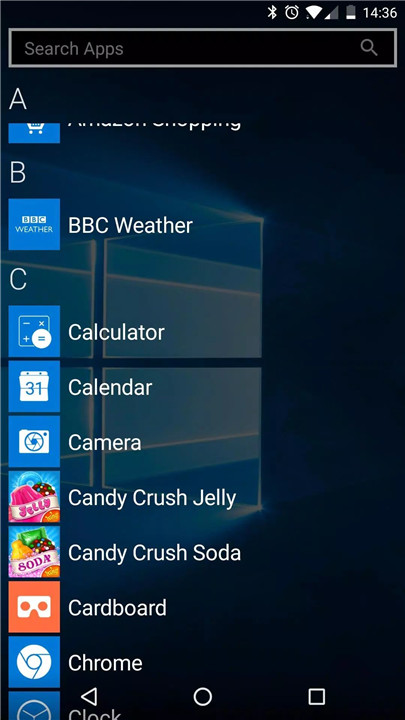
- Swiping for All Apps: View all your installed apps by simply swiping to the "All Apps" list.
- App Search: Quickly search through your apps to find what you need.
- Recently Added Apps: A section that highlights your most recently installed apps for quick access.
- Hide Apps: Keep your home screen clutter-free by hiding apps you don’t need access to on a daily basis.
Customization Options:
Launcher 10 offers robust customization features to truly make your home screen unique:
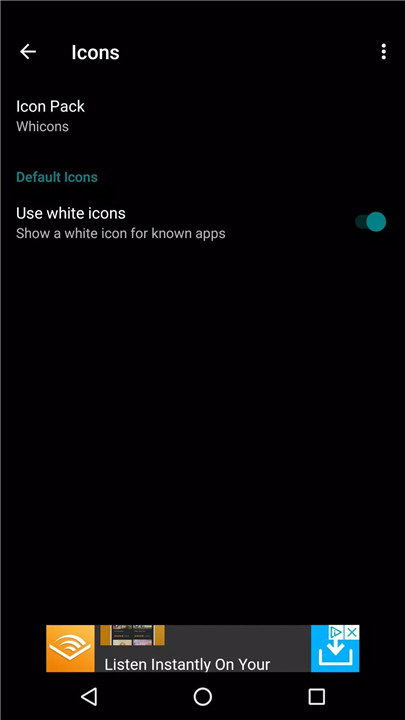
- Icon Pack Support: Use custom icon packs to change the appearance of your app icons.
- Tile Customization: Edit any tile on your start screen by adjusting its icon, background, size, and more.
- Landscape Mode: Rotate your device to landscape mode for a different layout.
- Wallpaper Customization: Choose your preferred wallpaper, and even enable or disable scrolling wallpaper.
- Light/Dark Mode: Switch between light and dark mode for a more comfortable viewing experience.
- Tile Transparency: Adjust the transparency of the tiles to your liking, providing a sleek and modern look.
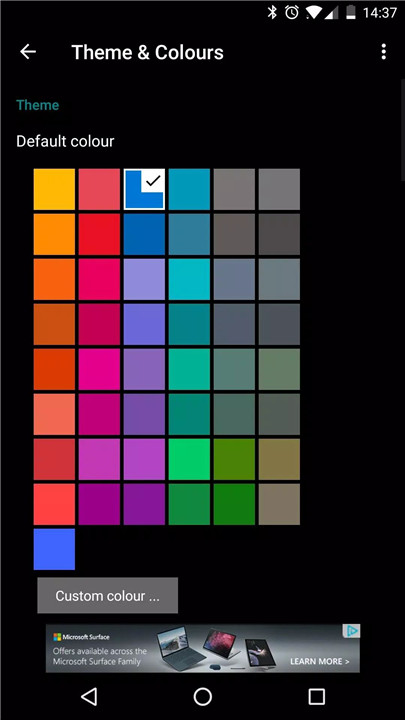
- Custom Tile Colors: Choose a default tile color or customize each one to match your style.
- White Icons for Known Apps: Display white icons for pre-installed apps or use custom icons from your icon pack.
Intuitive Interface
The interface is designed to be user-friendly and intuitive, allowing for easy navigation and quick access to the features you use most.
FAQs
1. Is my data safe with Launcher 10?
Yes! Launcher 10 does not share user data with third parties, ensuring your privacy and security.
2. How can I customize my home screen with Launcher 10?
You can customize the background color, tile color, transparency, add widgets, and more. The app offers extensive options for personalization.
3. Can I change the icon design with Launcher 10?
Yes! Launcher 10 supports icon packs, allowing you to completely customize the look of your app icons.
4. Does Launcher 10 support widgets?
Yes! You can add widgets to your home screen, such as weather updates, calendar events, and more.
5. Is Launcher 10 easy to use?
Absolutely! Launcher 10 is designed to be intuitive and user-friendly, making it easy for anyone to customize their home screen without hassle.
Version History
v2.7.64—25 May, 2024
- Bug fixes
- Fix first launch crash on Samsung/foldable devices
v2.7.63—24 May, 2024
- Fix first launch crash on Samsung/foldable devices
v2.7.62—3 Nov, 2024
- Android 14 compatibility
- Bug fixes
- Fixed backups (any backups created in recent versions will not work)









Ratings and reviews
There are no reviews yet. Be the first one to write one.