

MediaX Player and Browser APK
1.0.2
MediaX Player and Browser
MediaX Player and Browser APK
Download for Android
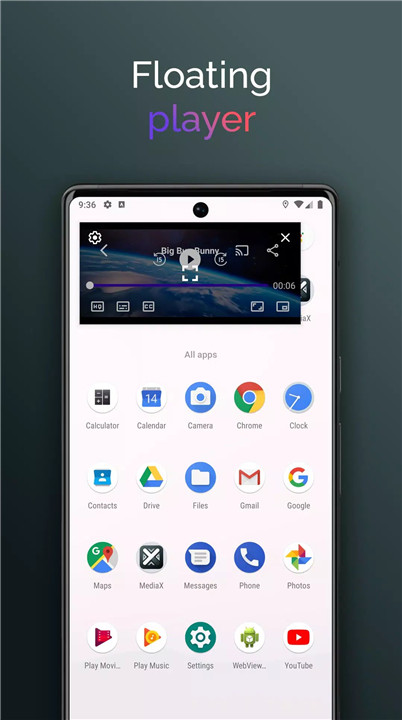
MediaX is a powerful all-in-one media solution that turns your Android device into a complete entertainment hub. Combining a feature-rich media player with a smart, video-detecting web browser, MediaX delivers seamless playback, unmatched format compatibility, and intuitive controls—all in one sleek app.
Smart Browser with Video Detection
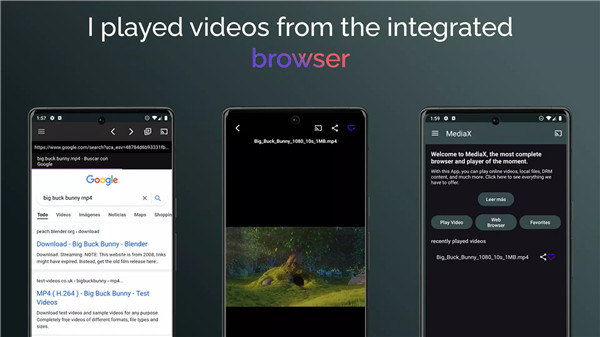
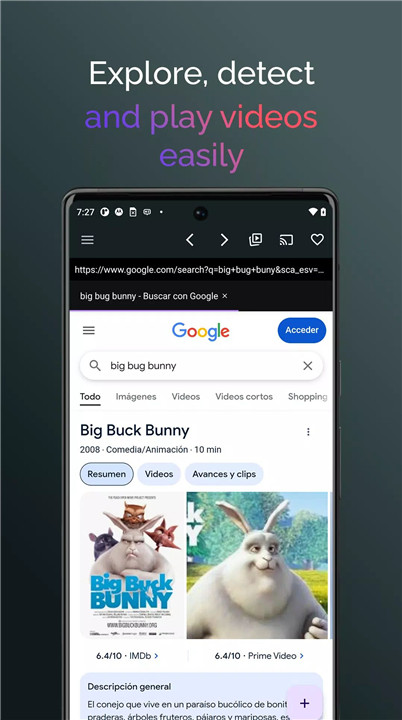
MediaX features a built-in web browser that automatically detects video links while you browse. Whether you're scrolling through your favorite sites or exploring new content, MediaX makes it easy to stream videos directly in its native player—no need to switch between apps.
Advanced Media Player
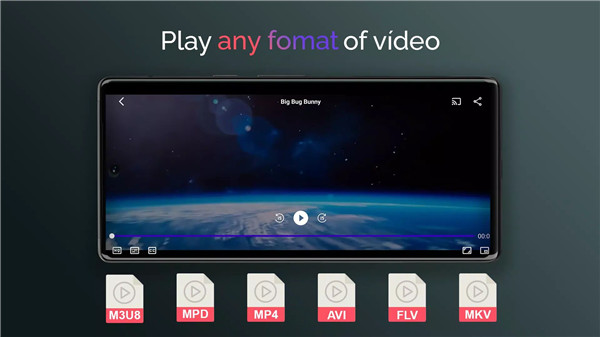
With support for over 30 video formats—including MP4, AVI, MKV, MOV, WEBM, M3U8, MPD, HEVC, and TS—MediaX is built for compatibility. Its high-performance player ensures smooth playback, rich visuals, and reliable streaming for both downloaded and online content.
External Device Streaming
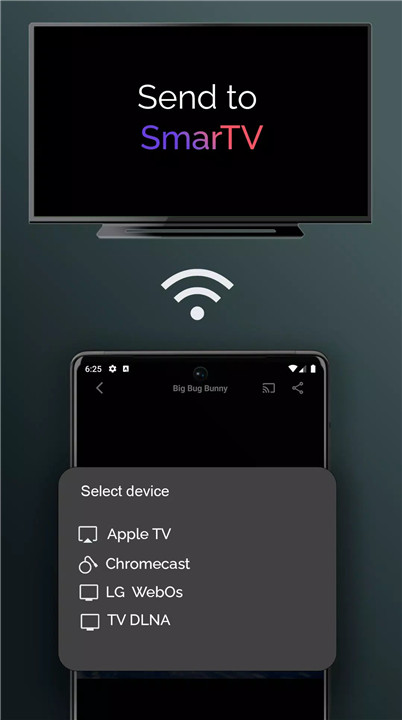
Enjoy big-screen entertainment with ease. MediaX lets you cast videos and playlists to devices like Chromecast, DLNA receivers, Apple AirPlay, WebOS TVs, and Android TVs. Just tap the cast icon and stream instantly from your phone to your TV.
Playlist Management
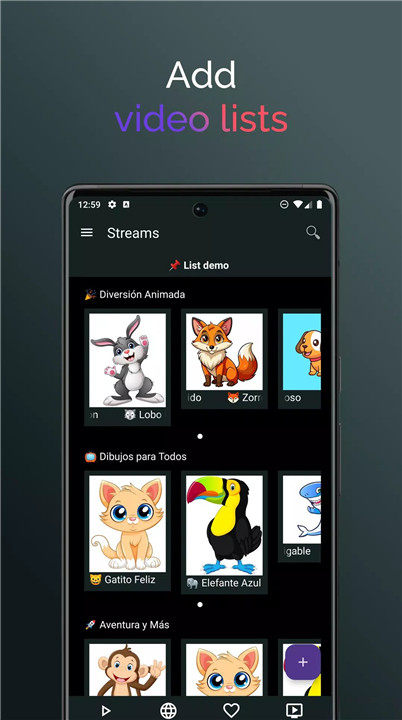
Create, download, and manage video playlists right inside the app. Whether you’re curating a movie night or organizing educational videos, MediaX helps you stay organized—and lets you cast entire playlists to external devices for continuous playback.
Link Sharing
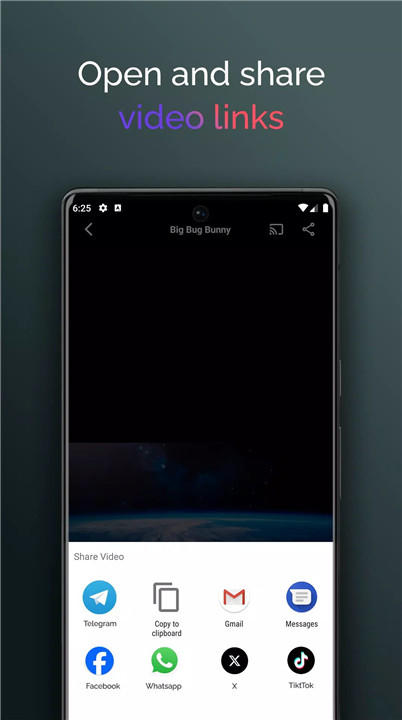
Watching something worth sharing? MediaX allows you to quickly share direct video links with friends, family, or colleagues—so everyone can enjoy the same content with a single tap.
DRM Content Support
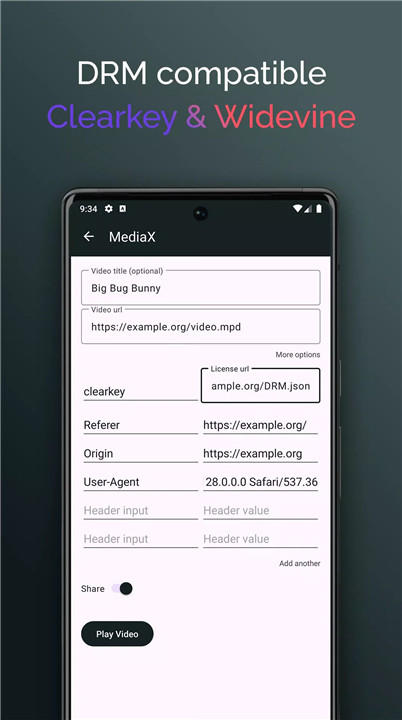
MediaX supports DRM standards like ClearKey and Widevine, giving you access to secure, high-quality streams from platforms that require content protection—without compromising performance.
Intuitive Interface
MediaX was built with user experience in mind. Its clean, user-friendly interface keeps every tool within easy reach, so you can focus more on watching and less on navigating menus.
FAQs
1. What video formats does MediaX support?
MediaX supports over 90% of modern video formats, including MP4, M3U8 (HLS), MPD (DASH), HEVC, and many more. It also plays DRM-protected content like ClearKey and Widevine.
2. How can I add M3U or W3U lists?
Go to the “Lists” section in the app and tap “Add New List.” You can paste a URL or import a playlist file (M3U or W3U) directly from your device.
3. How do I stream content to my TV?
During playback, tap the cast icon and choose your device (Chromecast, DLNA, AirPlay, or Android TV). Ensure both devices are on the same Wi-Fi network for smooth streaming.
4. Does MediaX support subtitles?
Yes. MediaX supports external and embedded subtitles in formats like SRT, VTT, and more. You can upload subtitle files or choose from available in-stream options.
5. How does the built-in browser work?
The built-in browser allows you to surf the web, open multiple tabs, and detect video content automatically. It includes a built-in ad blocker for a smoother experience.
Version History
v1.0.2—20 Jun, 2024
Minor bug fixes and improvements. Install or update to the newest version to check it out!









Ratings and reviews
There are no reviews yet. Be the first one to write one.