

Riverside: Record podcasts APK
3.8.2
Riverside: Record podcasts
Riverside: Record podcasts APK
Download for Android
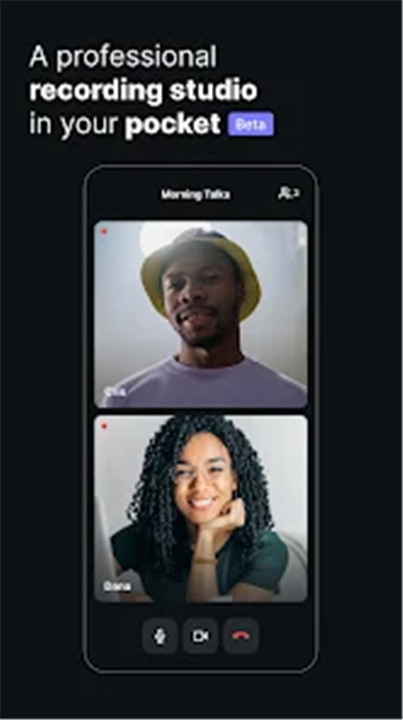
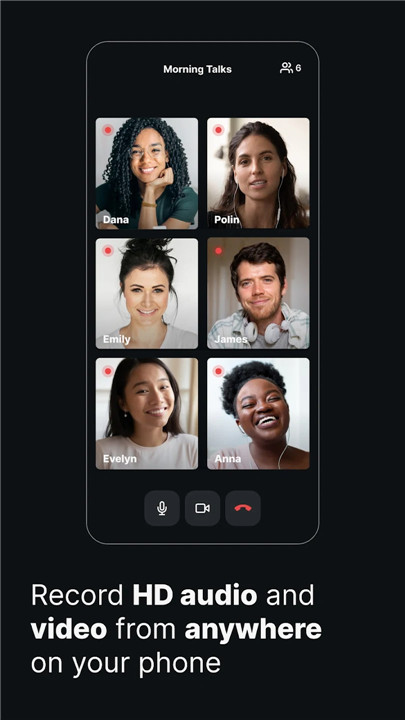
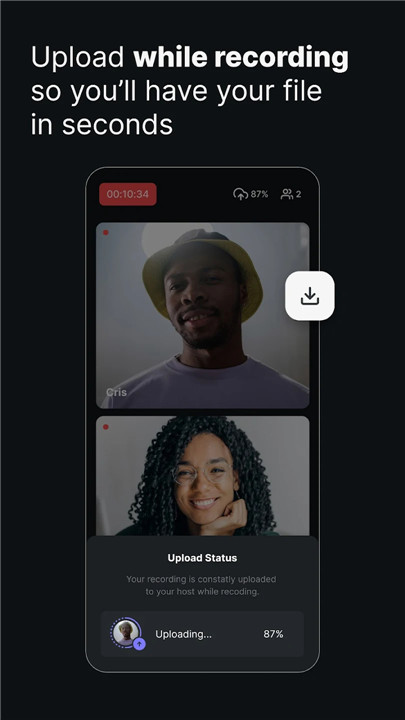
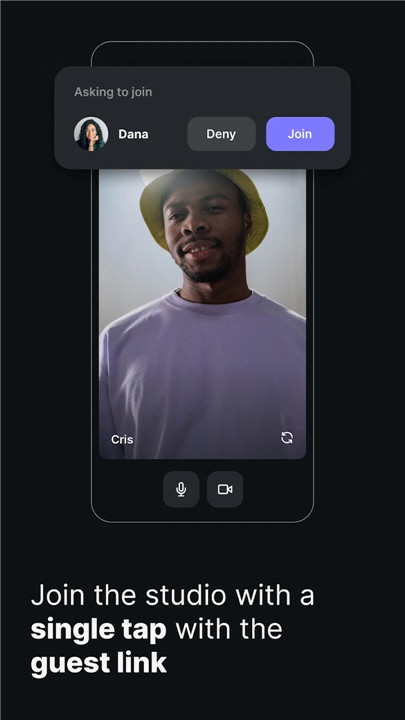
Riverside.fm offers a seamless solution for recording podcasts and videos with studio-quality sound and visuals from any location. This platform is perfect for podcasters, media organizations, and online creators who value top-notch quality. You can record stunning 4K video and 48kHz WAV audio, independent of your internet speed. Thanks to local recording, everything is saved directly on your device rather than streaming over the web. The app conveniently uploads all your files to the cloud, allowing you to access them from your desktop and utilize Riverside’s online tools to enhance your content. You can include up to 8 participants in a single session and download separate audio and video tracks for greater editing flexibility. Additionally, the Multicam mode lets you use your phone as a secondary webcam, often providing better quality than your laptop's built-in camera. With Riverside.fm, you can effortlessly create high-quality audio and video content on the go, making it an ideal choice for engaging webinars or talking head videos that can be shared on platforms like TikTok, YouTube, or Instagram.
This user-friendly platform is favored by podcasters, media companies, and online content creators who prioritize quality. You’ll receive locally recorded, individual WAV audio and up to 4K video tracks for sessions with as many as 8 participants.
***** “Riverside.fm enabled us to record speakers locally in remote locations… We consistently achieved high-quality video and audio, which was incredibly beneficial!” - TED Talks
***** "It’s essentially turning the offline studio into a virtual studio." - Guy Raz
Features:
- User-friendly interface designed for effortless professional podcast and video recordings.
- Harness the power of local recording, ensuring high-quality output regardless of your internet connection.
- Capture HD video and audio with up to 8 participants from any location, receiving individual audio and video tracks for each person.
- Automatic cloud uploads for all your files.
- Utilize multicam mode to transform your phone into a secondary webcam for your desktop setup.
- Engage in studio chat for easy communication with participants.
After your recording session, access your files on the desktop, where you can also find AI-driven transcriptions and a text-based editor for your audio and video. Editing is as straightforward as modifying a text document, allowing for precise cuts. Additionally, our Clip tool enables you to create short-form content perfect for platforms like YouTube Shorts, TikTok, and Instagram Reels.
The Riverside app is ideal for creating professional content on the go. Whether you're recording engaging webinars or talking-head videos, you can do so even without your usual equipment.
Picture this: you have a guest who’s traveling, or you want to record a podcast while attending a conference or enjoying a vacation. With Riverside, you won’t miss any important moments, even with a poor connection. Your recordings will still be uploaded in top-notch quality. Once your final video is ready, exporting it for platforms like Spotify, Apple, and Amazon is a breeze. You can also share your clips on social media channels like TikTok and Instagram.
FAQ
Q: What is Riverside.fm?
A: Riverside.fm is a user-friendly platform designed for podcasters, media organizations, and online creators who want to record high-quality audio and video content from any location. It allows you to record stunning 4K video and 48kHz WAV audio locally on your device, ensuring top-notch quality regardless of your internet speed.
Q: Why should I use Riverside.fm?
A: Riverside.fm offers studio-quality sound and visuals, making it perfect for creating professional content. With features like local recording, cloud uploads, multicam mode, and AI-driven transcriptions, it provides a seamless and high-quality recording experience that is both flexible and easy to use.
Q: Can I record audio and video with Riverside.fm?
A: Yes, Riverside.fm supports both audio and video recording. You can record 48kHz WAV audio and up to 4K video, with the flexibility to download separate audio and video tracks for each participant. This makes editing and post-production much easier.
-----------------
What's New in the Latest Version 3.8.2
Last updated on Feb 6, 2025
Record podcasts and videos in studio quality from anywhere with Riverside.fm Download the latest version of Riverside: Record podcasts 3.8.2 to enjoy new features and updates immediately!
Captions for Engaging Content: Easily create your perfect captions. Start by choosing a preset or designing your own—select your favorite font, set your ideal line count, size, and width, then bring them to life with fun animations like scale, karaoke, boxed, highlight and more.
Instant Feedback: Got ideas? Share them directly from the sidebar or editor toolbar.
Performance Boost: Enjoy a smoother experience with bug fixes and updates.









Ratings and reviews
There are no reviews yet. Be the first one to write one.