

In today's hyper-connected world, sharing personal information like phone numbers and emails can feel risky. Port Messenger offers a secure and private alternative, enabling users to communicate without exposing sensitive data. With its innovative features, this app focuses on privacy, simplicity, and personalized control over your conversations.
Connect Safely with "Ports"
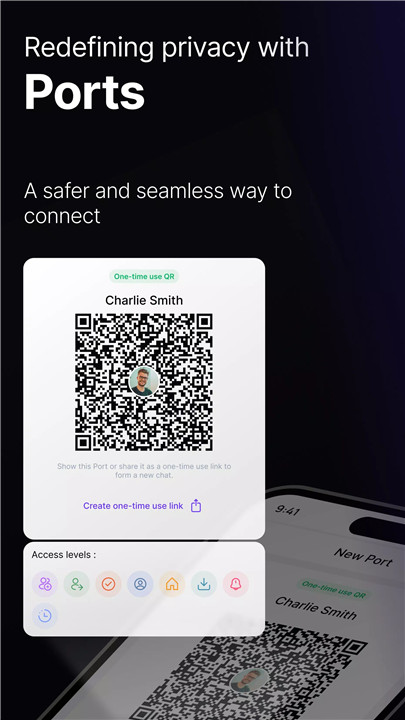
Unlike traditional messaging apps, Port Messenger allows you to connect using “Ports”—one-time-use QR codes or links. This innovative system ensures that you don't have to share any personal information like phone numbers or emails.
No Account Creation Required
Port Messenger simplifies the process of connecting with others by removing the need for account creation. All you need to do is download the app and start using it immediately. This makes the onboarding process incredibly simple and user-friendly.
No Spam, Only Conversations That Matter
One of the most unique features of Port Messenger is the lack of an address or contact info that can be spammed. Since no personal identifiers are required, you’re shielded from unwanted spam messages.
Unmatched Personalization
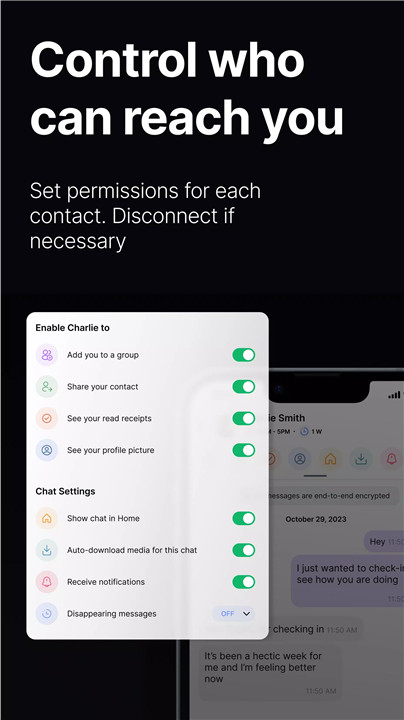
Port Messenger offers extensive customization options for managing your connections. You can set permissions for each contact to control how others can interact with you. For example, you can decide whether a contact can share a new port on your behalf or connect you with others. This level of control ensures that you remain in charge of your communication.
Privacy by Default
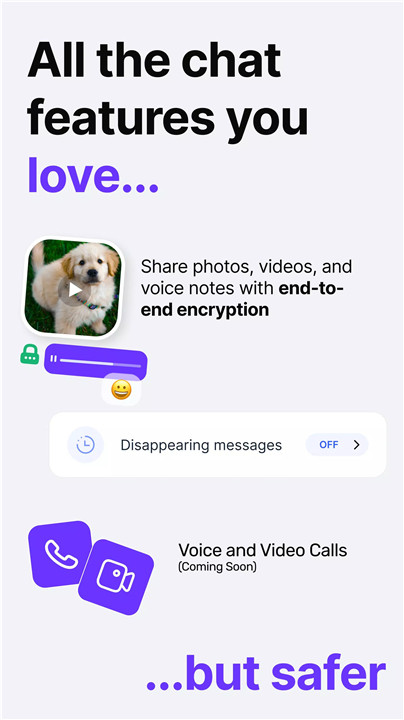
Port Messenger prioritizes your privacy. All messages are end-to-end encrypted, ensuring that only you and the recipient can read your conversations. Additionally, you can set messages to disappear after they are read, further enhancing your privacy.
Organize Your Chats
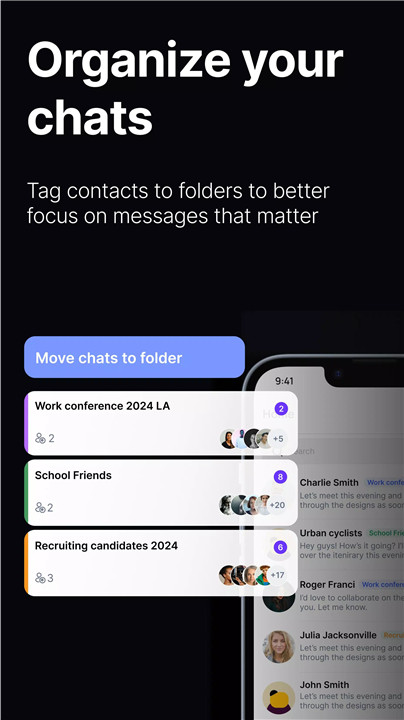
Keep your chats organized by grouping contacts into folders like “Work pals”, “Yoga buddies”, or “LinkedIn Connects”. You can assign permissions in bulk to each folder, streamlining your messaging experience and keeping your conversations clutter-free.
Superports for Multiple Chats
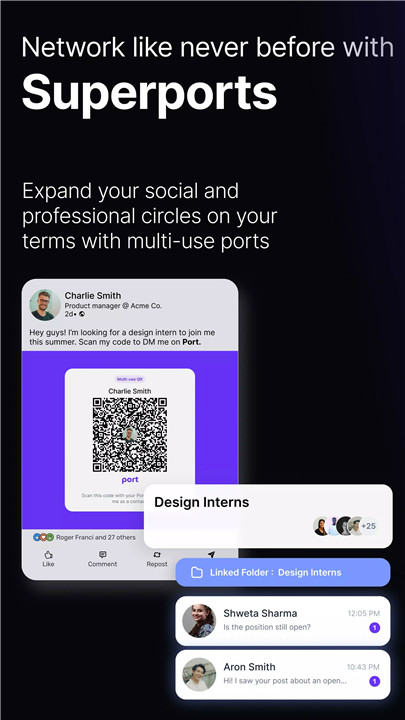
Port Messenger offers the ability to create and publish "Superports." These are special QR codes or links that can initiate multiple chats with different people. You can share Superports on websites or social media channels, making it easier for people to connect with you securely, without compromising privacy.
FAQs
1. What does Port Messenger do differently than other messenger apps?
Port Messenger offers a safer, more private alternative to traditional messaging apps. Instead of using personal identifiers like phone numbers, it allows you to connect through one-time-use QR codes or links called "Ports," ensuring greater privacy and security.
2. Is my personal information exposed when using Port Messenger?
No, Port Messenger does not require you to share personal information like phone numbers or emails. It uses QR codes or links (Ports) for secure connections, keeping your private data safe.
3. Can I customize how others interact with me on Port Messenger?
Yes, Port Messenger provides extensive personalization options. You can customize permissions for each contact, deciding whether they can share your port or connect you with others. You have complete control over how you interact with people.
---------------------------
What's New in the Latest Version 1.11.2
Last updated on Nov 22, 2024
Fixed bug that prevented group creation on certain devices.









Ratings and reviews
There are no reviews yet. Be the first one to write one.