


BVD
Overview
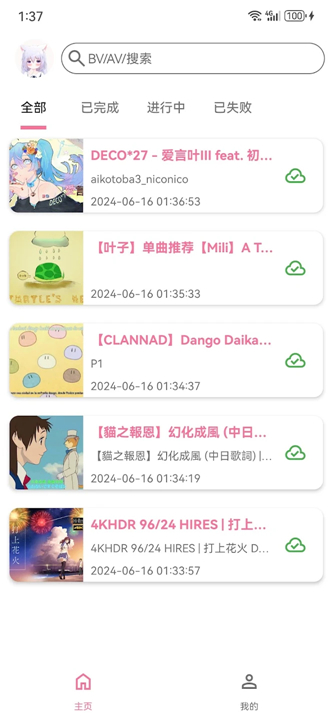
• BVD (BiliDownload) is an open-source downloading tool designed specifically for the Bilibili platform.
• It provides a comprehensive and user-friendly solution for searching, grabbing, and processing media content for offline use.
Video Downloading Capabilities
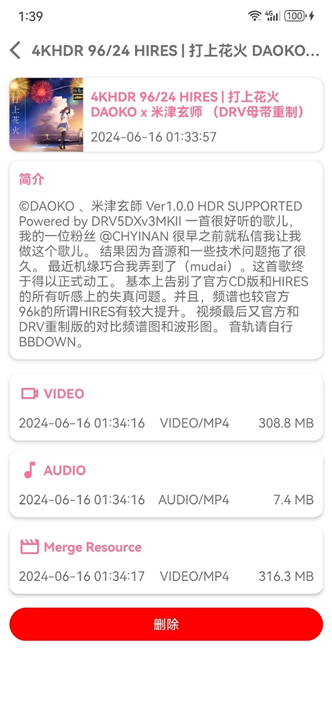
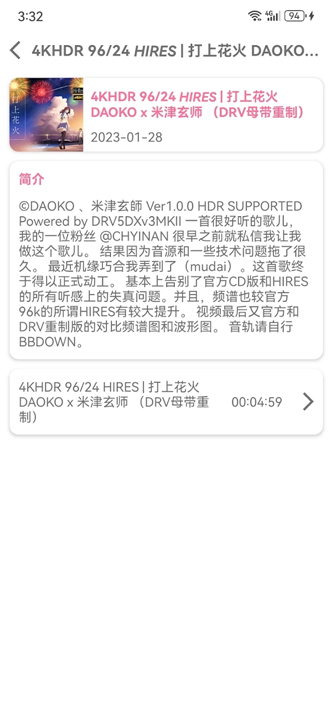
• Supports downloading all categories of Bilibili video content, including user-uploaded clips, professional creations, anime series (Bangumi), television dramas, and feature-length movies.
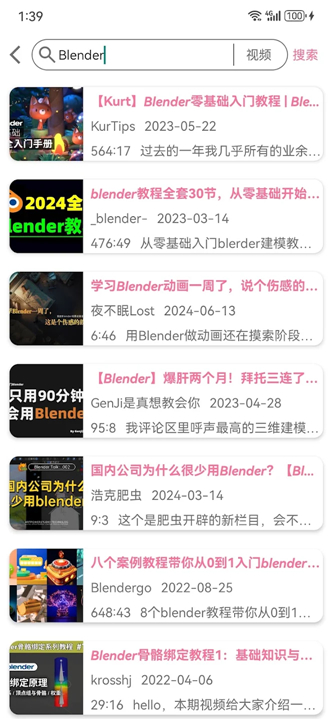
• Features integrated search capabilities that allow users to find, select, and download their favorite videos and dramas directly from the application.
Audio Extraction and Format Conversion
• Includes a built-in audio extraction tool to quickly isolate soundtracks from downloaded videos and save them as high-quality AAC audio files.
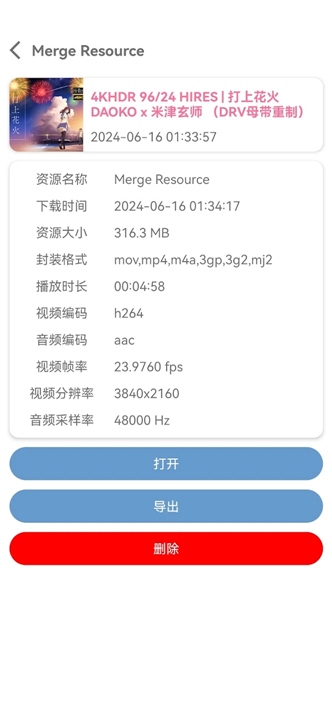
• Offers robust video container format conversion, allowing users to remux or convert video files into widely compatible formats including MP4, MKV, FLV, and WMV.
Subtitles and Interactive Features
• Downloads localized video subtitles, ensuring that foreign language content remains accessible during offline playback.
• Supports downloading Bilibili's unique "danmaku" (real-time scrolling bullet comments), preserving the community's interactive viewing experience even without an internet connection.
Project Access
• The open-source project repository, including source code and installation guides, is hosted on GitHub at: https://github.com/KafuuNeko/BiliDownload
FAQ
Q: Which types of Bilibili content can BVD handle?
A: The program can fetch virtually any media hosted on Bilibili: short user‑generated clips, professionally produced videos, full‑length anime series (Bangumi), TV dramas, and even feature films. Its internal search engine lets you locate a piece of content by title, uploader name, or Bilibili ID, then download it in a single click.
Q: How does the built‑in search work, and do I need an account to use it?
A: When you launch BVD, the search field sends a request to Bilibili’s public API, returning a list of matching videos together with thumbnails and basic metadata. You can browse the results, pick the desired item, and start the download immediately. No login is required for public videos; however, if you want to retrieve content that is age‑restricted or part of a private collection, you’ll need to supply your Bilibili credentials through the optional authentication dialog.
Q: Can BVD download videos in the highest available quality?
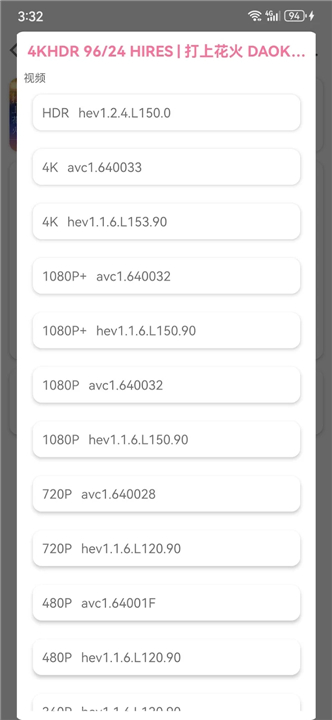
A: Yes. Once a video is selected, BVD queries Bilibili for all available streams—ranging from low‑resolution FLV to 1080p or 4K DASH streams. By default it picks the highest bitrate that fits your chosen container format, but you can manually specify a lower resolution if you have limited storage or bandwidth.
Version History
v2.3.5.foss——18 Aug 2026
Free and Open Source Bilibili Video Downloader Download the latest version of BVD to enjoy new features and updates immediately!
*2.3.5.foss
• 新增内置视频与音频播放器,支持倍速播放、其他应用打开及音频频谱显示
• 新增字幕下载、批量删除与导出功能,并优化弹幕下载确认流程
• 更换为内置下载引擎,增强下载任务的中断恢复能力
• 支持选择下载源、自动转换音频封装,以及合并后自动删除源文件
• 支持切换内部或外部下载位置;外部下载可自定义文件名,并可直接保存至系统媒体库
• 个人主页新增搜索和最近点赞视频
• 修复外部下载文件删除后存储空间未释放等问题
*2.3.0.foss
1. #38 支持弹幕下载功能
2. #43 搜索页如果是直接跳转到详情页返回后将全选搜索关键字
3. #44 支持保存视频封面图片
4. #41 添加搜索历史记录功能
5. #39 修复无音频视频解析失败问题
*2.2.5.foss
1. 修复无音频视频解析失败问题
2. 修复收藏夹标题栏被系统状态栏遮挡问题











Ratings and reviews
There are no reviews yet. Be the first one to write one.