

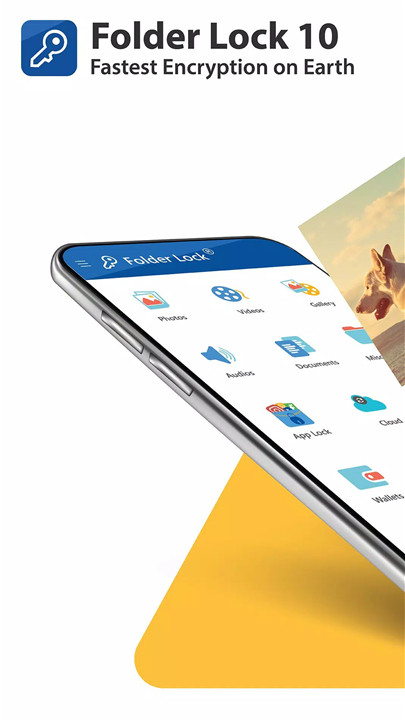
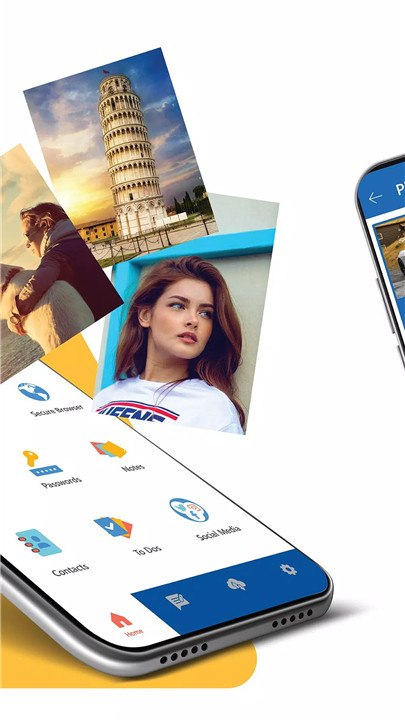
Folder Lock is a powerful Android app designed for users who want to keep their private data safe. The app ensures your privacy by allowing you to password-protect various types of files, including photos, videos, audio recordings, and more. With added features like cloud backup, app locks, and hack attempt monitoring, Folder Lock is a must-have for anyone who wants to protect their digital life.
Password-Protect Your Photos & Videos
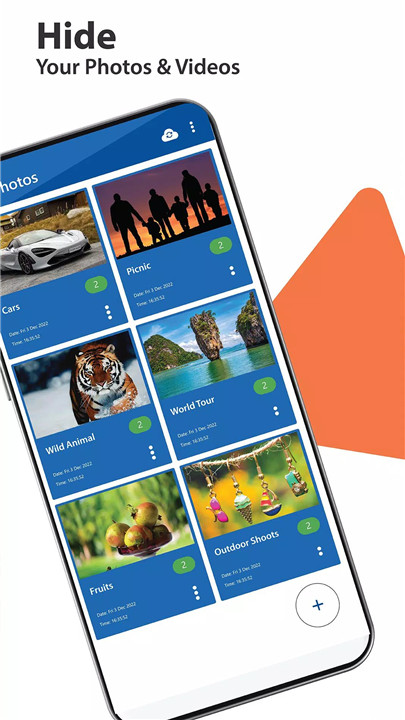
One of the standout features of Folder Lock is its ability to lock photos and videos. You can easily import media from your gallery, camera, or even your PC/Mac to the app and secure them with a password. If you want to ensure that no one can see your private images or videos, Folder Lock gives you the ability to keep them hidden and safe.
App Lock for Extra Privacy
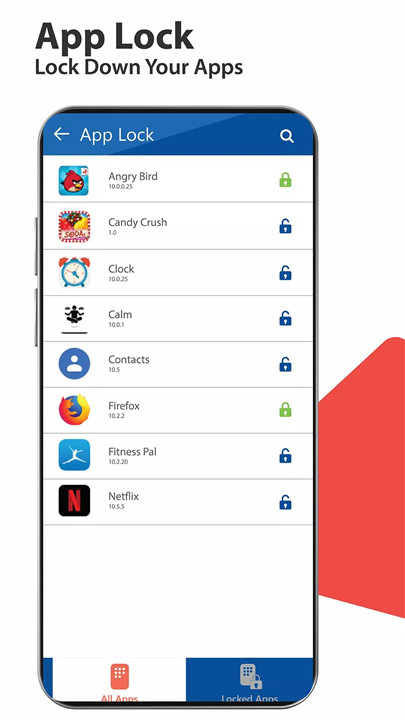
Folder Lock allows you to lock your apps to prevent unauthorized access. This extra layer of security keeps your private apps protected.
Secured Wallets for Sensitive Information
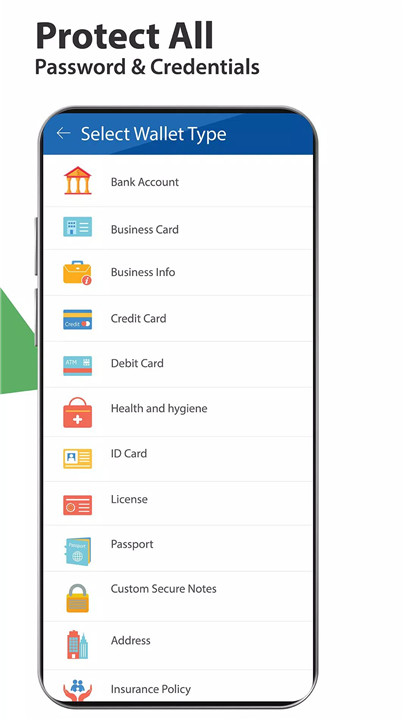
Folder Lock enables you to create secure wallets to store sensitive information such as bank details, credit card numbers, passwords, health cards, and even passport information. By creating secured wallets, you ensure that no one can access your personal and financial data without your permission.
Secret Audio Files & Voice Memos
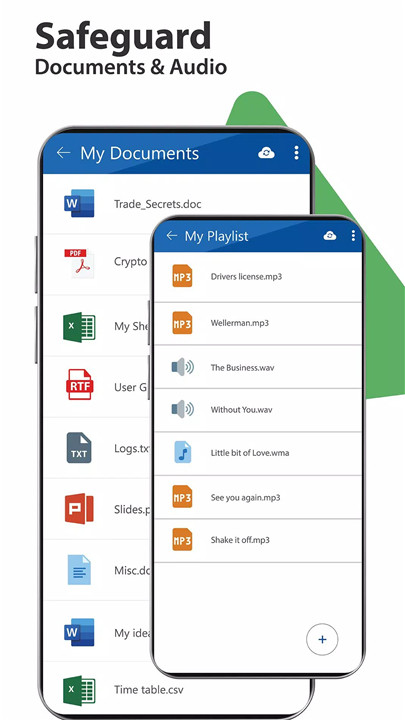
Folder Lock also lets you protect your secret audio files and voice memos. Record secret voice memos directly in the app and listen to them through the built-in audio player.
Secure Notes & Documents
For those looking to protect confidential documents like bank statements, contracts, or personal notes, Folder Lock offers the ability to password-protect your sensitive files. Securely store and lock notes, documents, and spreadsheets, ensuring that your personal and financial data stays safe.
Cloud Backup & Data Recovery
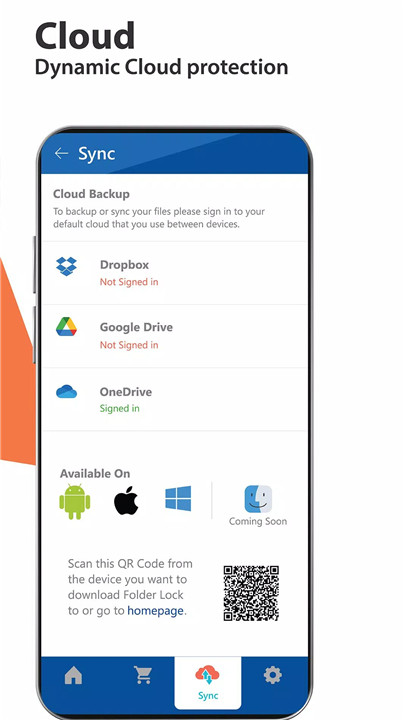
Never worry about losing your files again. Folder Lock offers a cloud backup feature that ensures your protected files are safely stored in the cloud. Plus, with the data recovery feature, you can easily retrieve deleted files and folders, providing peace of mind in case of accidental deletion.
Multiple Security Locks
Folder Lock offers various methods for securing your files. You can choose between a password, PIN, pattern, or even a fingerprint lock to access the app, allowing you to customize the security level to suit your needs.
Additional Security Features
Folder Lock includes advanced features such as decoy mode that lets you create a fake profile for extra privacy, and a panic switch, which lets you quickly switch to another app by shaking your phone, flicking the screen, or placing your palm on the screen).
FAQs
1. Can I protect text documents and audio files with Folder Lock?
Yes! Folder Lock allows you to protect not only photos and videos but also text documents, sensitive audio files, voice memos, and financial documents stored on your Android device.
2. What types of protection methods can I use in Folder Lock?
You can choose between three different protection methods: a password, an unlock pattern, or a PIN. You can select the one that best suits your needs for securing your files.
3. How can I recover my deleted files in Folder Lock?
Folder Lock has a built-in data recovery feature that allows you to recover deleted files and folders. This ensures that you never lose your important data, even if it's accidentally deleted.
-------------------------------
What's New in the Latest Version 10.0.4
Last updated on Nov 4, 2024
Minor bugs resolved
Applock is working









Ratings and reviews
There are no reviews yet. Be the first one to write one.