

Transfer Files To Computer, PC APK
1.32
Transfer Files To Computer, PC
Transfer Files To Computer, PC APK
Download for Android

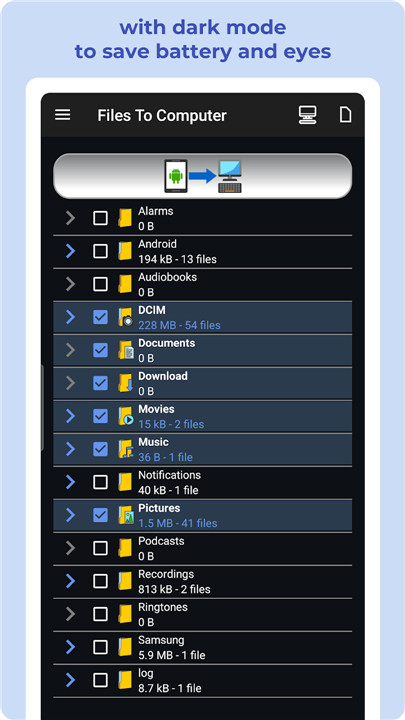


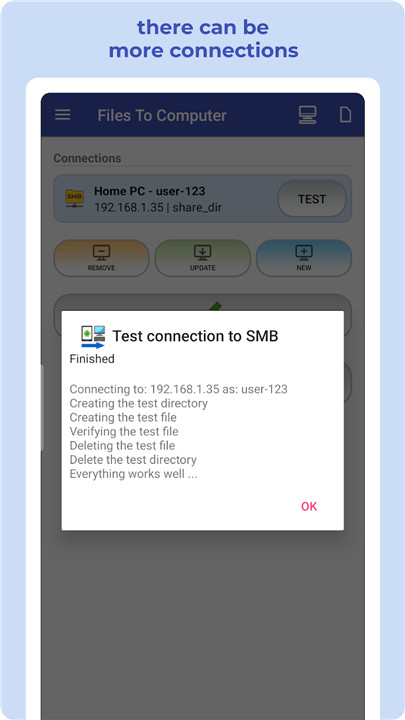
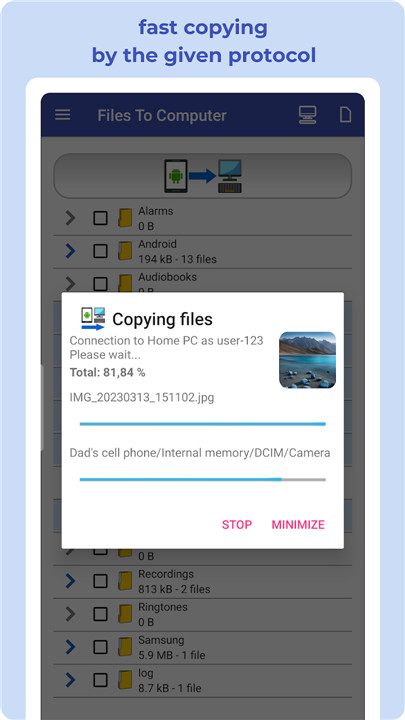
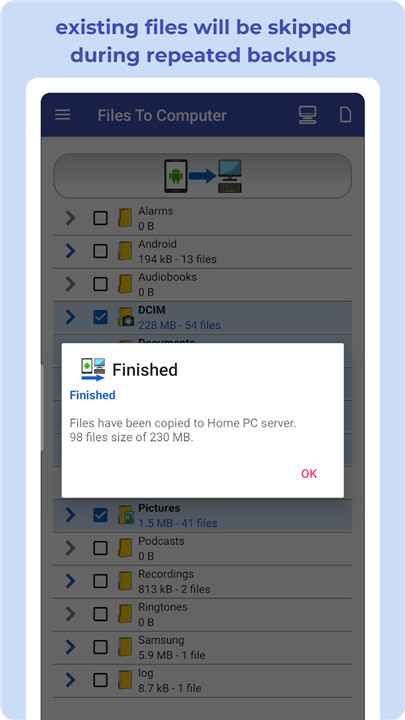
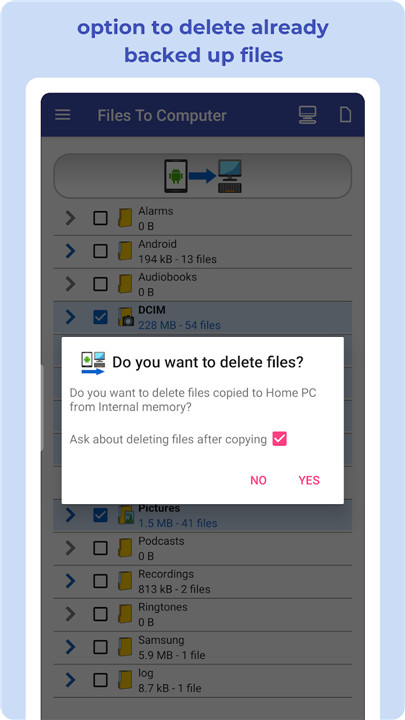
With FILES TO COMPUTER, transferring, backing up, and managing your files, photos, videos, and music from your mobile device to your computer or NAS server is a breeze. You can utilize protocols like Shared Directory (Samba - SMB), SFTP, or FTP for seamless connectivity.
Key features:
+ Back up your files, photos, videos, and music to your computer or NAS server effortlessly with just one click.
+ Clear up space on your device by removing files after successful backups.
+ Experience a fast, intuitive, and wireless process.
+ Fully compatible with Android Go devices.
By regularly using FILES TO COMPUTER, you can back up your device's storage to your computer or NAS server with a single click. Efficiently manage and back up your photos, videos, and music while reclaiming valuable storage space on your device.
Safeguard your files by maintaining consistent backups on your computer or NAS server. The app smartly prevents duplication of existing files, ensuring your backups remain organized and up to date.
Simply connect to your computer or NAS server, select the files you wish to back up or transfer, and manage everything with ease using just one click. You can also choose specific file types for quicker backups.
This application is especially beneficial for devices with limited internal storage, those lacking an SD card slot, or users seeking a straightforward method to securely back up files to their computer or NAS server.
Recommended devices include Samsung Galaxy, Nokia, Motorola, HTC, OPPO, Lenovo, Asus, Sony Xperia, Alcatel, and Vodafone.
Protect your important files by backing them up to your computer, PC, or NAS, ensuring the safety of your cherished content and memories. Take advantage of FileBackup, PhotoBackup, VideoBackup, and MusicBackup for a comprehensive and secure file management experience with a simple one-click solution.
Discover enhanced file management with FILES TO COMPUTER:
Harness robust file transfer features using industry-standard protocols:
• Samba (SMB): Easily share files across devices on your network.
• Secure File Transfer Protocol (SFTP): Protect your data during transfers with top-notch security.
• File Transfer Protocol (FTP): Enjoy flexible file management with FTP.
Streamline your file handling for efficient backups and tidy storage. Elevate your file transfer experience with FILES TO COMPUTER, crafted for both convenience and security. Embark on a smooth and user-friendly file management adventure.
Compatible with Windows, macOS, and Linux.
FAQ
Q: What is FILES TO COMPUTER?
A: FILES TO COMPUTER is a versatile application designed to simplify the process of transferring, backing up, and managing files from your mobile device to your computer or NAS server. It supports protocols like Samba (SMB), SFTP, and FTP for seamless connectivity and offers features such as one-click backups, automatic file deduplication, and easy file selection.
Q: Which file types can I back up using FILES TO COMPUTER?
A: You can back up a variety of file types, including photos, videos, music, and other documents. The app allows you to select specific file types for quicker and more organized backups.
Q: Is FILES TO COMPUTER compatible with all Android devices?
A: FILES TO COMPUTER is compatible with most Android devices, including Android Go devices. It is designed to be efficient and user-friendly, making it suitable for devices with limited internal storage or those lacking an SD card slot.
-----------------
What's New in the Latest Version 1.32
Last updated on Feb 3, 2025
Secure your files! Transfer data to your PC or NAS via SMB, SFTP, or FTP. Download the latest version of Transfer Files To Computer, PC 1.32 to enjoy new features and updates immediately!
• Added local network scanning with network storage discovery
• Notification of new files
• Faster application performance
• Error correction









Ratings and reviews
There are no reviews yet. Be the first one to write one.