

AM HealthCare
Overview
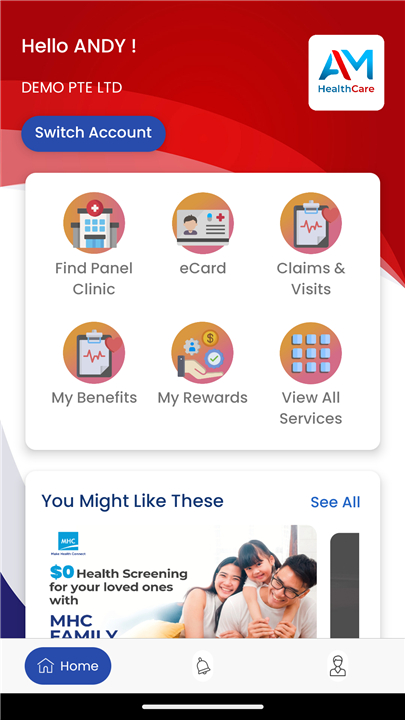
• AM HealthCare is a mobile application designed to streamline access to healthcare services for enrolled members.
• Through its intuitive interface, members can quickly locate clinics, retrieve digital membership cards, and manage claims and visit histories—all from their smartphone.
Clinic Locator
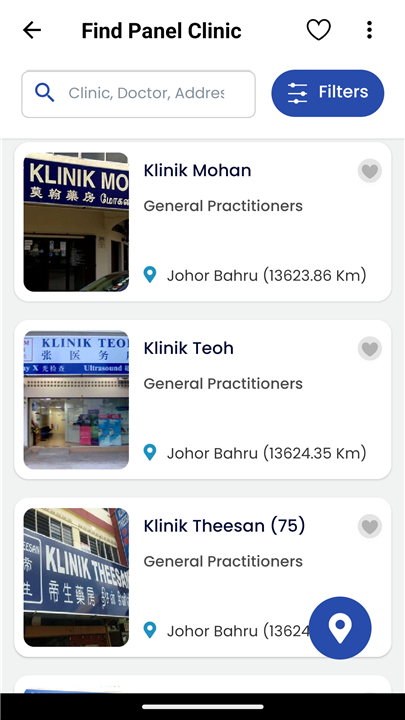
• Exclusive to registered members, the Clinic Locator feature harnesses your device’s GPS to help you find participating clinics in your vicinity.
• Key functionalities include:
1. Real-time Mapping
• Displays clinic locations on an interactive map
• Zoom and pan to view surrounding facilities
2. Filter Options
• Sort clinics by distance (nearest to farthest)
• Filter by administrative district or region
3. Detailed Clinic Information
• Contact numbers, operating hours and services offered
• Directions and estimated travel time based on current location
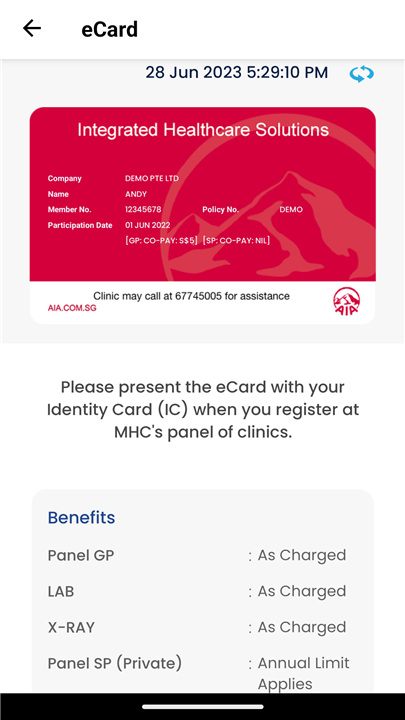
Members’ eCard
• Never worry about forgetting your physical membership card again.
• The digital eCard is instantly available within the app for all active members, subject to HR approval.
• Features include:
1. Instant Access
• View and download your eCard in seconds
• Display QR code or barcode for clinic check-in
2. Security and Permissions
• HR Manager must enable eCard access for each member
• Encrypted data storage ensures personal information is protected
3. Offline Availability
• eCard remains accessible even without network connection once downloaded
eClaims and Visit History
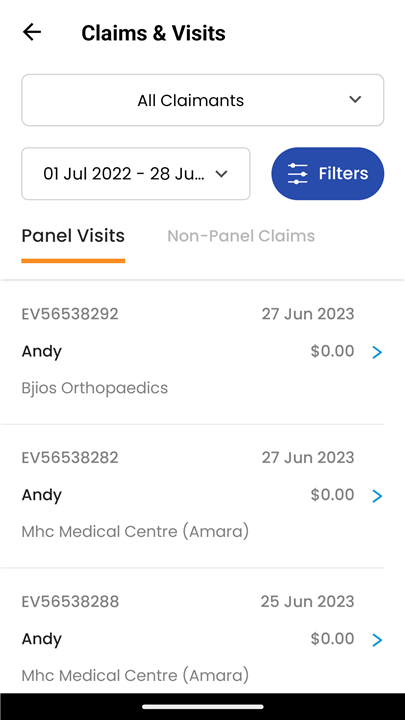
• Members can submit and track both inpatient and outpatient claims directly through the app, simplifying reimbursement processes and record-keeping.
• Capabilities include:
1. Claim Submission
• Upload supporting documents (invoices, medical reports, prescriptions)
• Select claim type, date of service and attending physician
• Monitor claim status (submitted, under review, approved, paid)
2. Visit Timeline
• View a chronological list of past clinic visits
• Access visit summaries, billed amounts and payment details
• Export visit history for personal records or tax purposes
Getting Started
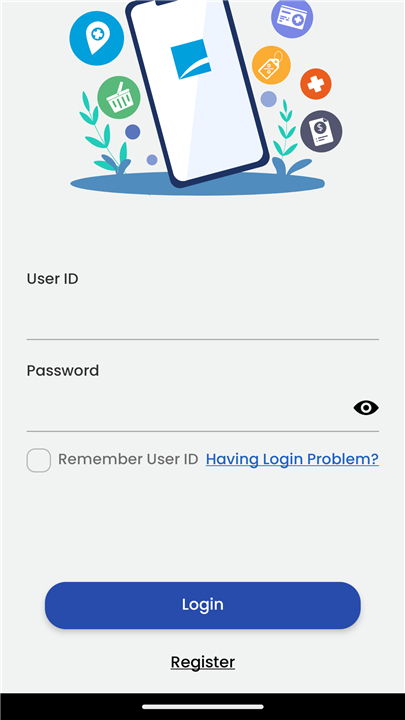
• Download the AM HealthCare app from your device’s app store
• Log in with your member credentials
• Ensure your HR Manager has activated relevant permissions
For more information and support, please visit:
• https://www.mhcasia.com
FAQ
Q: What should I do if I can’t log in or forget my password?
A: If you’re unable to log in, tap the “Forgot Password” link on the login screen and follow the prompts to reset it via your registered email address. Should you encounter further issues—such as an unrecognized username or persistent login errors—reach out to your company’s IT support or contact the AM HealthCare helpdesk through the in-app support section.
Q: How does the Clinic Locator find nearby healthcare facilities?
A: The Clinic Locator uses your device’s GPS to pinpoint your current location. It then displays all participating clinics around you on an interactive map. By zooming, panning, or tapping on a clinic’s icon, you can reveal additional details like the address, contact number, services offered, and operating hours.
Q: Can I narrow down clinics by certain areas or distance?
A: Yes. The app automatically ranks clinics by proximity, showing the nearest locations first. You can also filter by administrative district or region, so if you plan to visit a clinic near your office or a specific neighborhood, the app will present only the relevant options.
Version History
v1.0.12——16 Dec 2025
AM HealthCare is a comprehensive guide to our network clinics in Singapore. Download the latest version of AM HealthCare to enjoy new features and updates immediately!
*1.0.12
Minor Bug Fixes
*1.0.5
Minor bug fixes
*1.0.1
Minor bug fixes









Ratings and reviews
There are no reviews yet. Be the first one to write one.