

Chrome Remote Desktop APK
TWA 1.5
Chrome Remote Desktop
Chrome Remote Desktop APK
Download for Android
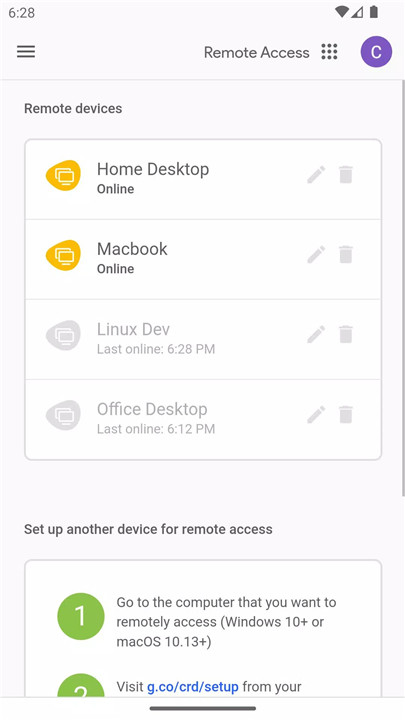
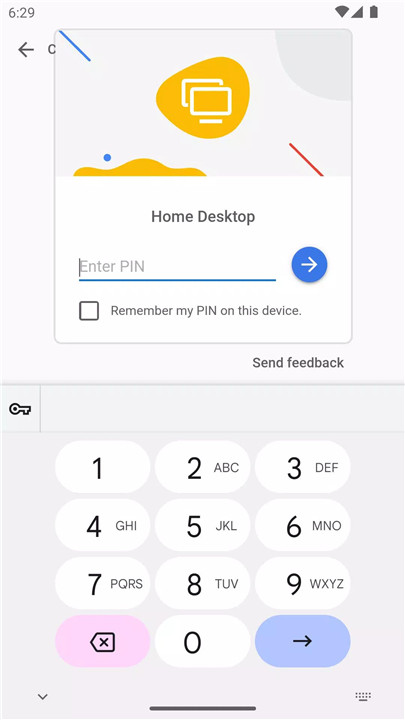
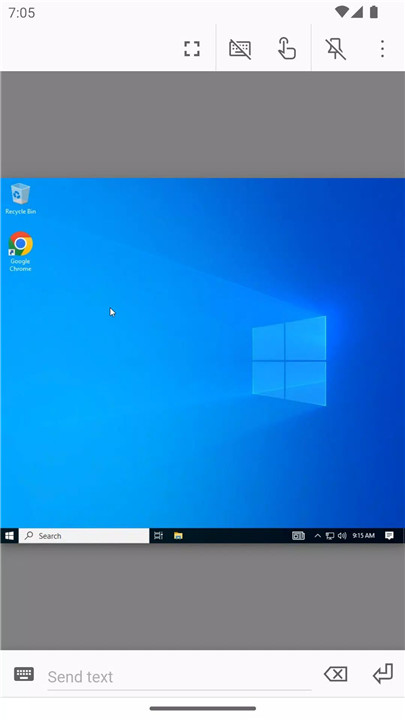
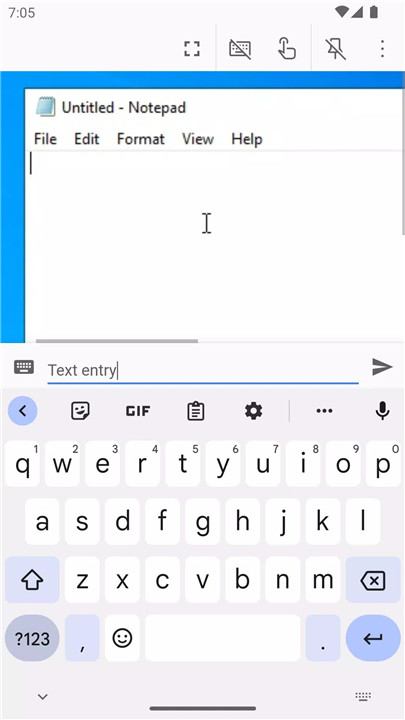
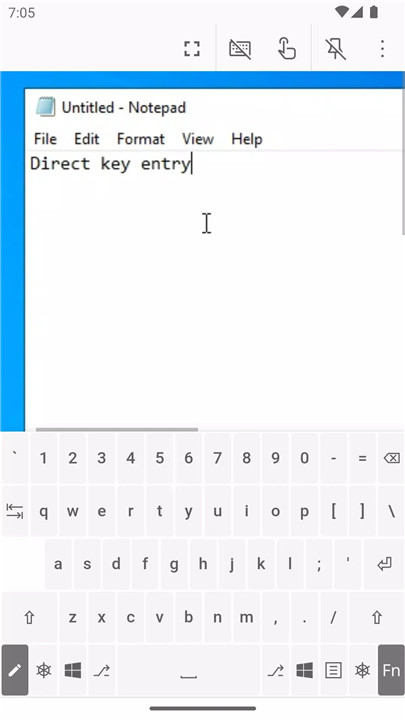
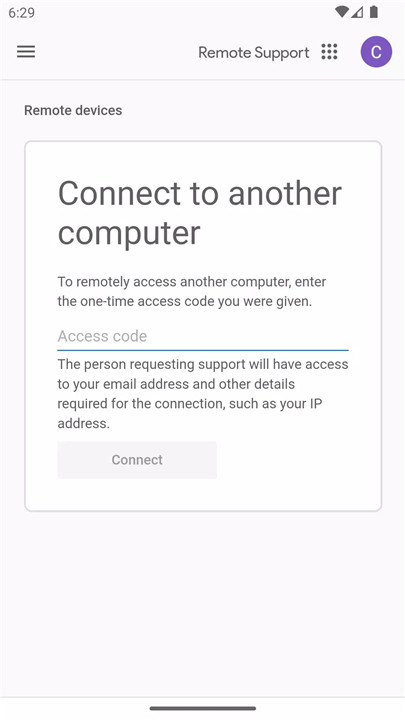
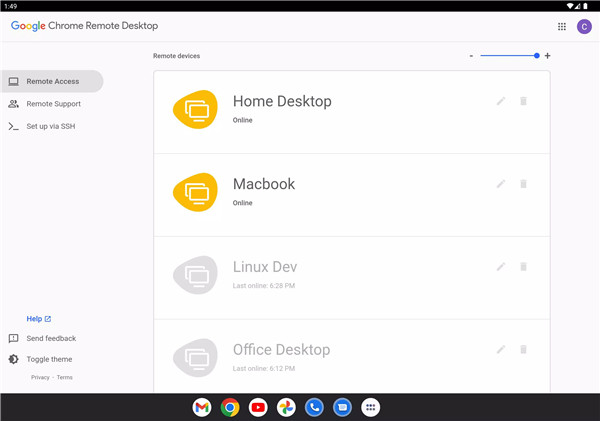
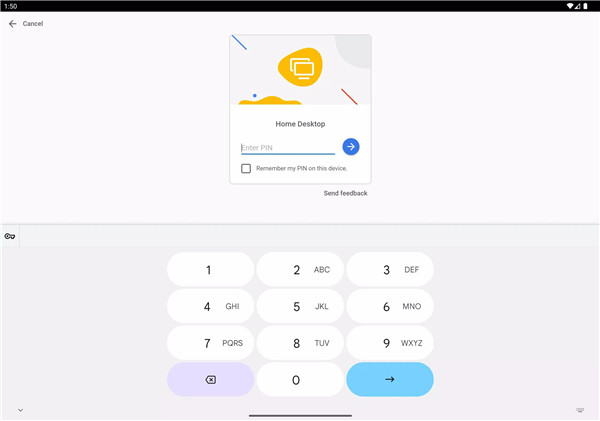
Chrome Remote Desktop is a free, official app from Google that allows you to access and control your computer remotely from your Android device. With just a few simple steps, you can connect to your computer and operate it as if you were sitting right in front of it.
Easy Setup and Remote Access
To get started with Chrome Remote Desktop, the first step is to install the Chrome extension on your computer via the Chrome Web Store. Once installed, you’ll be able to set up remote access. After linking your computer to the Chrome Remote Desktop app on your Android device, you can easily tap on the computer you want to access and start controlling it.
Supports Multiple Operating Systems
Chrome Remote Desktop supports multiple operating systems, including Windows, Mac, Linux, and Chrome OS. No matter what operating system your computer is running, Chrome Remote Desktop can help you control it from your Android device.
High-Quality Streaming
The app provides excellent audio and video quality when streaming your computer’s screen to your device. As long as you have a stable and fast internet connection, the transitions between screens will be smooth, allowing you to work efficiently.
Fluid Experience
While Chrome Remote Desktop is not designed for complex tasks like gaming or heavy graphics work, it performs well for day-to-day tasks like document editing, browsing, and troubleshooting.
Intuitive Control with Touchscreen
When you connect to your computer, the touchscreen of your Android device turns into the mouse cursor. This makes it easy to control your computer using simple taps and gestures, just as you would with a traditional mouse and keyboard. Chrome Remote Desktop is designed for ease of use, providing a comfortable and efficient remote control experience.
Secure and Free
Chrome Remote Desktop is completely free to use, and it is linked to your Google account, ensuring a secure connection. However, for added security, it’s recommended to use strong passwords and PINs to prevent unauthorized access. Although Chrome Remote Desktop is secure for general use, be cautious with your Google account details to protect your data.
FAQs
1. How do I use Chrome Remote Desktop?
To use Chrome Remote Desktop, follow these steps:
On your computer, open Chrome and visit remotedesktop.google.com/access.
Click “Access” to select the computer you want to control.
Enter the PIN for secure access and select the arrow to connect.
2. Is Chrome Remote Desktop free?
Yes, Chrome Remote Desktop is completely free to use. It allows you to connect to any computer (Windows, Mac, Linux, or Chrome OS) from your mobile or desktop device.
3. Is Chrome Remote Desktop safe?
Chrome Remote Desktop is secure, but it is linked to your Google account. For maximum security, it is recommended to use strong passwords and PINs to prevent unauthorized access.
4. Does Chrome Remote Desktop work without an internet connection?
No, you need an active internet connection to access a computer with Chrome Remote Desktop. If you’re experiencing issues, check your computer's network settings and antivirus software.
5. Do I need a Google account for Chrome Remote Desktop?
Yes, you must have a Google account to use Chrome Remote Desktop. If you don’t have one, you can easily create a Google account to start using the app.
Version History
vTWA 1.5—12 Jun, 2024
General fixes and stability improvements.
vTWA 1.4—12 Oct, 2023
General fixes and stability improvements.
vTWA 1.3—21 Sep, 2023
General fixes and stability improvements.









Ratings and reviews
There are no reviews yet. Be the first one to write one.