

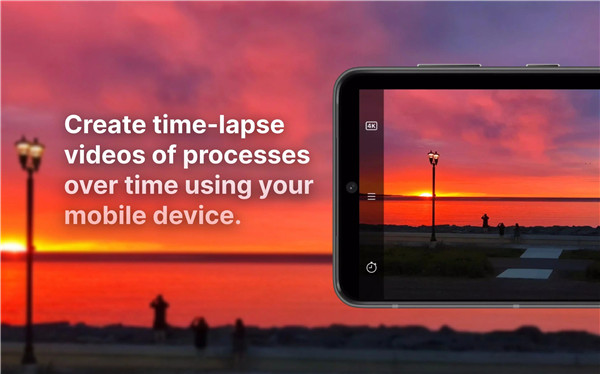
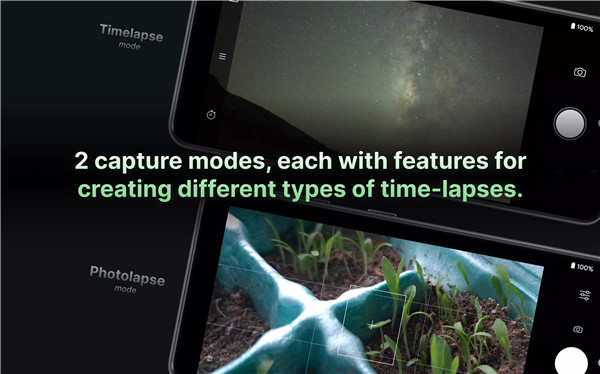
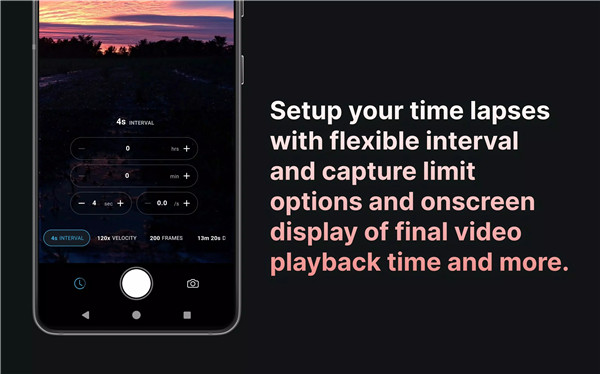
Velocity Lapse is a powerful time-lapse and intervalometer app designed to capture stunning time-lapse photography and videos. With two distinct capture modes—Timelapse Mode and Photolapse Mode—you can tailor your shooting experience to any type of event, from short bursts to long-duration captures.
Time-Lapse Mode
In Timelapse Mode, you can set up a time-lapse with a chosen interval, optional frame limit, and time delay, all while manually controlling your camera settings. Capture fast-moving subjects such as the clouds, sunrises, sunsets, or city life, and condense hours or even days of activity into a short video.
Photolapse Mode
For extended events, Photolapse Mode allows you to capture individual photos at set intervals. It’s ideal for long-term projects such as monitoring plant growth, construction, or stop-motion animation. You can choose your interval, line up the previous photo with the new one, and continue capturing without leaving your device in one spot.
Manual Camera Controls
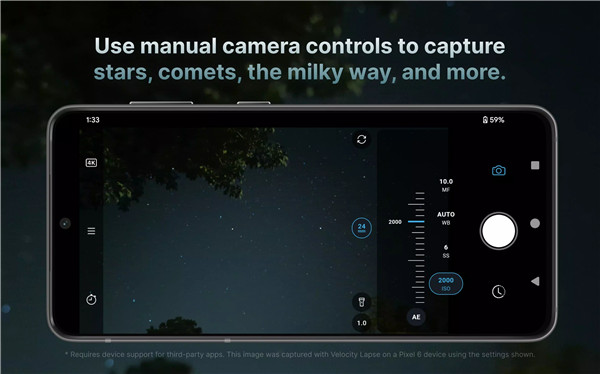
Velocity Lapse gives you full control over manual camera settings including ISO, shutter speed, white balance, and focus. You can even adjust zoom for back lenses, while front lenses let you control exposure value and zoom.
Resolution and Export Options
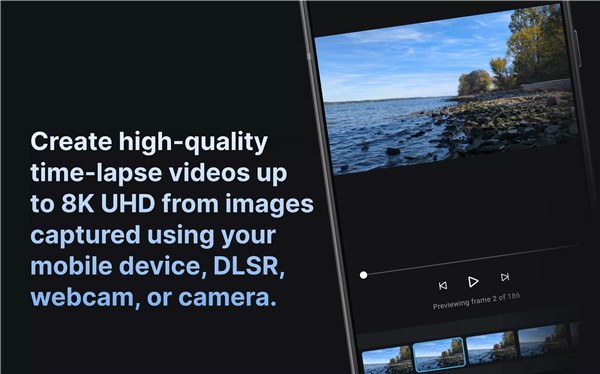
Capture time-lapses in the highest resolution your device supports, with export options for up to 8K and 4K videos. You can also export your time-lapses in 1080p, 720p, or 480p or as a sequence of images for further editing.
App Customization
With Velocity Lapse, you can customize various settings such as applying a timestamp to images, toggling exposure/focus locks, and using different camera grids for accurate compositions. The app also supports both portrait and landscape capture.
PRO Features
Upgrade to Velocity Lapse PRO for additional features such as exporting to 8K and 4K video (on supported devices), unlimited project storage, and the ability to control the app via Bluetooth or device volume buttons. The PRO version also includes the Motion Blur and Light Trails effect, giving you more creative possibilities. Schedule start/stop times for your time-lapses, and enjoy advanced features for a fully customized time-lapse experience.
FAQs
1. Are there any user guide and/or tutorials?
Yes, you can find a comprehensive user guide at guide.velocitylapse.com and video tutorials on the official Velocity Lapse YouTube channel and Instagram @velocitylapseapp.
2. Does Velocity Lapse support Android Private Space?
Installing and using Velocity Lapse in Android Private Space is not officially supported due to storage limitations and potential instability.
3. How do I prevent the app from crashing when selecting 3000+ images for import?
To avoid crashes, use the “Select Folder” button to select a folder containing large numbers of images. Avoid using the “Select Images” button as the Android file picker will attempt to load all images into memory, which may cause crashes when selecting thousands of images.
-----------------------
What's New in the Latest Version 1.3.3
Last updated on Dec 29, 2024
v1.3.3
- New dial selector for camera settings that is easier to adjust and less fiddly.
- Empty projects will be automatically deleted. (Empty projects created before 12/25/2024 will not be automatically deleted). If you feel that this change in behavior should be an opt-in setting, please contact me at hi@velocitylapse.com.
- Bug fixes and visual improvements.
Thanks for using Velocity Lapse!









Ratings and reviews
There are no reviews yet. Be the first one to write one.