

Caiway Interactieve TV APK
4.2.4
Caiway Interactieve TV
Caiway Interactieve TV APK
Download for Android
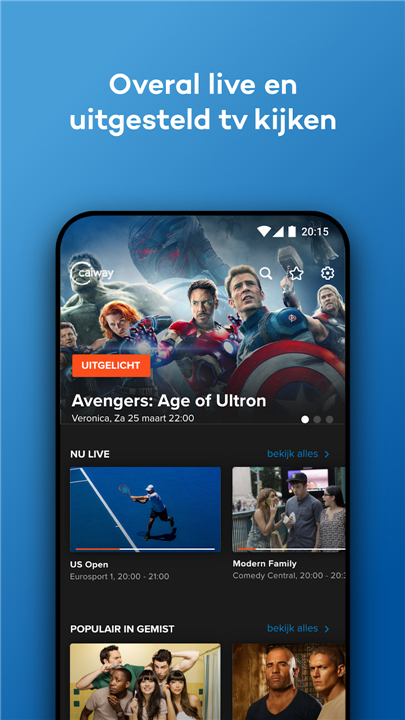
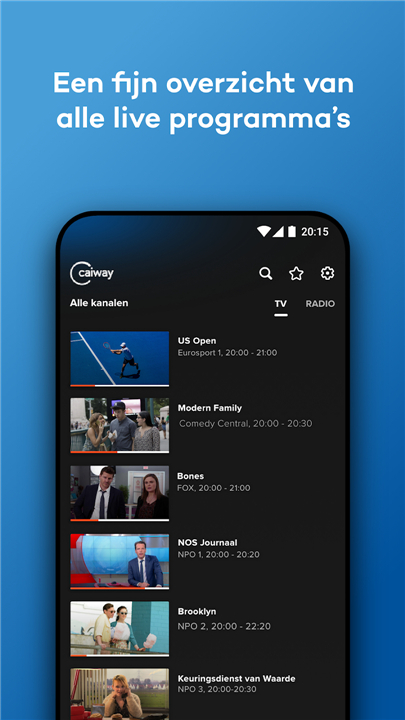
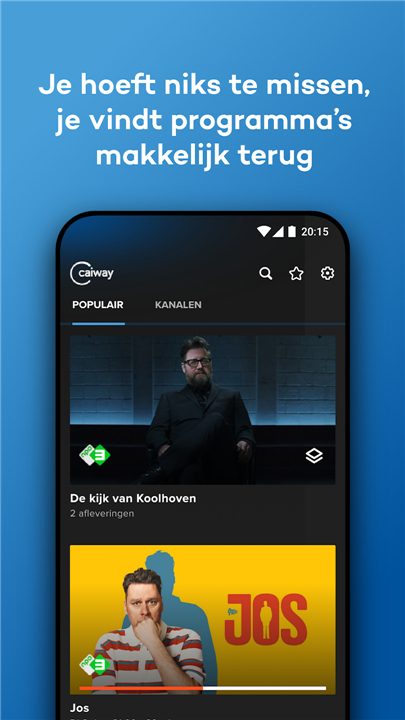
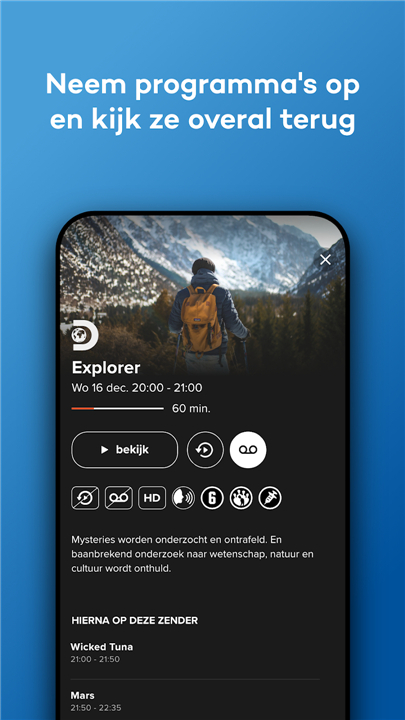
Caiway Interactive TV
Your Entertainment Anywhere in the EU
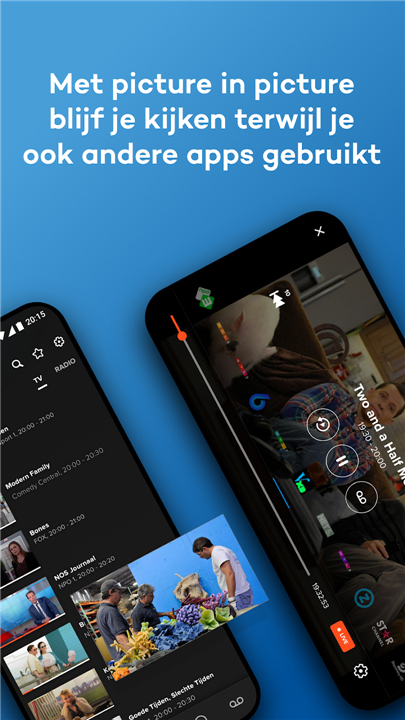
• The Caiway Interactive TV app makes it possible to enjoy your favorite television programs, series, and radio stations wherever you are—whether relaxing at home or traveling across the European Union.
• Available on smartphones and tablets, the app gives you flexibility in how, when, and where you watch.
Key Features
• Watch Anywhere: Stream live TV both at home and on the go, even while on vacation anywhere in the EU.
• Catch Up for Free: Access missed broadcasts from over 40 channels for up to 7 days after airing.
• Restart Function: Begin a live program from the start if you tune in late.
• Recordings Management: For customers with an Internet and TV fiber optic package (from May 1, 2019), view, manage, and organize recorded shows.
• Chromecast Support: Easily cast your favorite programs from the app directly to your television screen.
• Comprehensive TV Guide: See upcoming programs, check what aired in the past week, and plan your viewing schedule.
• Custom Channel List: Create a personalized list of favorite channels for quicker access.
• Online Radio: Listen to radio stations via the app (available for fiber optic TV customers from May 1, 2019).
Data Usage Considerations
• Streaming TV over 3G or 4G can consume a large amount of mobile data.
• If your data allowance runs out, your provider may charge extra fees.
• Watching via WiFi avoids these costs.
• You can choose to block mobile data usage in the app settings to prevent unexpected charges.
Getting Started
1. Download the Caiway Interactive TV app.
2. Log in using your Caiway username and password.
3. Visit caiway.nl/telflix-en-radio/interreken-tv-app/nieuwe-userer for more details.
Technical Requirements
• Works on devices running Android 4.4 or higher.
• To watch on a computer or laptop, visit webtv.caiway.nl.
*Important Note
• Caiway may change the selection of TV and radio channels at any time.
• No rights can be derived from the online viewing service.
FAQ
Q: Can I use Caiway Interactive TV when I’m traveling within the European Union?
A:Yes. One of the core advantages of Caiway Interactive TV is that you can stream live channels and access catch-up content anywhere in the EU. Whether you’re on vacation or traveling for work, simply open the app, connect to the internet, and enjoy the same channels you watch at home.
Q: How does the Catch Up feature work and what’s the time limit?
A: Catch Up gives you free access to missed broadcasts from over 40 participating channels for up to seven days after they air. Just open the app, navigate to the Catch Up section, and scroll through the list of shows by date and channel. Select the program you missed, and it will start playing from the beginning.
Q: What is the Restart function and how do I use it?
A: The Restart function allows you to begin watching a live program from its start even if you tune in late. While watching a live channel, simply tap the Restart icon; the app will automatically rewind to the beginning of the current broadcast, letting you catch every moment without missing a beat.
Version History
v4.2.4——14 Jan 2026
Watch live, missed and recordings on your smartphone or tablet anywhere in the EU. Download the latest version of Caiway Interactieve TV to enjoy new features and updates immediately!
*4.2.4
· Bugfixes en stabiliteitsverbeteringen
*4.0.3
· Verbeterde EPG detail schermen waar bij livetv streams direct afspelen
· Bugfixes en stabiliteitsverbeteringen
*3.15.1
- Bugfixes en stabiliteitsverbeteringen









Ratings and reviews
There are no reviews yet. Be the first one to write one.