

Arvin® - AI Logo Maker APK
2.3.9
Arvin® - AI Logo Maker
Arvin® - AI Logo Maker APK
Download for Android
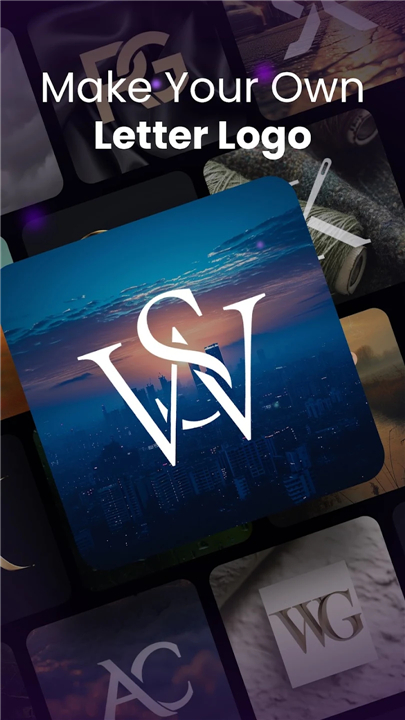
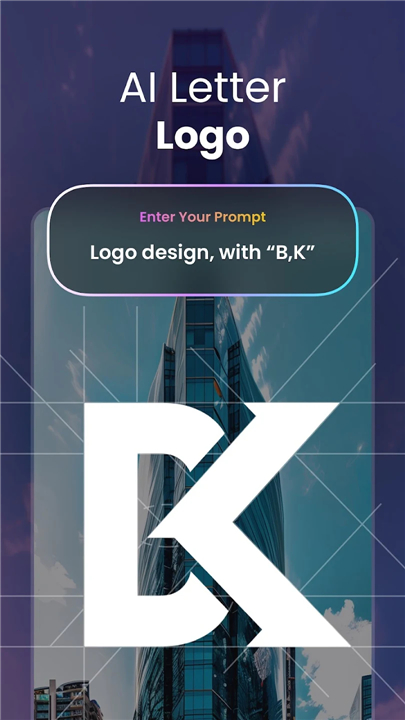
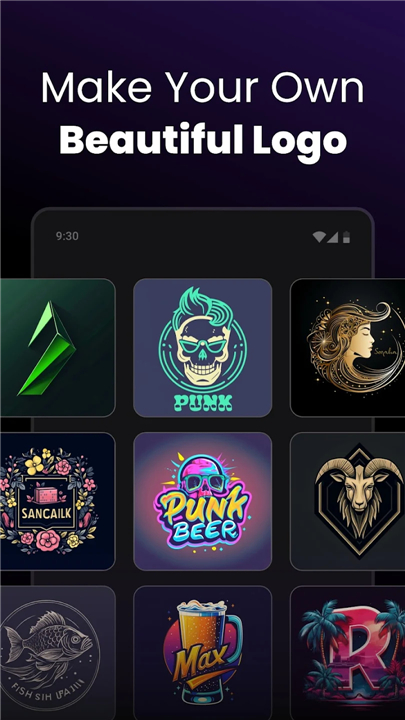
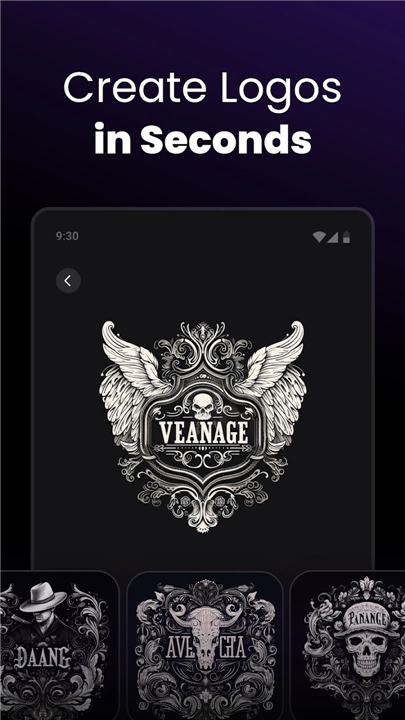
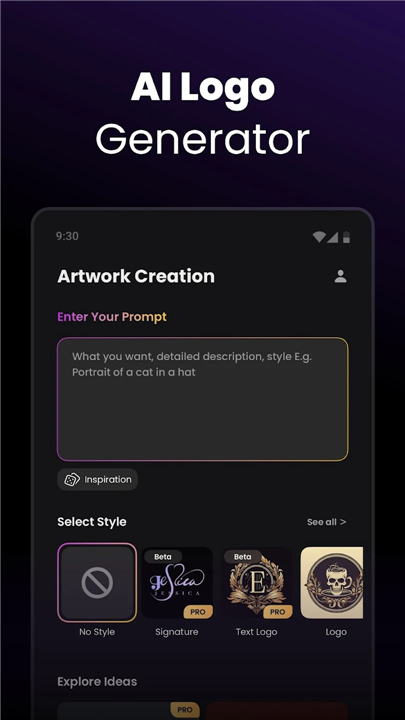
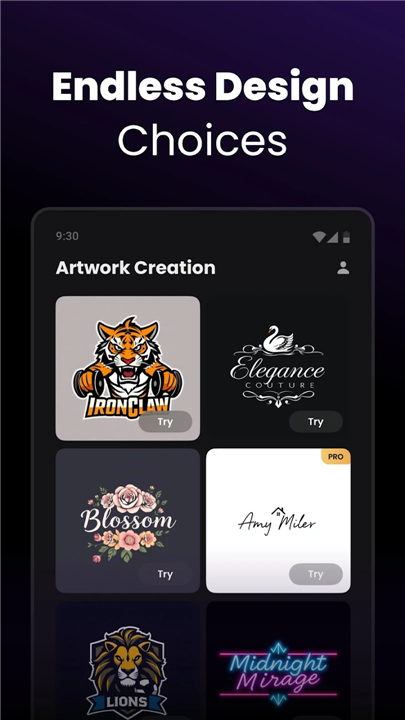
Arvin® – Your AI Logo Design Partner
Bring Your Brand to Life
• Creating a logo that truly reflects your brand can be challenging—until now.
• Arvin is an AI-powered logo maker designed to turn your ideas into professional, eye-catching designs, fast.
• No design background? No problem.
Why Arvin Works for You
1. Effortless Design
• Simply describe your vision, and Arvin instantly generates quality logos tailored to your needs—whether it’s a business emblem, product icon, gaming badge, or personal avatar.
2. Full Creative Freedom
• Control every detail—colors, fonts, layout, and style.
• From sleek minimalism to intricate artistry, Arvin lets you shape your logo exactly how you want it.
3. Versatile for Every Purpose
• Ideal for brands, social media profiles, online stores, or personal projects.
• One tool, endless possibilities.
4. Ready to Share Anywhere
• Your finished logo is optimized for websites, business cards, and any platform where your brand lives.
How It Works
1. Share Your Vision – Describe your brand or idea.
2. Instant Creation – Get multiple logo options in seconds.
3. Refine Your Design – Adjust colors, fonts, and layouts to make it yours.
4. Download & Launch – Save your logo in any format and start using it immediately.
Make Your Mark
• Don’t settle for generic.
• Arvin helps you create a logo that’s memorable, unique, and ready to represent your brand with confidence.
• Whether you’re starting fresh or rebranding, the journey begins here.
Privacy Policy: https://idealabs.mobi/privacy-policy
Terms of Use: https://idealabs.mobi/terms-of-service
Feedback: service_android@support.arvin.chat
FAQ
Q: Do I need any prior design experience to use Arvin?
A: Not at all. Arvin was built for anyone, from seasoned marketers to complete beginners. You don’t need to understand color theory, typography, or layout principles. Just share a few details about your vision—like your industry, preferred style, and brand values—and Arvin’s smart algorithms handle the rest. If you ever want to dive deeper into design choices, you can always fine-tune colors, fonts, and layouts afterward.
Q: How do I get started with Arvin?
A: Getting started is as simple as describing your brand. Once you sign in, you’ll be prompted to enter keywords or a brief description of your brand identity. From there, Arvin instantly generates a variety of logo options. You can browse through these initial designs, select your favorite, and then move on to the editing stage to make any adjustments you desire.
Q: What customization options does Arvin offer?
A: Arvin gives you complete creative control. After selecting a base logo, you can change every element—from color palettes and typography to symbol placement and background variations. Whether you prefer sleek minimalism or a more detailed, illustrative look, Arvin’s editor lets you tweak each attribute until your logo perfectly represents your brand’s character.
Version History
v2.3.9——15 Jan 2026
Logo maker and logo creator app to create logo design. Custom logo designer. Download the latest version of Arvin® - AI Logo Maker to enjoy new features and updates immediately!
*2.3.9
Arvin gets even better now — with these new updates:
- More Model Photos Added: more model options to make your product shots stand out.
- Performance Improved: Enjoy better background eraser and AI background results.
Thanks for choosing Arvin!
*2.3.8
Arvin gets even better now — with these new updates:
- Performance Improved: Enjoy better background eraser and AI background results.
Thanks for choosing Arvin!
*2.3.7
Arvin gets even better now — with these new updates:
- New Product Categories Added: We now support showcasing bags, handheld items, and wigs.
- More Poses & Backgrounds Added: More options to make your product shots stand out.
- Performance Improved: Enjoy better background eraser and AI background results.
Thanks for choosing Arvin!









Ratings and reviews
There are no reviews yet. Be the first one to write one.