

OttPlayer
Overview
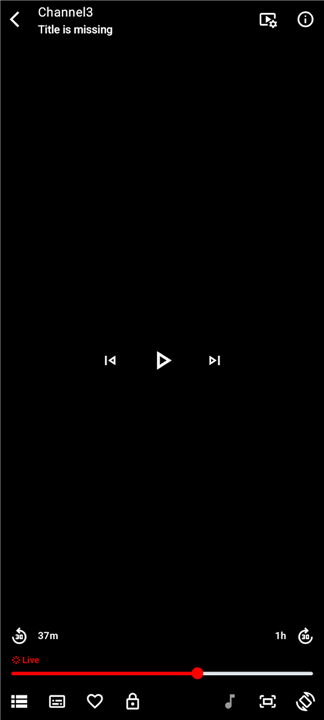
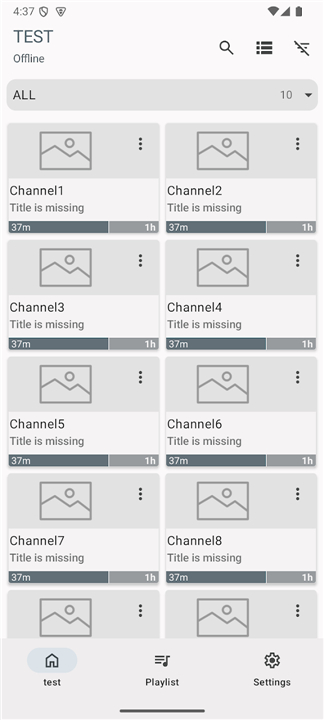
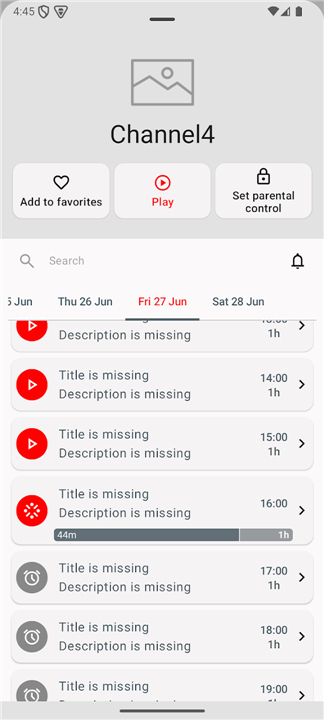
• OttPlayer is a comprehensive multimedia solution designed to aggregate and stream IPTV content across your various devices, including smartphones, tablets, set-top boxes, and smart televisions.
• By providing a centralized management system via a dedicated web portal, OttPlayer simplifies the way you organize and enjoy your streaming library.
Core Functionality and Versatility
• The application is engineered for high performance and compatibility, offering a seamless viewing experience.
• Key features include:
+ Wide Protocol Support: The player is compatible with industry-standard streaming protocols, including HLS, RTSP, TS by UDP, and RTMP.
+ Format Compatibility: It fully supports M3U8 playlist files, allowing for broad interoperability with various content sources.
+ Visual Customization: Users can easily manage and assign icons to specific channels for improved navigation and a personalized interface.
+ Uninterrupted Experience: The software is completely free of advertisements, ensuring your viewing session remains focused and professional.
Important Usage Disclaimer
• OttPlayer serves strictly as a tool for content playback.
• This software does not host, provide, or pre-install any TV channels or media streams.
• Users must obtain their own M3U8 playlists from legitimate sources, such as their local Internet Service Provider (ISP) or other authorized IPTV subscription services.
Getting Started
To begin using OttPlayer, please follow these steps:
1. Registration: Create a free user account at the official website, https://ottplayer.tv.
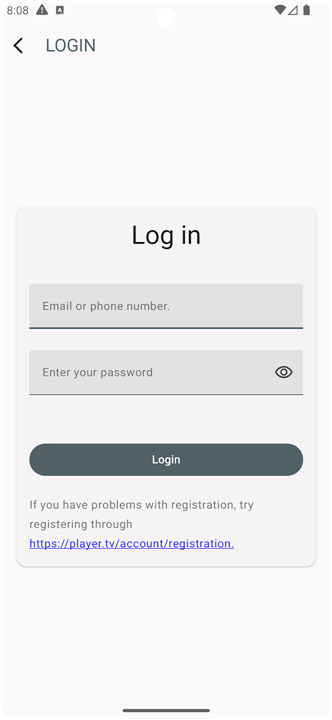
2. Authentication: Input your login credentials within the application on your target device to link your account.
3. Upload: Access your account on the website to upload the M3U8 playlist files obtained from your preferred media source.
4. Device Synchronization: Use the web interface to assign or snap your specific device to the uploaded playlist.
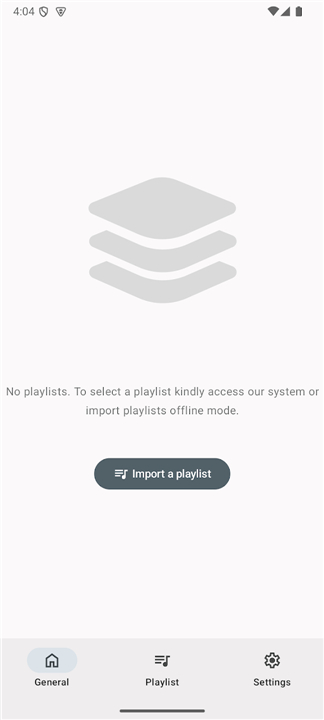
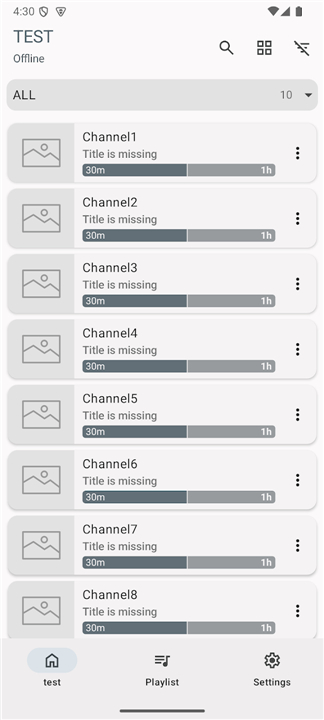
5. Playback: Once synchronized, your channels will appear within the application, ready for immediate viewing.
FAQ
Q: Does OttPlayer come pre-loaded with channels or movies?
A: No, OttPlayer functions exclusively as a playback tool for your own content. It does not provide, host, or pre-install any TV channels or media streams, so you will need to source your own legal playlists.
Q: What types of playlist formats does the player support?
A: The application is designed to be highly compatible and specifically supports M3U8 playlist files, ensuring you can integrate a wide variety of content sources effectively.
Q: Can I use OttPlayer to watch content on multiple devices?
A: Absolutely, the system is designed for cross-platform use, meaning you can synchronize your account across different devices such as tablets, phones, and smart televisions for a seamless transition between screens.
Version History
v9.1.3——4 Jun 2026
OttPlayer is a media streaming app that plays IPTV playlists on phones, tablets, TV boxes, or TVs. Download the latest version of OttPlayer to enjoy new features and updates immediately!
*9.1.3
This update contains improvements and bug fixes, including:
• Performance enhancements and improvements.
• Bugs fixed
We're working to improve the app even more.
Thanks for using OttPlayer.!!!
*9.1.2
This update contains improvements and bug fixes, including:
• Performance enhancements and improvements.
• Bugs fixed
We're working to improve the app even more.
Thanks for using OttPlayer.!!!
*9.1.1
This update contains improvements and bug fixes, including:
• Performance enhancements and improvements.
• Bugs fixed
We're working to improve the app even more.
Thanks for using OttPlayer.!!!











Ratings and reviews
There are no reviews yet. Be the first one to write one.