

Math Tube: Smart Math Trainer APK
4.0
Math Tube: Smart Math Trainer
Math Tube: Smart Math Trainer APK
Download for Android
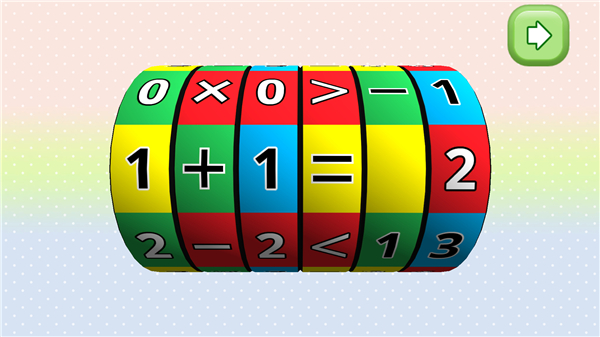
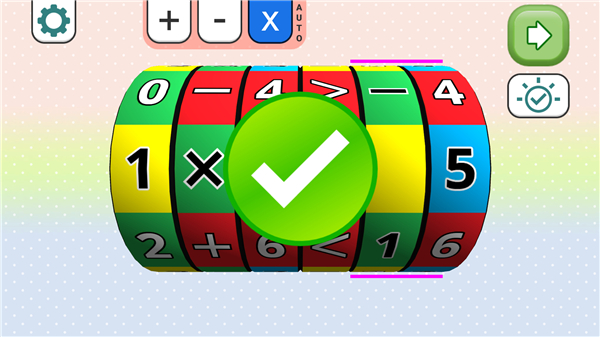
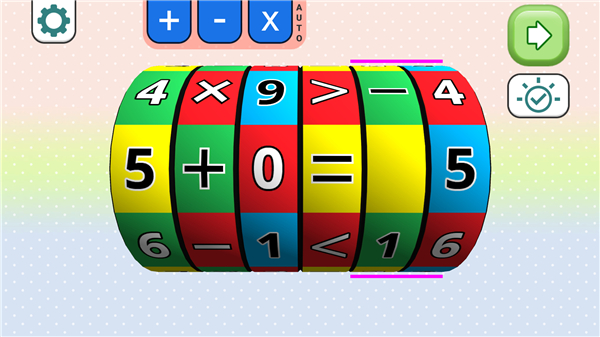
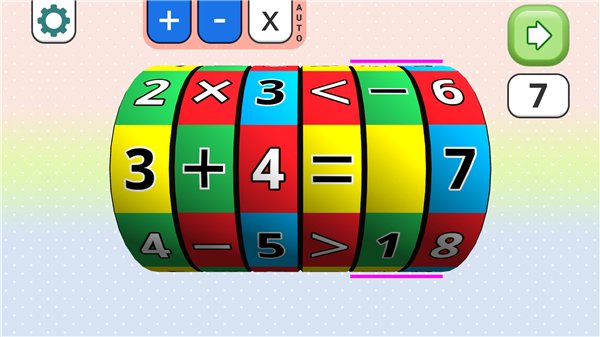
Math Tube: Smart Math Trainer
Overview
• Math Tube is an innovative and free math learning application designed to make arithmetic engaging, visual, and interactive.
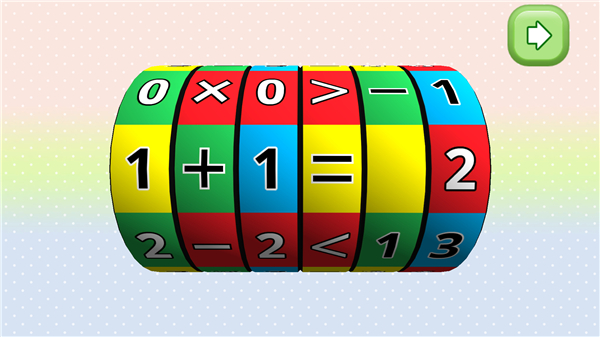
• Instead of relying on traditional problem-solving methods, Math Tube introduces a dynamic “number tube” interface that lets users manipulate numbers directly on screen.
• With every adjustment, you can instantly see how the solution changes, helping you understand mathematical relationships in a clear and visual way.
How It Works
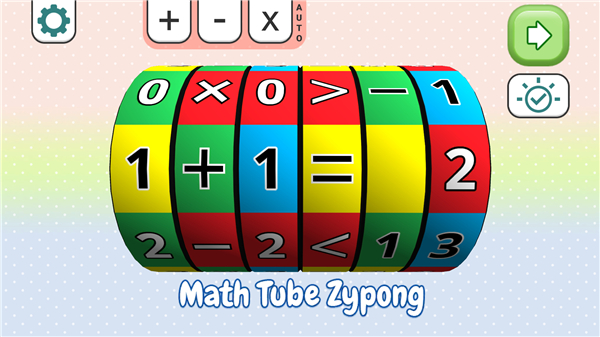
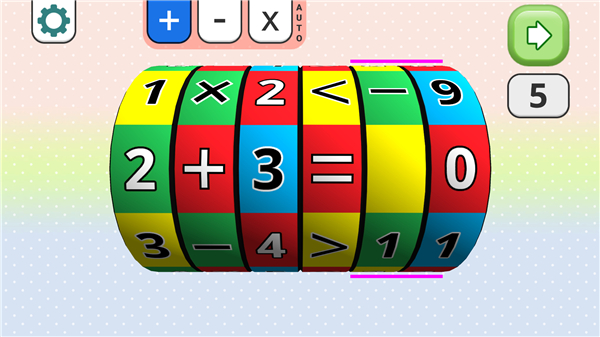
• The app presents arithmetic problems in a tube-like display where numbers can be moved or changed.
• Users can explore addition, subtraction, and multiplication by adjusting inputs and viewing results in real time.
• Interactive feedback helps learners grasp key concepts without rote memorization.
• Both Manual and Auto modes allow for different learning experiences—Manual mode for hands-on exploration, Auto mode for guided challenges.
Key Features
• Unique Number Tube Interface: A creative approach that transforms equations into visual puzzles.
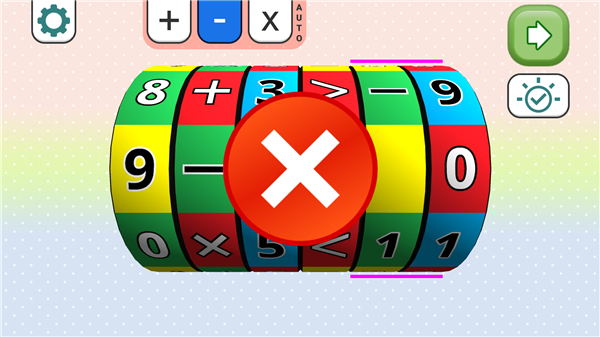
• Interactive Controls: Change numbers, test answers, and receive instant feedback to reinforce learning.
• Practice Modes: Customize your challenges by selecting difficulty levels or math operations.
• Visual Clarity: Clean graphics and clear layouts make learning comfortable for all ages.
• Cross-Device Compatibility: Optimized for phones and tablets, offering smooth performance and HD visuals.
Who It’s For
• Kids: Learn fundamental arithmetic concepts in a playful environment.
• Teens: Strengthen math foundations and prepare for exams through interactive practice.
• Adults: Refresh everyday math skills or keep the mind active with short daily sessions.
• Teachers and Educators: Use Math Tube as a visual teaching aid to demonstrate math operations effectively.
Why Choose Math Tube
• Math Tube transforms basic arithmetic into an enjoyable visual experience.
• It encourages curiosity, strengthens understanding, and supports consistent daily practice.
• Whether you’re learning, teaching, or simply keeping your brain sharp, Math Tube provides a smart and accessible way to play with numbers.
Download Math Tube today and discover how fun and interactive math can be.
FAQ
Q: How does the “number tube” interface differ from a conventional calculator or worksheet?
A: Unlike a standard calculator or worksheet where you type inputs and wait for results, the number tube lets you drag, drop, and adjust numbers on the screen. Each movement instantly updates the entire equation, so you can see relationships between values and operations at a glance. This hands-on, visual method makes abstract concepts more concrete.
Q: Can I choose which arithmetic operations to practice?
A: Absolutely. Math Tube offers practice in addition, subtraction, and multiplication, and you can switch between these operations at any time. As you become more comfortable with one type of problem, you can move on to others or combine them in mixed drills.
Q: What is the difference between Manual mode and Auto mode?
A: In Manual mode, you explore freely—dragging numbers and experimenting with various inputs to see immediate results. Auto mode provides guided challenges where the app suggests problems and tracks your progress, offering hints and highlighting errors to help you learn more efficiently.
Version History
v4.0——5 Jan 2026
Rotate, calculate, and solve math challenges with the interactive number tube! Download the latest version of Math Tube: Smart Math Trainer to enjoy new features and updates immediately!
*4.0
Minor bug fixes and improvements. Install or update to the newest version to check it out!
*3.2
- New icons - Created by a famous Artist
- AUTO mode selection goes through all mathematical table combinations
- Solution Button shows the result of the arithmetic operation
- Safe Area for notch devices
- Completely redesigned User Interface
- HD images
*2.9
zypong.com









Ratings and reviews
There are no reviews yet. Be the first one to write one.