



AHA eReader
Overview
• The American Heart Association (AHA) eReader is a dedicated digital reading application designed to give you convenient access to all your eBooks purchased through the AHA Digital Products Center.
• Whether you are connected to the internet or working offline, the eReader allows you to read your materials anytime, from anywhere, directly on your mobile device.
Account Access and Authorization
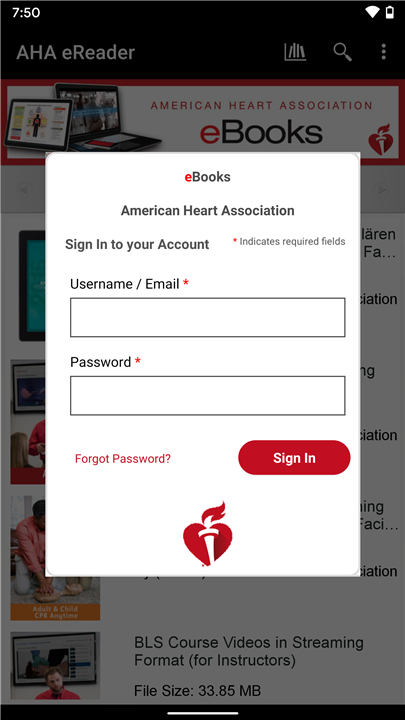
• The eReader uses the same login credentials as your AHA Digital Products Center account, ensuring a seamless user experience.
• Once installed, simply log in with your existing username and password.
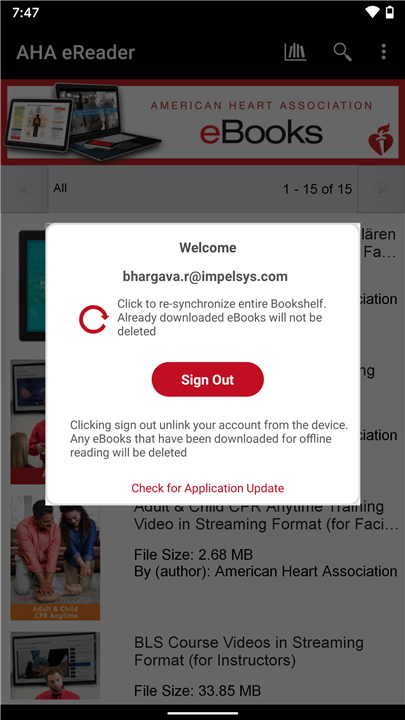
• Authorizing your device connects your personal library to the eReader, making your purchased eBooks instantly available for download.
Adding AHA eBooks to Your eReader
1. Launch the AHA eReader application on your mobile device.
2. Log in using your AHA Digital Products Center account information to authorize access.
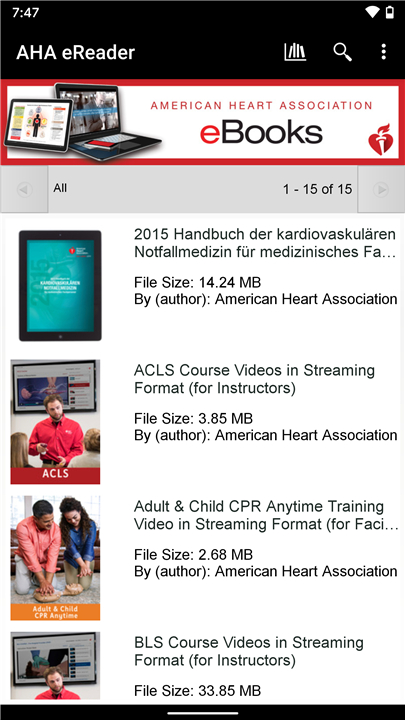
3. Access your Bookshelf, where all purchased titles are displayed.
4. Select the desired title; the download will begin automatically.
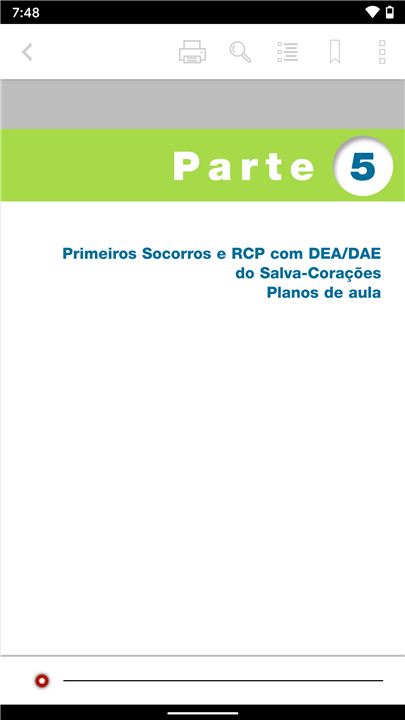
5. Once the download is complete, tap the title to open and start reading immediately.
Key Features and Functions
With the AHA eReader, you can:
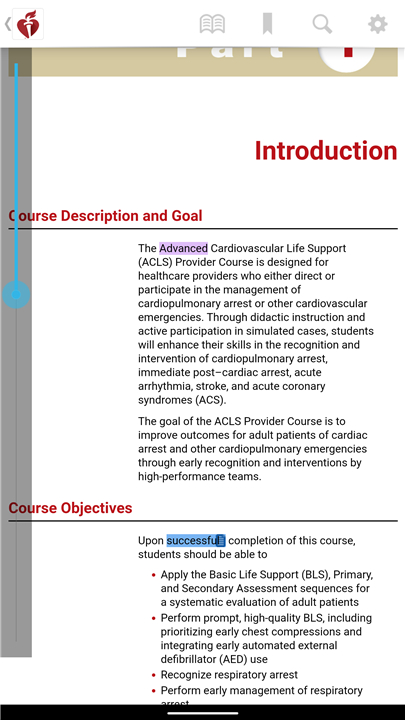
• Search within the text of any title to quickly find topics or keywords.
• Sort your library by category for better organization.
• Add bookmarks to save your place or mark important sections.
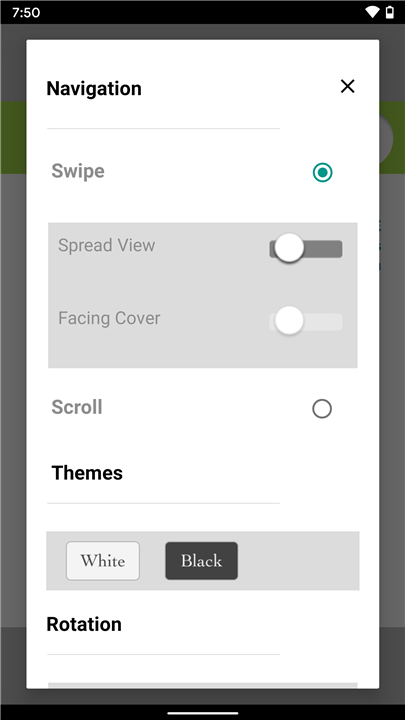
• Adjust font size to suit your reading comfort.
• Navigate easily between chapters.
• Jump directly to figures, tables, and references within the text.
• Preview additional AHA eBooks available for purchase or download.
About the American Heart Association
• The American Heart Association is the nation’s oldest and largest voluntary organization dedicated to combating cardiovascular diseases and stroke.
• Through education, research, and community programs, the AHA works to improve heart health and reduce the impact of heart-related illnesses across the country.
• The eReader is part of its mission to make trusted, evidence-based resources accessible to healthcare professionals and learners everywhere.
FAQ
Q: What should I do if I forget my AHA Digital Products Center password?
A: If you can’t remember your password, tap the “Forgot Password” link on the app’s login screen. You’ll be redirected to a page where you can enter your email address; AHA will then send you instructions for resetting your password. After you’ve chosen a new password, return to the eReader app and log in with your updated credentials.
Q: How do I add the eBooks I’ve purchased to my AHA eReader library?
A: Once you’re logged in, the eReader automatically synchronizes with your AHA Digital Products Center account. Open the Bookshelf tab within the app and you’ll see every title you’ve purchased. To download a specific eBook, simply tap its cover image; the download will begin immediately, and you can open the book as soon as it finishes.
Q: Can I read my AHA eBooks when I don’t have an internet connection?
A: Absolutely. After you download an eBook to your device, it remains available in the eReader app even if you’re offline. This means you can read on airplanes, in remote clinics, or anywhere your internet access may be limited. When you reconnect to Wi-Fi or cellular data, any updates to your library or new purchases will automatically sync.
Version History
v1.1.7——29 Dec 2025
Access your American Heart Association (AHA) eBooks online, offline or anytime. Download the latest version of AHA eReader to enjoy new features and updates immediately!
*1.1.7
Minor bug fixes and improvements. Install or update to the newest version to check it out!
*1.1.5
Minor bug fixes and improvements. Install or update to the newest version to check it out!
*1.1.4
Minor bug fixes and improvements. Install or update to the newest version to check it out!









Ratings and reviews
There are no reviews yet. Be the first one to write one.