

iHealth MyVitals
Overview
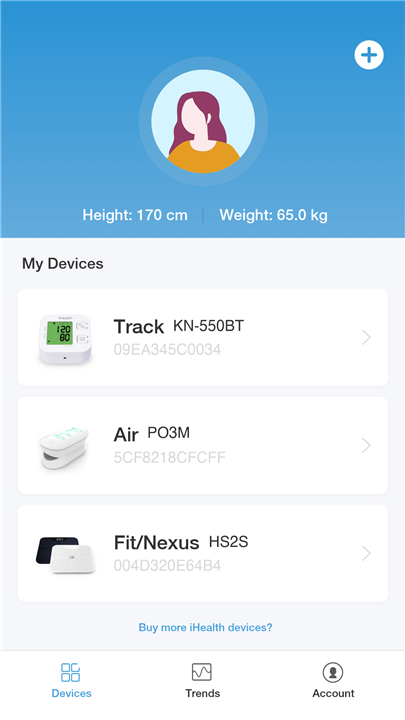
• The iHealth MyVitals App is a comprehensive health management tool designed to help users monitor, record, and understand their personal health data with ease.
• By creating an iHealth account and linking it to compatible devices, all collected health information is securely stored in the cloud, ensuring accessibility anytime and anywhere.
Device Compatibility
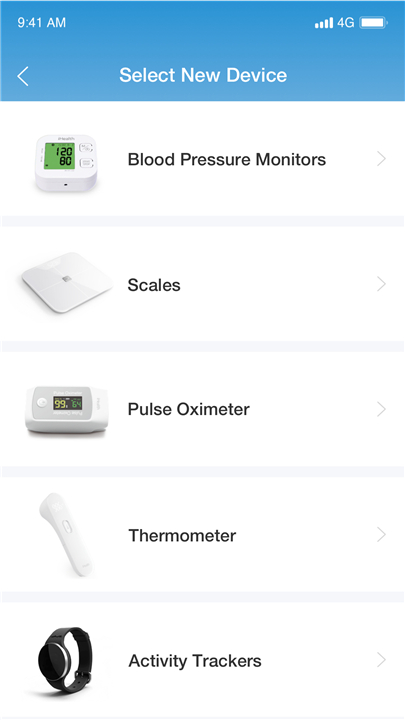
The app supports a wide range of iHealth devices, making it a versatile hub for multiple health measurements:
• Blood pressure monitors for tracking systolic and diastolic readings.
• Pulse oximeters to measure oxygen saturation and pulse rate.
• Touchless forehead thermometers for quick and hygienic temperature measurements.
• Smart weighing scales to monitor weight, BMI, and body composition.
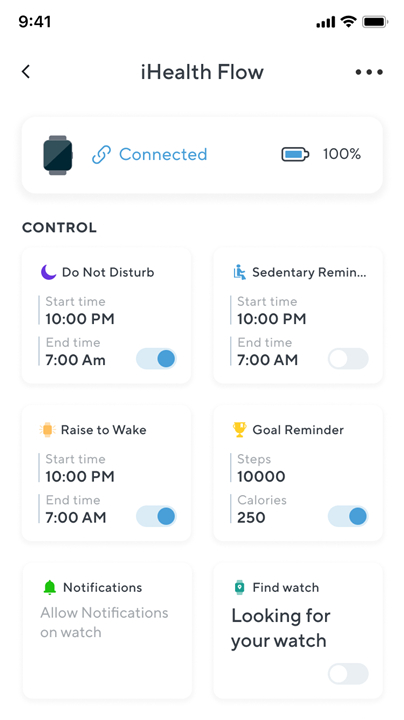
• Smartwatch connection enabling mobile device pairing to send and receive text messages and phone calls directly from the watch.
Data Visualization
The MyVitals App emphasizes clear, accessible data presentation:
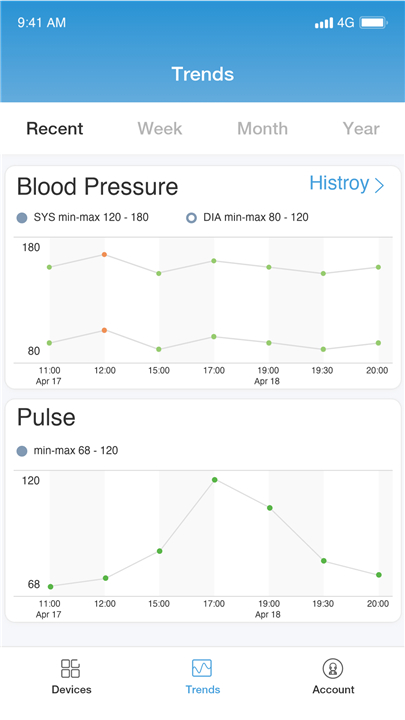
• Easy-to-read graphs and charts display measurement trends over days, weeks, or months.
• Multiple types of data visualizations can be viewed on a single screen for side-by-side comparison.
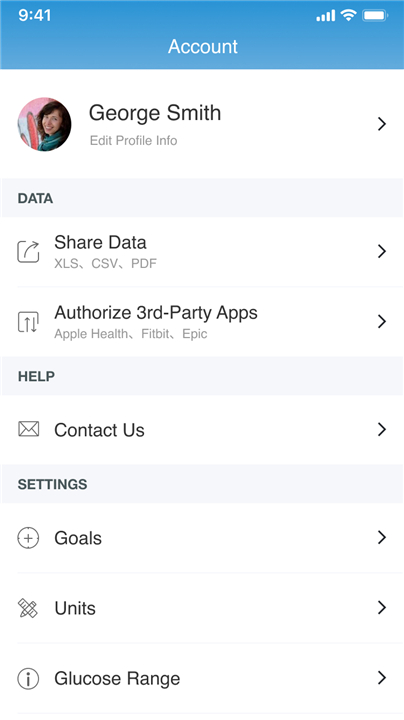
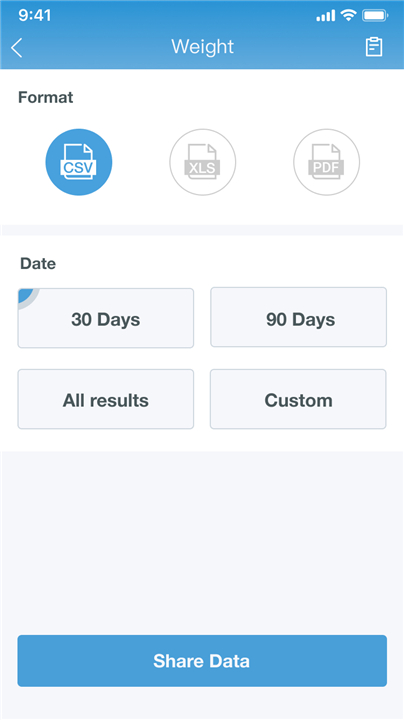
• Share features allow sending detailed reports to healthcare professionals, family members, or caregivers to keep them informed about ongoing health status.
Real-Time Measurement Results
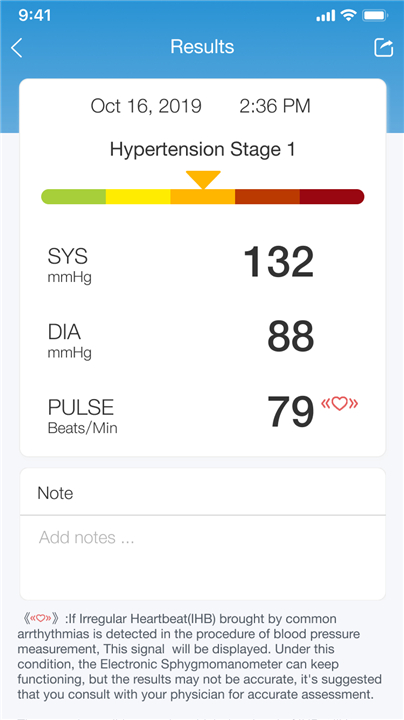
Once a measurement is taken with a connected device, results appear instantly in the app.
• Data is automatically synced to the user’s iHealth account for secure storage.
• Historical data remains accessible for progress tracking and comparison over time.
• Cloud syncing ensures that information is available across multiple devices.
Support and Feedback
For assistance or product guidance:
• Contact the care team directly through the in-app messaging feature.
• Submit comments, suggestions, or issues via the feedback form located in the settings section.
• Support is available to help with both technical usage and health-related inquiries regarding iHealth devices.
FAQ
Q: How do I set up my iHealth account and pair my devices with the MyVitals App?
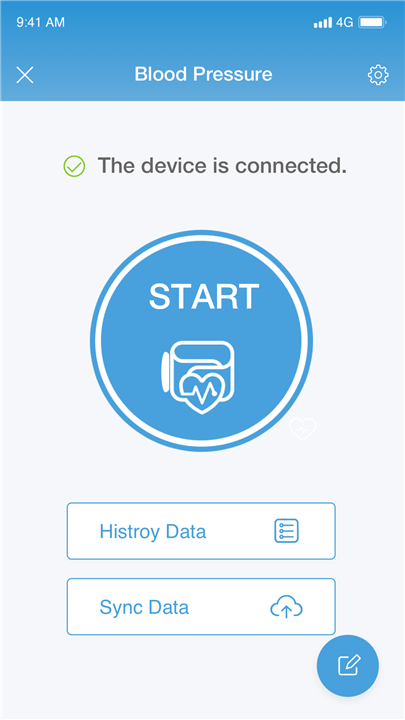
A: After downloading MyVitals to your smartphone or tablet, simply open the app and follow the on-screen prompts to register an iHealth account with your email address and password. Once your account is active, navigate to the “Devices” menu, select the type of iHealth device you wish to link, and follow the step-by-step instructions for Bluetooth or Wi-Fi pairing. The app will confirm when a connection has been established, and any subsequent measurements will be sent automatically to your secure account.
Q: Which iHealth devices can I use with MyVitals?
A: MyVitals supports a broad lineup of iHealth hardware. You can connect blood pressure monitors to track systolic and diastolic readings, pulse oximeters for oxygen saturation and heart rate data, touchless forehead thermometers for rapid temperature checks, and smart weighing scales that provide weight, body mass index, and body composition metrics. The app also pairs with select iHealth-compatible smartwatches, enabling the transmission of certain health metrics and basic communication functions.
Q: How quickly do my readings appear in the app after taking a measurement?
A: Readings taken with a connected device appear almost instantly in the MyVitals App. As soon as your blood pressure cuff, oximeter, thermometer, scale, or smartwatch finishes capturing data, it uses Bluetooth to send the results directly to the app. From there, your measurement is securely uploaded to your iHealth cloud account, making it accessible on any device where you’re signed in.
Version History
v4.13.1——17 Dec 2025
Initiate iHealth device measurements.View all your iHealth data in one place Download the latest version of iHealth MyVitals to enjoy new features and updates immediately!
*4.13.1
Optimize user experience and fix known bugs
*4.13.0
Optimize user experience and fix known bugs
*4.12.0
1. Adapted for Android 15
2. Integrated Health Connect for health data synchronization
3. Added account security features: support for password reset, password and email change
4. Implemented password strength verification to enhance account security
5. Fixed various known issues and logic bugs









Ratings and reviews
There are no reviews yet. Be the first one to write one.