

Private DNS Quick Setting APK
2.2
Private DNS Quick Setting
Private DNS Quick Setting APK
Download for Android
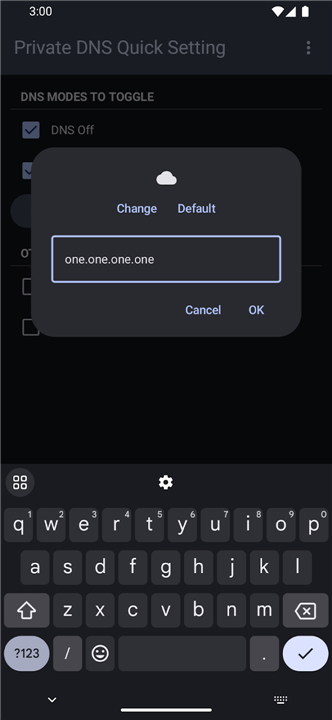
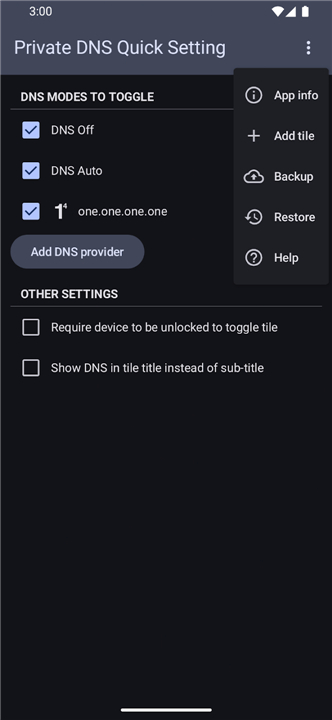
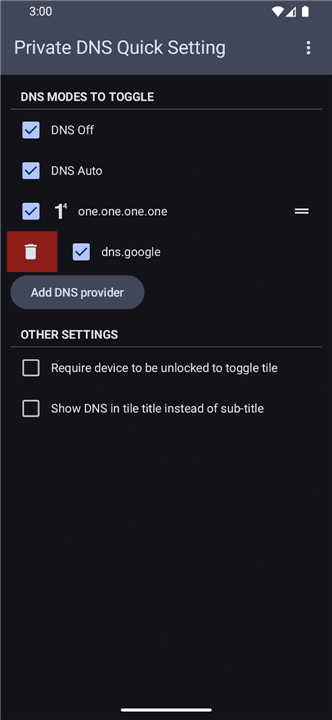
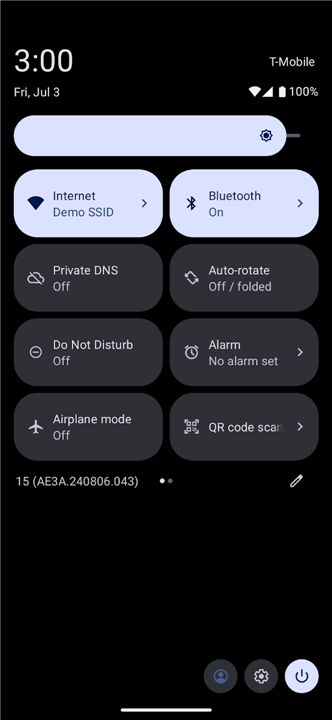
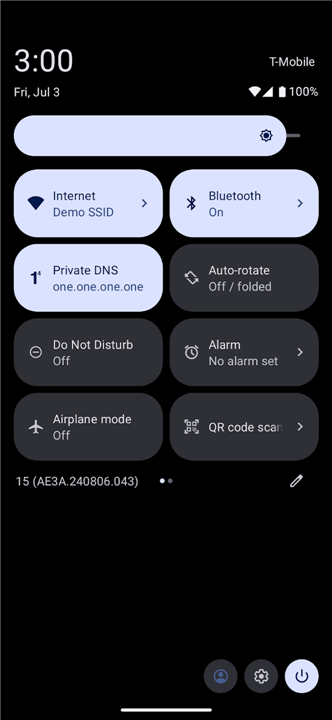
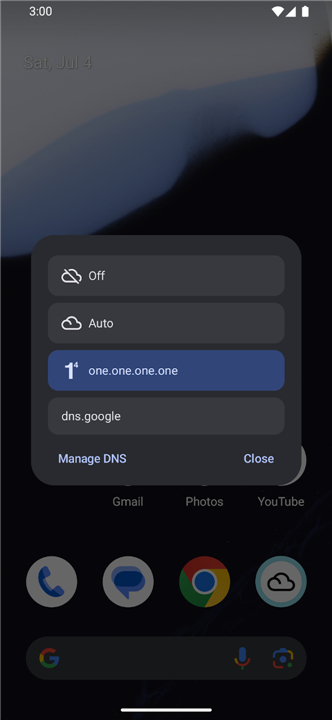
Private DNS Quick Setting
Overview
• Take complete control of your network privacy by integrating your custom DNS configurations directly into your Android Quick Settings panel.
• This app allows you to define your preferred DNS modes and toggle between them instantly with a single tap from your notification shade.
Permission Requirements
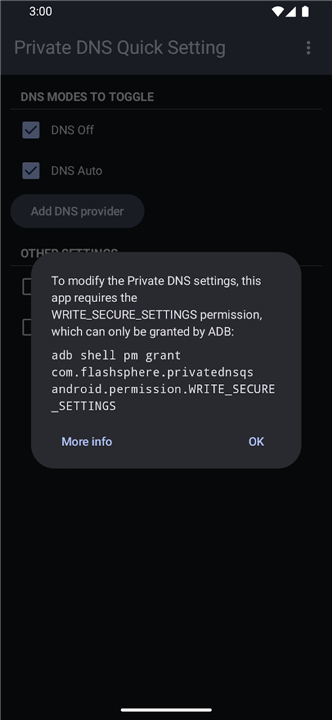
• To manage your device's networking configuration, this application requires the WRITE_SECURE_SETTINGS permission.
• Because this is a restricted system-level permission, Android does not grant it to standard apps by default.
• You must authorize this request through one of the two administrative methods provided below.
Authorization via Shizuku (Recommended)
Shizuku provides a convenient way to grant elevated permissions without a computer after the initial setup.
• Download and install the Shizuku app from https://shizuku.rikka.app/download/.
• Follow the official setup guide at https://shizuku.rikka.app/guide/setup/#start-shizuku to start the service.
• Once Shizuku is running, open the Private DNS Quick Setting app; the necessary permission will be detected and granted automatically.
Authorization via ADB (Advanced)
If you prefer not to use Shizuku, you can grant the permission manually using the Android Debug Bridge (ADB) from a computer.
• Ensure ADB is configured on your computer and your device is connected via USB with "USB Debugging" enabled.
• Execute the following command in your terminal or command prompt: adb shell pm grant com.flashsphere.privatednsqs android.permission.WRITE_SECURE_SETTINGS
• If you encounter issues during this process, visit https://private-dns-qs.web.app/help for a comprehensive, step-by-step tutorial on setting up your environment and executing the required ADB commands.
By granting these permissions, you enable the app to securely update your system's private DNS hostnames, providing you with a seamless and efficient way to manage your encrypted traffic on the go.
FAQ
Q: Why do I need to grant the WRITE_SECURE_SETTINGS permission?
A: This specific permission is required because modifying system-level networking configurations is a protected action in Android; without it, the app would not have the necessary authority to update your Private DNS hostname automatically.
Q: Is it safe to grant the WRITE_SECURE_SETTINGS permission?
A: Yes, it is perfectly safe. This permission is a standard Android requirement for apps that need to perform system-level tasks, and our app specifically uses it only to manage your Private DNS settings as you requested.
Q: Why is Shizuku the recommended method for granting permissions?
A: Shizuku is highly recommended because it provides a user-friendly way to grant elevated permissions without needing to connect your phone to a computer every time you reboot or reset your device.
Version History
v2.2——14 Jul 2026
Toggle Private DNS from Quick Settings (needs Shizuku or ADB for initial setup) Download the latest version of Private DNS Quick Setting to enjoy new features and updates immediately!
*2.2
- Update Turkish translations. Thanks @kyoyacchi
- Update dependencies
*2.1
- Auto transform icon according to icon design guidelines (if you already added an icon to a DNS, add it again)
- Rename Settings to Manage DNS
*2.0
- Custom icons (.png/.svg only) for DNS
- Add an option to show DNS in tile title instead of sub-title











Ratings and reviews
There are no reviews yet. Be the first one to write one.