

The Lunii mobile app transforms the way families interact with their Lunii audio products. Specially designed to simplify and enrich the storytelling experience, the app allows seamless control and personalization of Lunii devices like My Fabulous Storyteller and FLAM.
Create or Log in to Your Lunii Account
Start your storytelling journey by setting up your Lunii account in just a few minutes. Users can either create a new account or log in using existing credentials. Once connected, devices can be easily linked, allowing quick setup and access to all the app's features.
Manage Your Lunii Devices
Especially optimized for My Fabulous Storyteller Model 3, the Lunii app provides comprehensive device management directly from a smartphone:
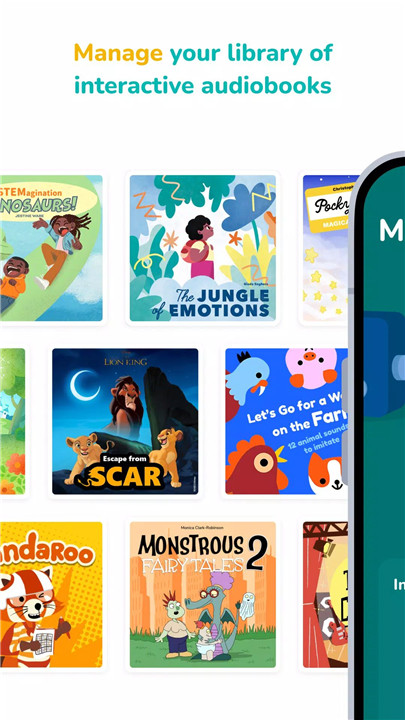
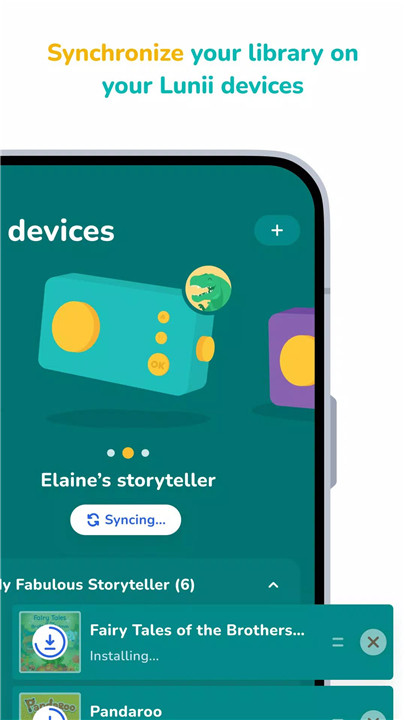
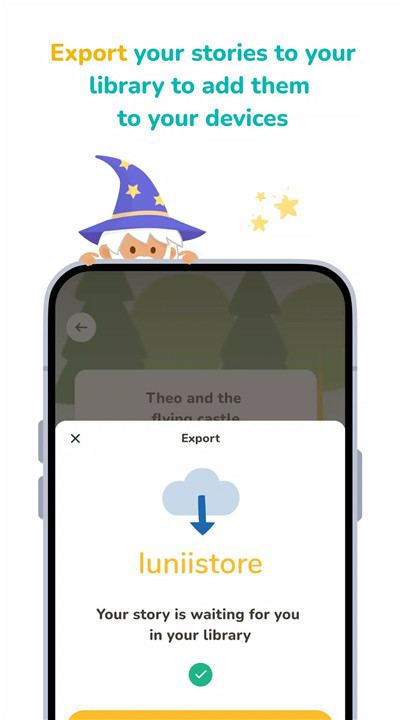
· Add, remove, or transfer audiobooks: Browse the Lunii store and upload digital audio stories to your library and devices via Wi-Fi.
· Customize playback order: Choose the sequence in which audiobooks appear on the device for a more personalized storytelling experience.
· Night Mode configuration: Enable volume limitations, story sequence customization, and disable audible reminders to create a soothing bedtime routine for your child.
My Studio Lunii: Record Your Own Stories
With My Studio Lunii, families can become creators of their own tales:
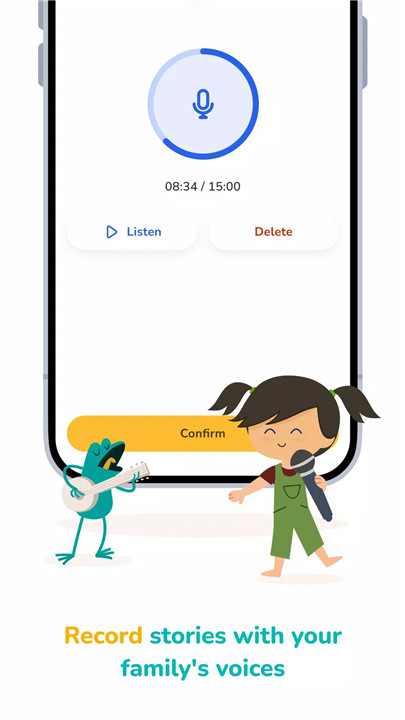
· Family voice recordings: Use the app to record unique stories in familiar voices.
· Easy transfer to device: Move your recordings to My Fabulous Storyteller and integrate them into your child’s listening library.
· Story personalization: Add pictograms and titles to personalize each audio creation.
Why Choose Lunii?
· Boost Imagination & Language Skills
Lunii offers a wide range of age-appropriate stories that help children expand their vocabulary and spark creativity.
· Strengthen Family Bonds
Enjoy shared moments through interactive storytelling, whether at home or during travel.
· Encourage Screen-Free Relaxation
With no screens or wireless waves, Lunii encourages calm, independent playtime — ideal for quiet afternoons or bedtime routines.
Discover more audio products and explore the full Lunii universe at www.lunii.com.
FAQs
1. At what age can my child start using My Fabulous Storyteller?
Children as young as 3 can begin using My Fabulous Storyteller independently. They’ll enjoy choosing story elements and listening to audio tales they've helped create.
2. How will I receive the audiobooks I buy online?
All Lunii audiobooks are digital products. Once purchased, they appear in your account's library. Simply log in via the mobile or desktop app and transfer them to your device.
3. Is the Lunii app available in all countries?
The Lunii app is available in France, Monaco, Belgium, Switzerland, Luxembourg, Italy, Netherlands, UK, Ireland, Canada, the US, and Spain (under the name Stelii). It's currently unavailable in other countries.
4. How do I add stories to My Fabulous Storyteller (Model 3)?
o Log in to your Lunii app account
o Go to "Devices" and manage your Storyteller
o Use the "+" to add and "x" to remove audiobooks
o Alternatively, access your account via the Luniistore
5. Can I create my own stories?
Yes, using My Studio Lunii, you can record stories using your family’s voices, personalize them, and upload them to My Fabulous Storyteller for your child to enjoy.
Version History
v3.6.0—11 Jul, 2024
New audiobook detail card to show device compatibility
v3.5.3—21 Jun, 2024
Correction(s) :
- Correction de bug sur l’utilisation de code livre
- Correction de bug au niveau du paiement
- Correction de bug de redirection
v3.5.2—13 Jun, 2024
Bug fix for association’s max devices.









Ratings and reviews
There are no reviews yet. Be the first one to write one.