

Transform the look of your smartphone with Skeen Designer, the ultimate app for creating custom protective films for the back of your device. The app is free to download and available for both iOS and Android devices, as well as through the web.
Create Custom Designs with Ease
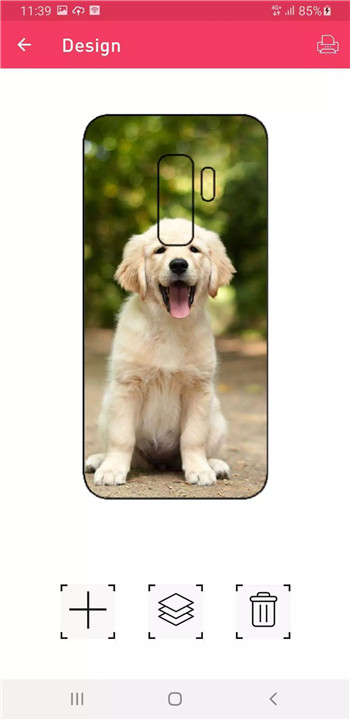
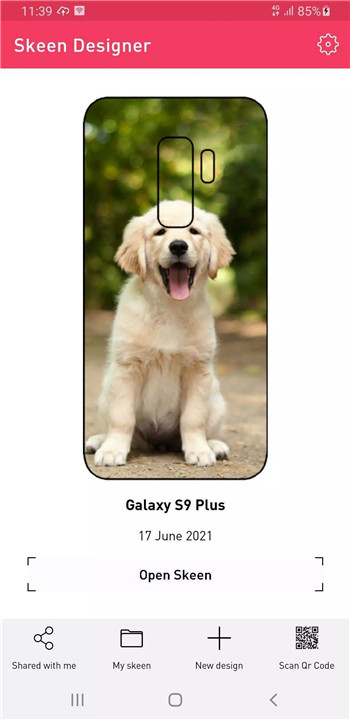
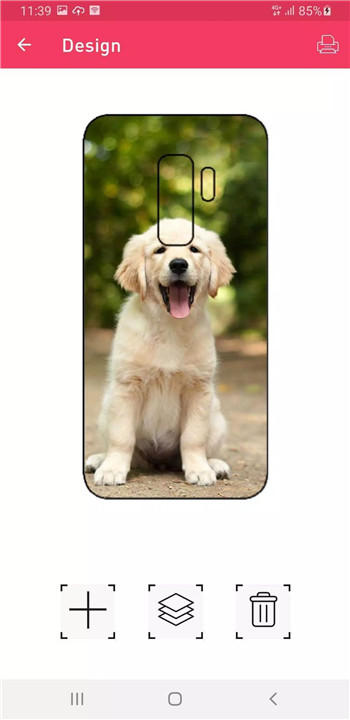
With the Skeen Designer app, creating your own custom phone film is simple and intuitive. The app allows you to upload photos, logos, graphics, and add text to make your design truly unique. Whether you want to showcase a personal image, a brand logo, or a creative graphic, the built-in editor provides everything you need to customize your design effortlessly.
Preview and Print Your Design
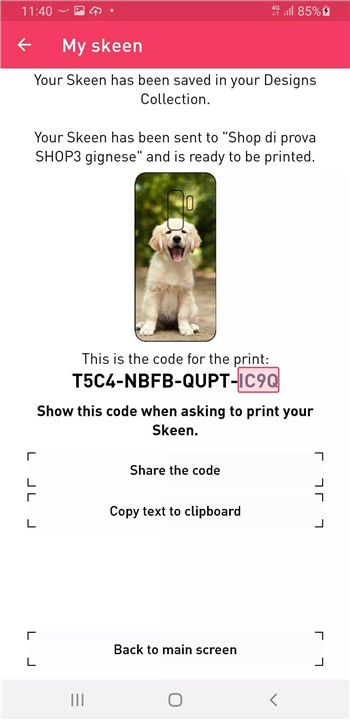
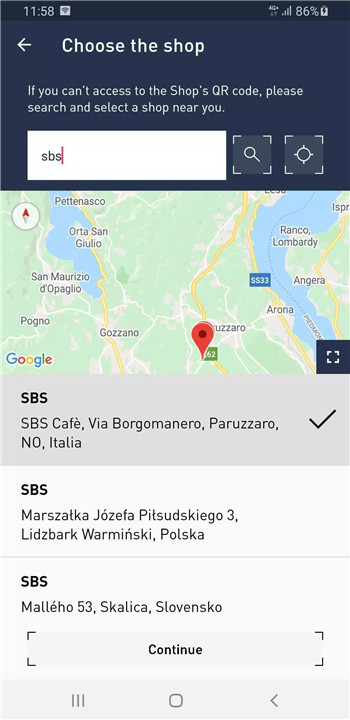
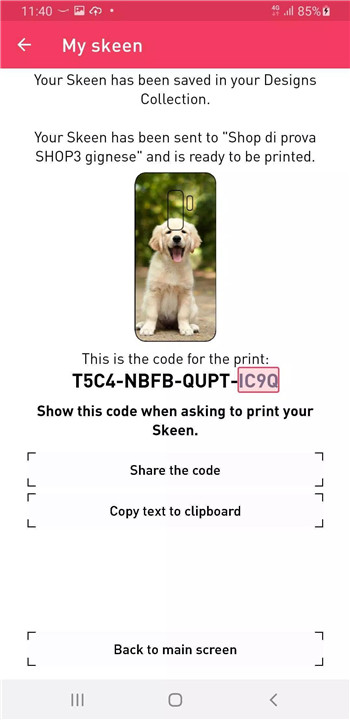
Once you've finished creating your design, the app offers a print preview function to ensure you're happy with how your custom Skeen film will look. When you're satisfied, simply head to your nearest point of sale to have the film printed and applied to your device. The app makes it easy to find a local shop that supports Skeen printing and customization, so you can get your personalized film in just a few simple steps.
High-Quality and Customizable Protection
The Skeen film, produced using Fast Skin technology, is made from high-quality materials that provide exceptional protection against shocks and scratches. Not only does the film keep your device safe, but it also adds a personal flair, giving you the perfect balance of protection and style. Plus, the film can be easily removed without leaving any adhesive residue behind, ensuring that your phone stays clean and scratch-free.
Easy-to-Use Interface and Seamless Integration
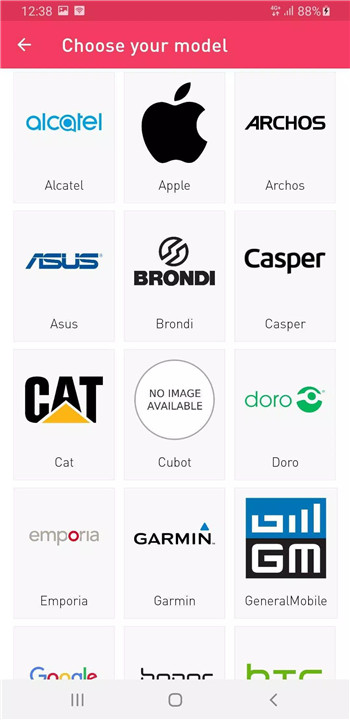
Skeen Designer integrates smoothly with the Fast Skin machine, which communicates wirelessly with the app. After selecting your phone model and desired film format, the machine generates a QR code that links to the app, allowing you to start creating your design right away. Once your design is ready, it’s transmitted to the machine, where it’s printed and prepared for application in just about 30 seconds.
Save and Share Your Designs
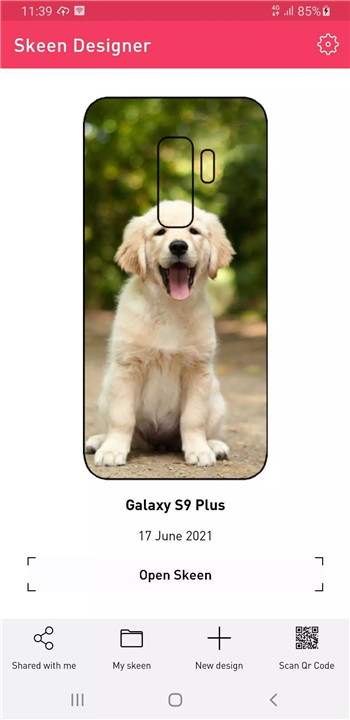
When you create an account in the Skeen Designer app, your designs are saved and synced across all devices. This feature makes it easy to pick up where you left off, whether you’re using your phone, tablet, or computer. Plus, you can share your creations directly from the app with friends, showcasing your custom designs with ease.
Version History
v1.4.5—31 Mar, 2025
Minor bug fixes and improvements. Install or update to the newest version to check it out!
v1.4.3—31 Mar, 2025
Minor bug fixes and improvements. Install or update to the newest version to check it out!
v1.4.0—23 Sep, 2024
App redesign: A new and improved interface for an even more intuitive user experience.
Other minor changes and bug fixes: General optimizations and bug fixes.









Ratings and reviews
There are no reviews yet. Be the first one to write one.