

Html Viewer: Read Html Code APK
1.1.2
Html Viewer: Read Html Code
Html Viewer: Read Html Code APK
Download for Android
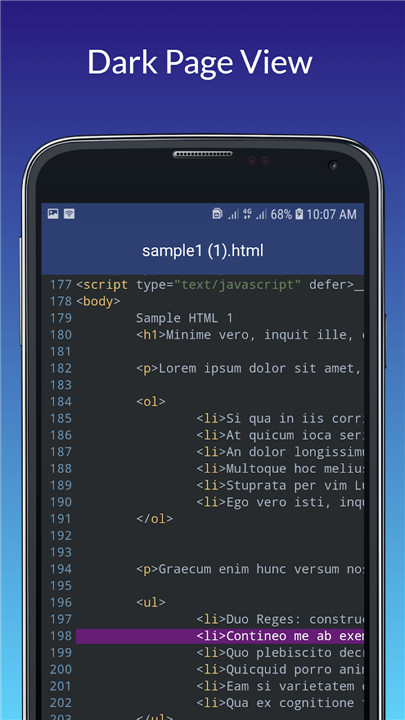
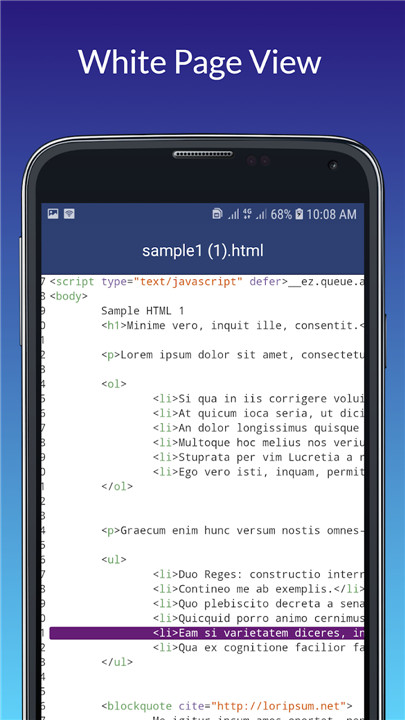
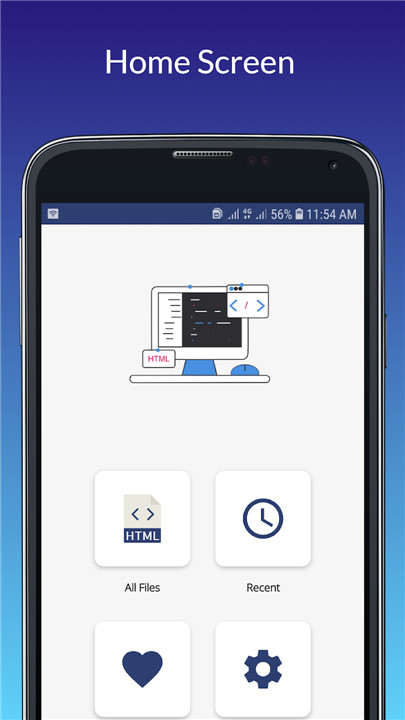
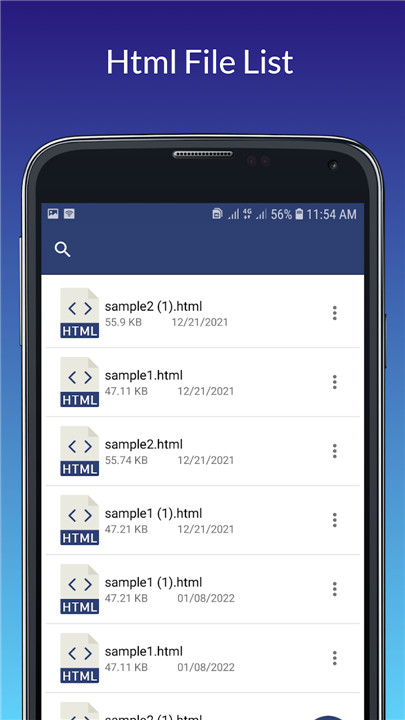
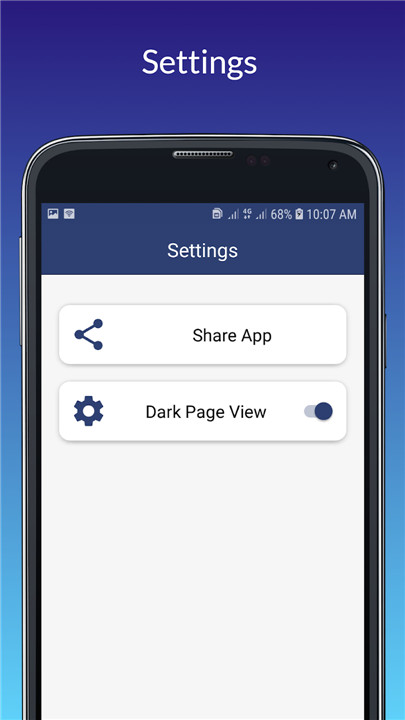
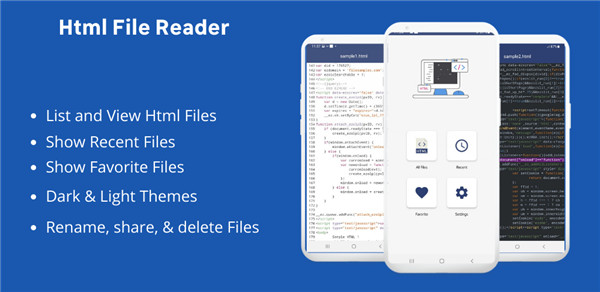
The HTML app allows you to view the source code of web pages with the .html extension, providing a comprehensive HTML file viewer experience. It keeps a history of the HTML files you've accessed, making it easy to revisit them. You can open and examine HTML files directly through the app, which displays the formatted code exactly as it is stored on your device. This viewer is an excellent tool for reading saved websites and articles, as well as for exploring HTML and XHTML files saved on your phone. The HTML reader and viewer is a free application that supports files with .html and .xhtml extensions. If you're looking to inspect the source code of any website or an HTML5 file saved on your device, this app is perfect for that purpose, allowing you to easily access the HTML code of any webpage or HTML5 file.
With the HTML Viewer app, selecting an HTML5 file from your file manager is a breeze.
Not only can you view the source code of websites, but the HTML file viewer also provides a list of HTML documents stored on your phone, helping you manage them effectively by displaying your recently opened files. You can even mark certain documents as favorites for quicker access. To preview an HTML file, simply choose it from the list, and the app will present the HTML code in a custom viewer similar to an HTML editor. Additionally, you can switch between light and dark modes in the settings, allowing you to view the HTML coding in a dark theme or revert to light mode without needing to close or restart the app.
Features of HTML Viewer: Access HTML Source Code
1. Easily view the source of any HTML file.
2. Save HTML files to your favorites for quick access to their source code later. Simply navigate through the favorites list to find what you need.
3. The HTML viewer lets you explore the HTML files stored on your mobile device.
4. Select any webpage from your local storage to retrieve its HTML code effortlessly.
5. This app also includes a sharing feature, allowing users to share HTML source code with others.
6. With the recent files feature, you can quickly access files you've recently opened without closing the HTML viewer. You can also delete or share these files directly from the app.
This application serves as a web page reader, presenting content in various themes within a custom file view, giving you an experience similar to that of a traditional HTML editor.
FAQ
Q: What types of files can I view with the HTML Viewer app?
A: You can view HTML files with the .html and .xhtml extensions using the HTML Viewer app. This includes any saved web pages or articles on your device.
Q: How do I access my recently viewed HTML files?
A: The HTML Viewer app keeps a history of the files you've accessed. You can easily find your recently opened files in the "Recent Files" section of the app.
Q: Can I mark certain HTML files for quick access?
A: Yes! You can save HTML files to your favorites. Just select the file you want to mark and add it to your favorites list for quick access later.
-----------------
What's New in the Latest Version 1.1.2
Last updated on Nov 14, 2024
html viewer Read html source code. Html reader to view html source code Download the latest version of Html Viewer: Read Html Code 1.1.2 to enjoy new features and updates immediately!
All FIles access permission removed









Ratings and reviews
There are no reviews yet. Be the first one to write one.