

AR Drawing – Sketch & Trace APK
7.0
AR Drawing – Sketch & Trace
AR Drawing – Sketch & Trace APK
Download for Android
AR Drawing – Sketch & Trace
Overview
• Unlock your artistic potential with AR Drawing.
• This innovative tool bridges the gap between imagination and the page, empowering anyone to create stunning artwork regardless of their initial skill level.
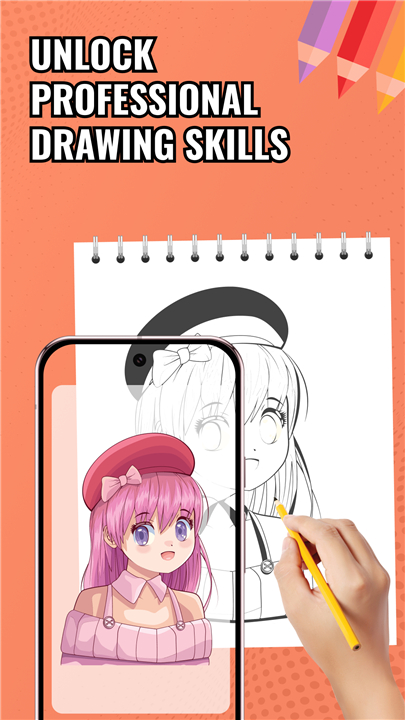
• By using augmented reality to project digital guides onto your paper, you can master complex sketches with professional accuracy.
Advanced AR Tracing
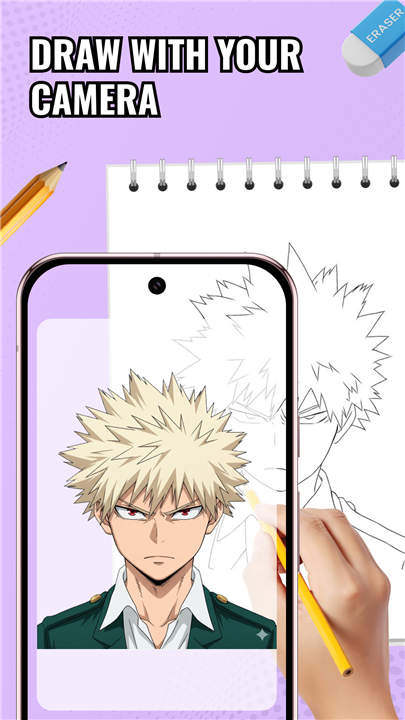
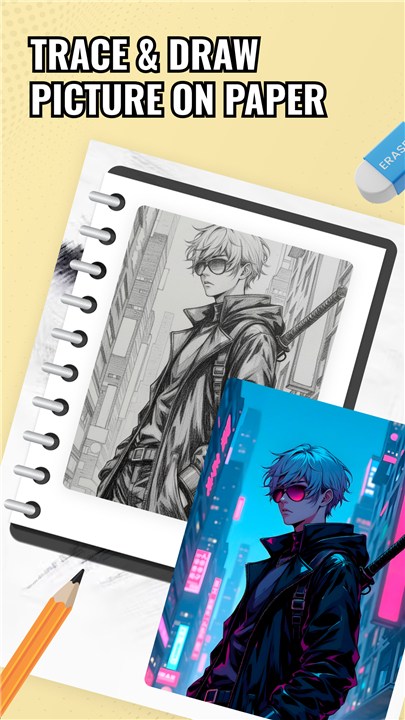
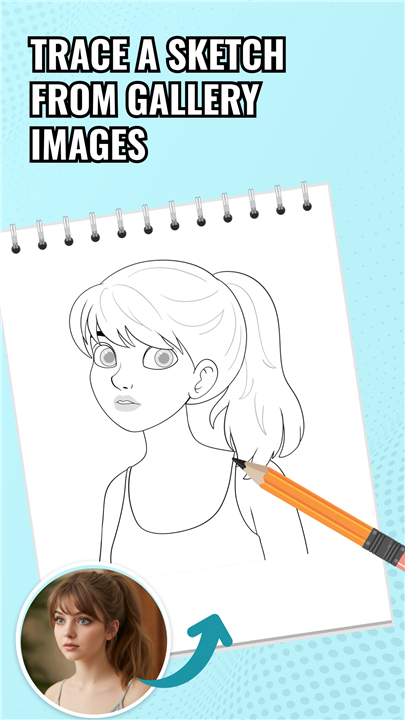
• Transform your smartphone into a high-precision stencil using your camera.
• Maintain perfect proportions by following a stable digital overlay.
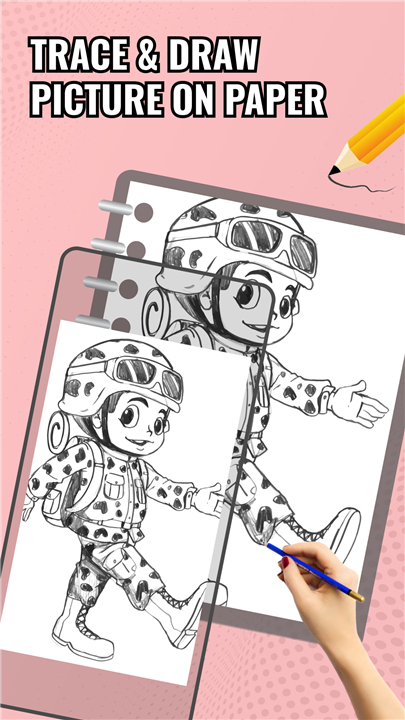
• Control image transparency to blend your sketch seamlessly with the guide.
Diverse Creative Library
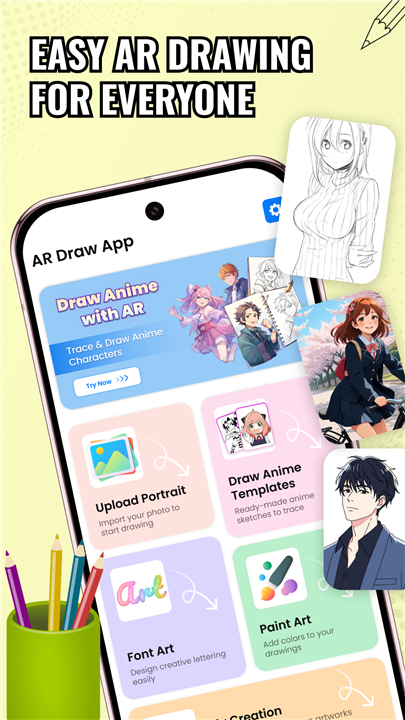
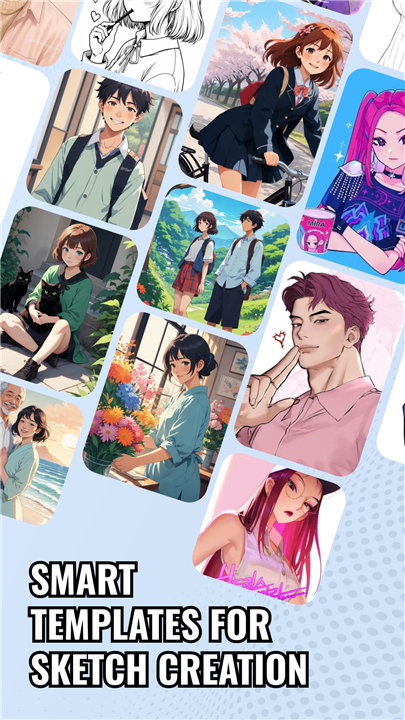
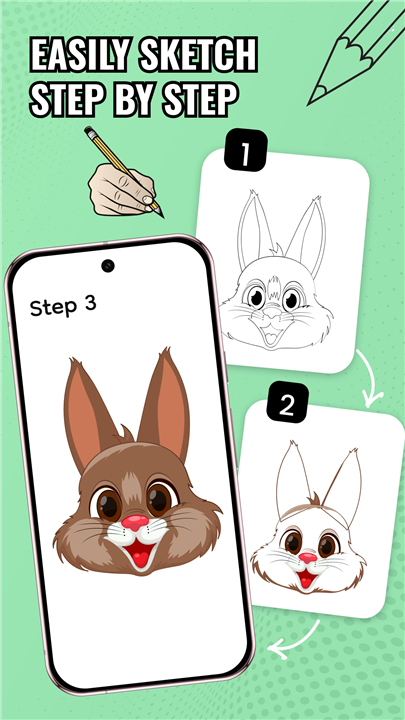
• Explore an extensive range of categories including anime, animals, vehicles, and food.
• Access a constantly growing collection of templates to keep your inspiration fresh.
• Navigate easily through organized themes to find your next project in seconds.
Precision Customization
• Zoom, rotate, and lock images to ensure your reference stays exactly where you need it.
• Adjust brightness and contrast settings to work comfortably in any lighting.
• Modify line thickness to better suit your personal drawing style.
Seamless Workflow and Privacy
• Save your finished masterpieces directly to your gallery or share them instantly with others.
• Enjoy the freedom of offline access once your desired images are loaded.
• Experience total peace of mind with a privacy-focused design that never stores or shares your camera feed.
Begin your creative journey today
• Watch your drawing skills evolve faster than you ever thought possible.
FAQ
Q: Do I need to be an experienced artist to use this application effectively?
A: Not at all, as this app is specifically designed to empower anyone regardless of their initial skill level. Whether you are a beginner looking to understand basic proportions or an intermediate artist wanting to tackle more intricate designs, the digital overlays provide a stable foundation that makes the drawing process much more approachable and less intimidating.
Q: How does the smartphone function as a high-precision stencil?
A: The app transforms your device into a stencil by using the camera to create a stable digital overlay on your screen. When you look through your phone at your drawing surface, you see the reference image superimposed over your paper, which allows you to follow the lines with your pencil or pen with extreme precision.
Q: Can I adjust the visibility of the digital guide so it doesn't block my view of the actual drawing?
A: Yes, the app includes a transparency control feature that is essential for a seamless workflow. You can easily modify the opacity of the projected image to find the perfect balance, ensuring you can see both the digital guide and your physical pen strokes clearly at the same time.
Version History
v7.0——16 Apr 2026
Master artwork with AR Drawing: Sketch & Trace. Use augmented reality to trace anime, animals, and more with professional precision. Download the latest version of AR Drawing – Sketch & Trace to enjoy new features and updates immediately!
*7.0
All bugs are resolved
*6.0
Minor bug fixes and improvements. Install or update to the newest version to check it out!
*5.0
Minor bug fixes and improvements. Install or update to the newest version to check it out!











Ratings and reviews
There are no reviews yet. Be the first one to write one.