

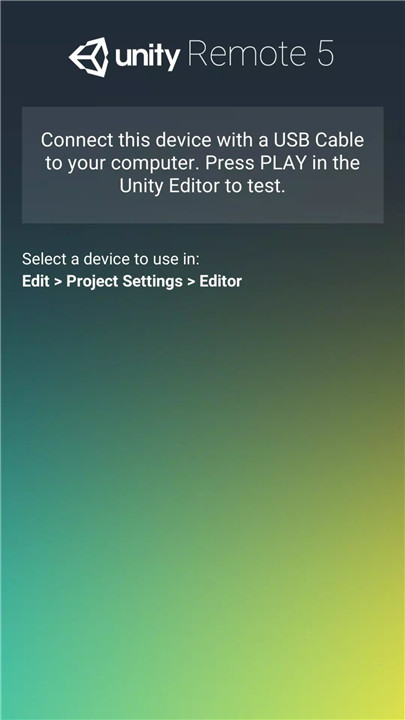
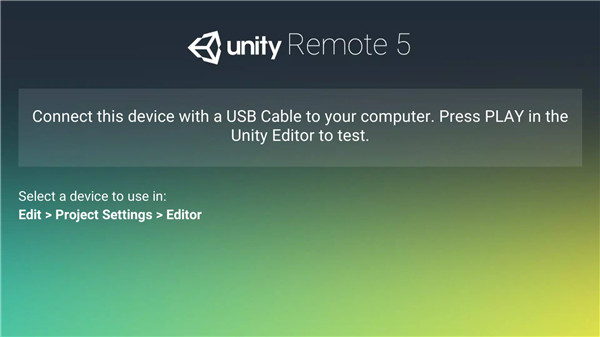
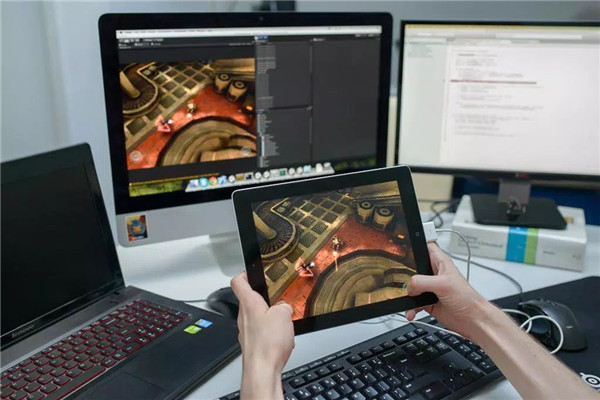
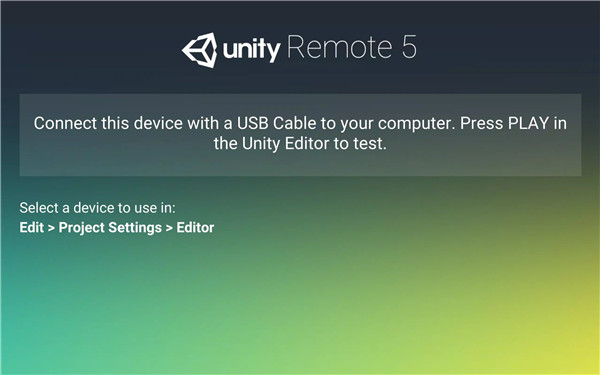
Unity Remote 5 is an innovative tool designed for game developers using Unity Editor 5.4 or later. It allows you to view and test your game live directly on your Android device, streamlining the development process and offering real-time feedback. This app is ideal for rapid prototyping and testing, ensuring your game’s functionality and user interaction are seamless without interruptions.
Instant Testing and Feedback
Unity Remote 5 allows you to test your game live on your Android device while working directly within the Unity Editor. This eliminates the need for frequent deployment to the device, letting you test and iterate changes instantly. Developers can make adjustments and view the results immediately, increasing the speed and efficiency of the development cycle.
Support for Multiple Input Events
The app streams various input events, such as touch, accelerometer, gyroscope, webcam, and screen orientation changes, back to Unity Editor. This makes it easier for developers to test how their game responds to different types of user interactions, ensuring compatibility with a variety of devices and input methods.
Streamlined Development Workflow
Unity Remote 5 enhances your workflow by reducing the time and effort spent on compiling and deploying your project to Android devices. With this tool, developers can focus more on refining gameplay mechanics and interactions without the delays that typically come with regular deployments.
Optimized for Touch Controls
While Unity Remote 5 offers low-resolution streaming to show controls efficiently, it provides excellent functionality for testing touch-based controls directly within the Unity Editor. This allows developers to ensure that the touch interface and other control mechanisms work smoothly before committing to full-scale testing on Android devices.
Real-Time Control and Debugging
With Unity Remote 5, developers gain the ability to test and control their games with real-time input events. This not only makes it easier to identify bugs and issues early in development but also provides a platform for testing different scenarios and refining user interactions before finalizing the game for deployment.
Why Use Unity Remote 5?
By using Unity Remote 5, developers can significantly speed up their game development process. The app makes testing and debugging faster, as changes can be tested instantly without the need for deployment. The integration of multiple input events also provides a comprehensive testing environment for a wide range of devices and user interactions.
FAQs
1. What is Unity Remote 5?
Unity Remote 5 is a tool that allows developers to test and view their games live on an Android device, directly within the Unity Editor. It streams inputs like touch, accelerometer, and more.
2. How does Unity Remote 5 improve development?
It streamlines development by allowing instant testing of changes without the need for repeated compiling and deploying, speeding up prototyping and iteration.
3. Does Unity Remote 5 support all input types?
Yes, Unity Remote 5 streams a variety of inputs including touch, accelerometer, gyroscope, webcam, and screen orientation changes for more comprehensive testing.
4. Is Unity Remote 5 free to use?
Yes, Unity Remote 5 is free and available for download. However, you will need to install the Unity Editor and connect your Android device for it to work.
5. Can Unity Remote 5 be used with older versions of Unity?
No, Unity Remote 5 is designed for use with Unity 5.4 or later. It may not function correctly with older versions of the Unity Editor.
Version History
v2.0—12 Aug, 2016
Added support for gamepads connected to the remote device (requires Unity 5.4)
Added support for compass and location data
v1.1—12 Aug, 2016
Minor bug fixes and improvements. Install or update to the newest version to check it out!









Ratings and reviews
There are no reviews yet. Be the first one to write one.