

KeepOn - Keep screen on! APK
2.2.1
KeepOn - Keep screen on!
KeepOn - Keep screen on! APK
Download for Android
KeepOn - Keep screen on!
Your Ultimate Screen Management Utility
• KeepOn is a lightweight, intuitive Android application designed to give you complete control over your device's display behavior.
• Whether you are reading, presenting, or following a recipe, KeepOn ensures your screen stays awake exactly as long as you need it to.
Core Features
1. Privacy-Focused:
• KeepOn is 100% free and open-source (FOSS).
• The app operates without advertisements, user tracking, or any requirement for an Internet connection, ensuring your data remains entirely private.
2. Customizable Durations:
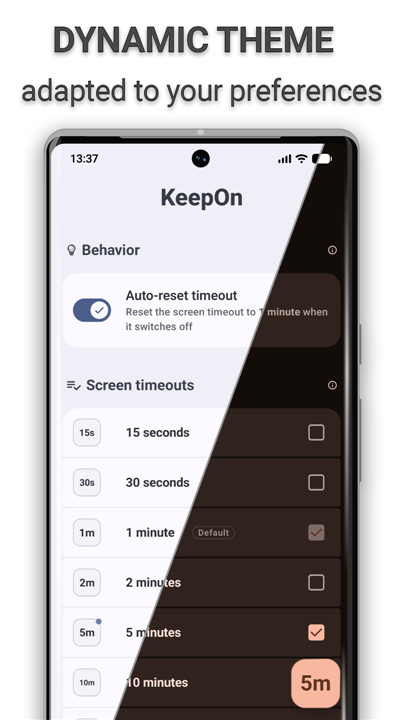
• Keep your screen active for a specific, user-defined duration.
• Once the set time expires or the screen is manually toggled off, the application seamlessly reverts to your original system display settings.
3. Seamless Integration:
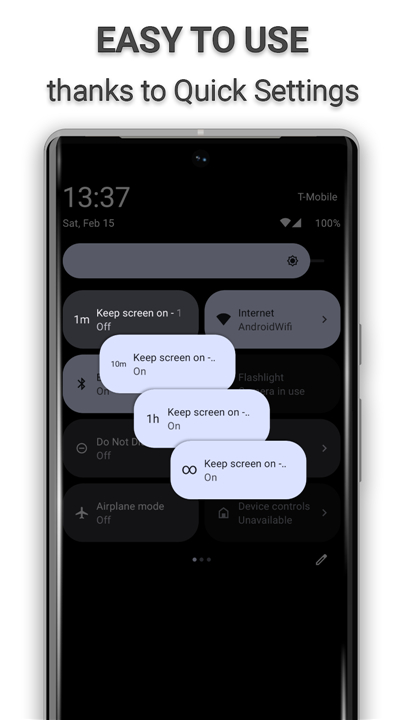
• Designed for ease of use, the interface automatically adapts to your device’s specific configuration.
4. Automation Ready:
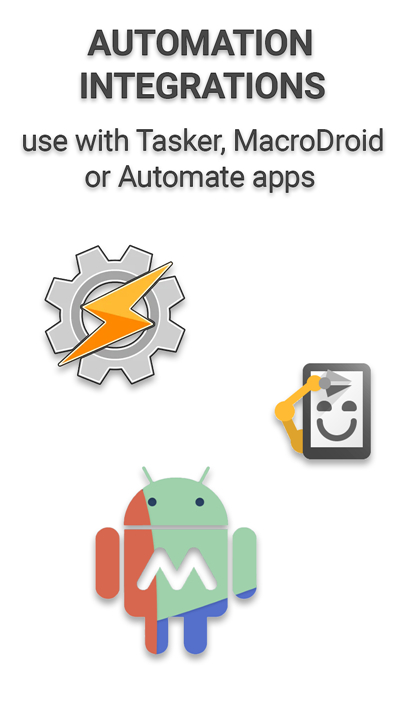
• KeepOn includes a dedicated Tasker and Locale plugin.
• This allows advanced users to trigger screen-on functions automatically from other automation apps, integrating perfectly into your existing mobile workflow.
Essential Permissions
To provide its functionality, KeepOn requires the following system permissions:
• android.permission.WRITE_SETTINGS: Required to modify the system screen timeout duration.
• android.permission.FOREGROUND_SERVICE: Used to reliably detect screen-off events and manage timeout modifications.
• android.permission.REQUEST_IGNORE_BATTERY_OPTIMIZATIONS: Ensures the Android OS does not kill the background process, maintaining consistent app performance.
• android.permission.POST_NOTIFICATIONS: Enables the app to display a status notification while active, allowing you to manage or disable the session easily.
Developer Transparency
• We believe in open development and community collaboration.
• The complete source code for KeepOn is publicly available for review and contribution.
• Access the source code here: https://github.com/twentynine78/KeepOn
FAQ
Q: Does KeepOn require an active internet connection to function?
A: No, KeepOn is completely offline. It does not require an internet connection, which means it cannot send or receive data, providing you with full peace of mind regarding your privacy and security.
Q: Will my original screen timeout settings be permanently changed?
A: Absolutely not. When you set a duration in KeepOn, the app temporarily overrides your system settings. Once the designated time expires or you manually end the session, the app intelligently reverts your device back to your original, preferred system display settings.
Q: Why does the application ask for the WRITE_SETTINGS permission?
A: This permission is strictly necessary for the application to function. It allows KeepOn to safely modify your device's screen timeout duration, which is the core mechanism used to keep the screen active.
Version History
v2.2.1——16 Sep 2026
Keep your screen on smartly and easily with Quick Settings. Download the latest version of KeepOn - Keep screen on! to enjoy new features and updates immediately!
*2.2.1
- New: Tasker/Locale event plugin — trigger your automations when KeepOn resets the screen timeout on screen off
- Fixed a rare Quick Settings tile crash that could occur during a device backup or restore
- Improved stability
- Dependency updates
*2.2.0
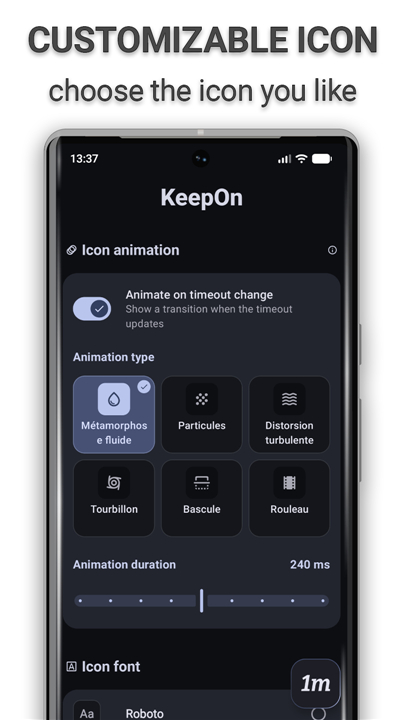
- New: the timeout icon now animates when the screen timeout changes, choose from 6 styles on the tile, or turn it off
- Redesigned Style screen: drag-to-place icon pad, live animation previews and clearer settings
- The widget now follows your Material You colors, with rounded corners and proper support on Android 9–11
- More reliable Quick Settings tile and screen-timeout syncing
- Crash fixes, a smaller download
- Dependency updates
*2.1.1
- Ability to use a widget(s) to control the app
- Simplified Chinese translation
- Bug fixes
- Improved performance and stability
- Dependency updates











Ratings and reviews
There are no reviews yet. Be the first one to write one.