

KUOW Puget Sound Public Radio APK
7.3.3
KUOW Puget Sound Public Radio
KUOW Puget Sound Public Radio APK
Download for Android

KUOW Puget Sound Public Radio
Overview
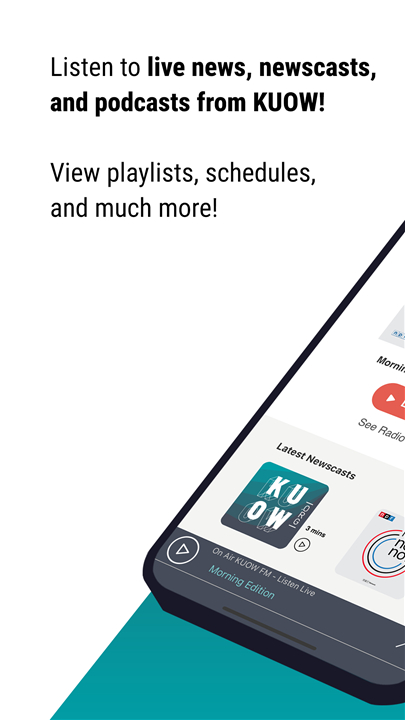
• KUOW is a trusted source of news, information, and storytelling in the Puget Sound region.
• Through its dedicated app, KUOW brings high-quality radio programming and podcasts directly to listeners, making it easy to stay informed and entertained wherever you are.
The KUOW App
• The KUOW App is designed to give listeners full control over how and when they engage with KUOW’s content.
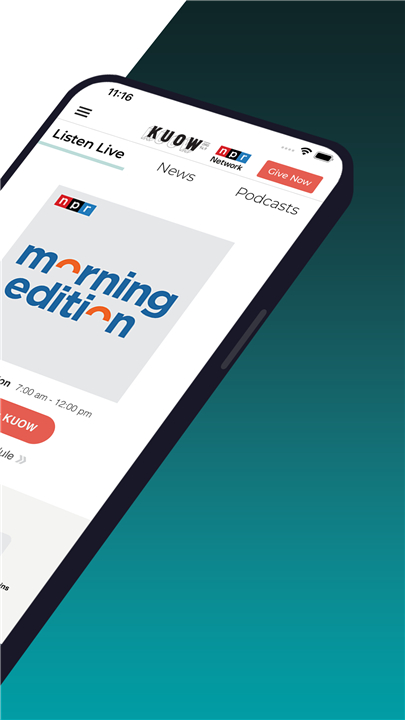
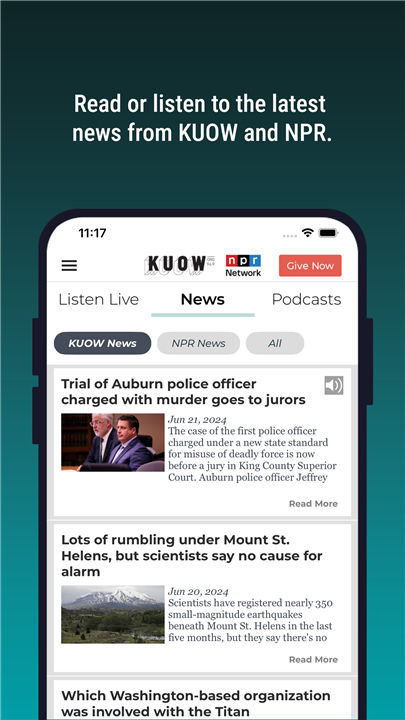
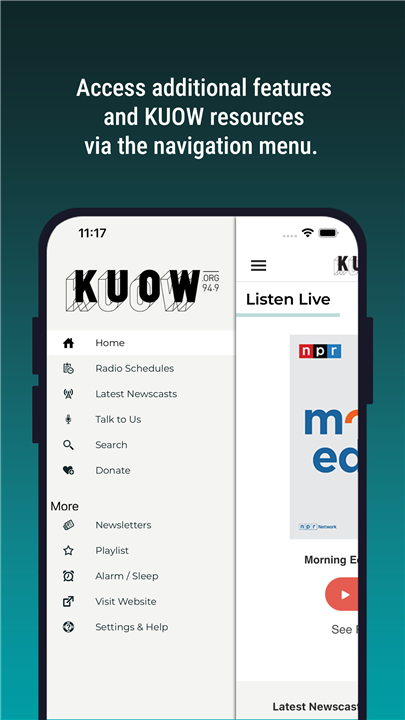
• It provides access to live streaming, on-demand podcasts, program schedules, and interactive features, all in one convenient platform.
• Whether you want to catch a live show, revisit a past episode, or communicate directly with the station, the app makes it simple.
Live Streaming Features
• DVR-like controls: Pause, rewind, or fast forward within a few seconds of the live broadcast.
• Pause and resume: Stop the stream to take a break or have a conversation, then resume exactly where you left off.
• Rewind capability: Quickly replay a segment to catch a comment or detail you missed.
• Listen anywhere: Stream KUOW without relying on traditional radio signals, even while traveling.
• Integrated schedules: View KUOW’s program lineup directly in the app.
• One-click stream switching: Instantly switch to another KUOW stream with a single tap.
Podcasts and On-Demand Content
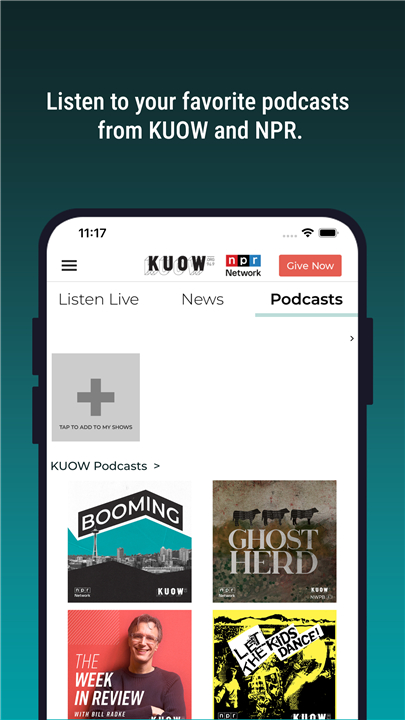
• Access past KUOW programs anytime.
• Read full descriptions and follow links to KUOW’s website for more information.
• Control playback with pause, rewind, and fast-forward options.
• Browse individual stories or episodes when available, or enjoy entire programs.
Additional Interactive Features
• Share stories and programs easily with friends and family using the “Share” button.
• Use the built-in Sleep Timer and Alarm Clock to fall asleep or wake up to KUOW.
• Send voice or video messages directly to the station through the “Talk to Us” feature.
Support KUOW
• The KUOW App is brought to you by KUOW Puget Sound Public Radio and Public Media Apps, committed to delivering content you want, when you want it, on any device.
• Support KUOW by becoming a member today at KUOW.org.
FAQ
Q: How can I listen to KUOW live?
A: You can tune in to KUOW’s live broadcast on traditional FM radio, or for greater flexibility, download the KUOW App on your iOS or Android device and tap the live stream button to listen wherever you are.
Q: What live-streaming features are available in the KUOW App?
A: The KUOW App offers DVR-style controls that let you pause, rewind, or fast-forward within the most recent broadcast, the ability to stop and resume the stream exactly where you left off, integrated program schedules, and one-tap switching between multiple KUOW streams.
Q: How do the DVR-like controls work?
A: When you’re listening live in the app, simply tap the pause button to halt the stream. You can rewind a few seconds to catch something you missed or fast-forward back to real-time. These controls give you the flexibility to manage the live show on your own schedule.
Version History
v7.3.3——30 Dec 2025
Listen to KUOW live and to your favorite podcasts! Download the latest version of KUOW Puget Sound Public Radio to enjoy new features and updates immediately!
*7.3.3
Performance enhancements and bug fixes.
Your feedback helps us make our app better for everyone. Please send us your suggestions via the "Settings and Help" section of the app!
*6.3.20
Performance enhancements and bug fixes.
Your feedback helps us make our app better for everyone. Please send us your suggestions via the "Settings and Help" section of the app!
*6.3.2
Performance enhancements and bug fixes.
Your feedback helps us make our app better for everyone. Please send us your suggestions via the "Settings and Help" section of the app!









Ratings and reviews
There are no reviews yet. Be the first one to write one.