

Eljur.Student
A Comprehensive Digital Platform for School Communities
• Eljur.Student is a modern and convenient platform designed for students, their parents, and school staff.
• It is widely implemented in schools that use the Eljur system, offering a centralized way to manage academic records, communication, and essential school-related services.
• The platform is tailored to enhance the interaction between families and educational institutions, making the learning process more transparent and accessible.
Student Registration
• Students and parents can easily register through the platform to gain access to school services.
• Registration links each student’s profile to their educational institution, ensuring accurate data management.
• The system is designed to support both initial enrollment and ongoing academic tracking.
• Parents can monitor their child's progress and stay informed about school activities.
Digital Class Register
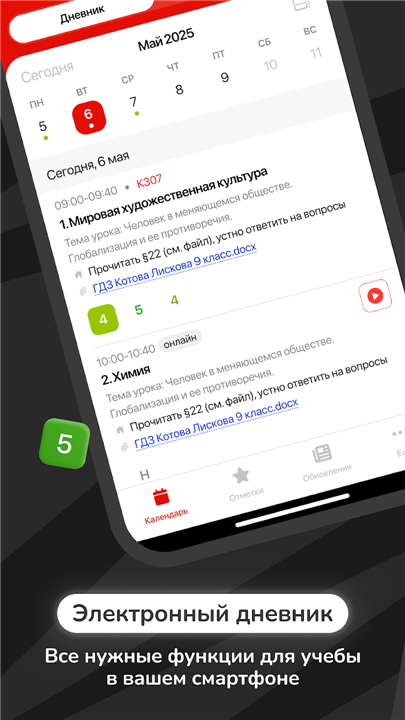
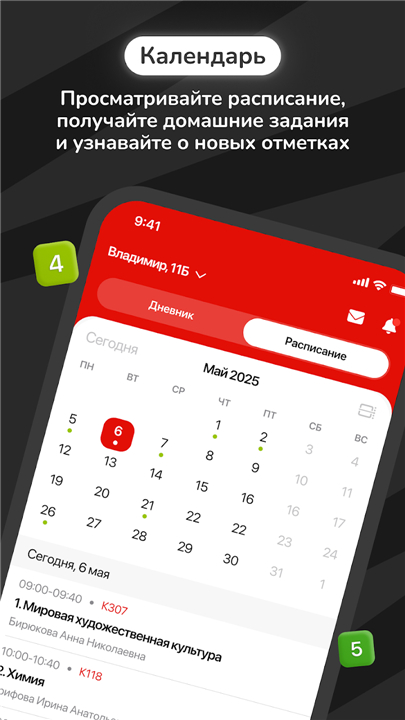
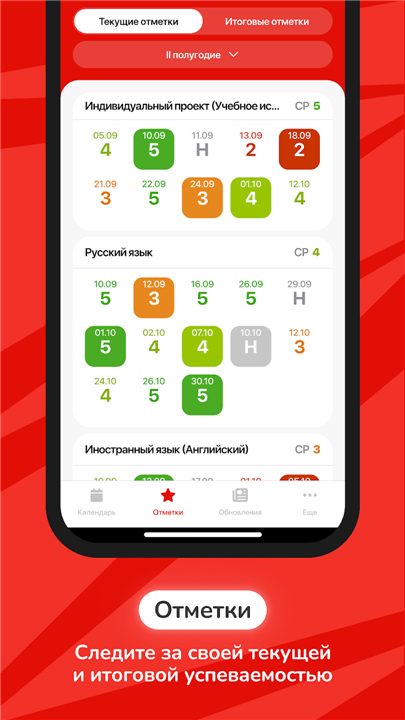
• A full-featured electronic register is available, replacing the traditional paper version.
• Teachers can record marks, attendance, and lesson topics in real time.
• Homework assignments are listed with clear deadlines and descriptions.
• Students and parents can view updated schedules, including changes and special events.
• The system helps reduce misunderstandings by keeping academic information in one place.
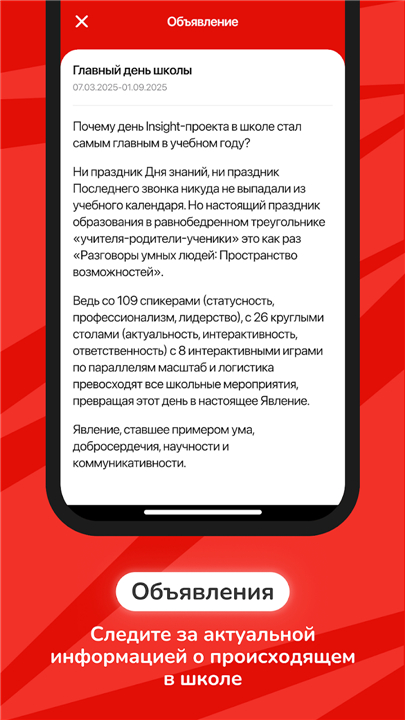
Messages and Announcements
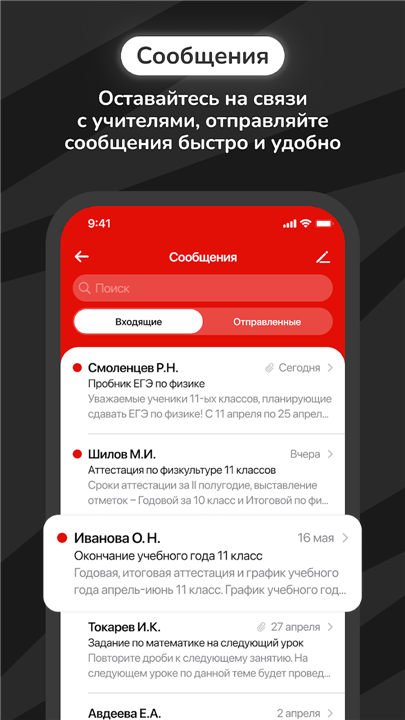
• Built-in messaging allows direct communication between teachers, students, and parents.
• Announcements provide timely information about school events, meetings, or schedule modifications.
• Notifications can be sent instantly, ensuring no important updates are missed.
• This feature supports both individual and group communication needs within the school community.
Integration with Gosuslugi
• In regions where it is supported, Eljur.Student offers login and verification through the Gosuslugi government portal.
• This integration enhances security by using official identification data.
• It simplifies the registration process for users who already have a Gosuslugi account.
FAQ
Q: How do I register as a new user on Eljur.Student?
A: To register, you’ll receive a unique link from your school’s administration or teaching staff. By following that link, you’ll fill in personal information and verify your email address. Once confirmed, your student profile automatically connects to the school’s database, giving you full access to class schedules, grades, homework, and messaging features.
Q: Can parents track multiple children in one account?
A: Yes. After logging in, parents can add each child’s profile under a single parent account. During the registration process you’ll see an option to “Add another student.” Simply provide the additional student’s registration code or link from the school, and you’ll be able to switch between your children’s dashboards without needing separate logins.
Q: How does the digital class register work for teachers?
A: Teachers log into Eljur.Student and access their class register online. They can immediately enter attendance, record grades, annotate lesson topics, and post homework assignments with clear deadlines. All entries are saved in real time, so students and parents always see the most up‐to‐date information.
Version History
v4.1.8——22 Jan 2026
Student marks and schedule in Eljur system. Download the latest version of Eljur.Student to enjoy new features and updates immediately!
*4.1.8
Small fixes and improvements
* 4.1.7
Improved app stability
*4.1.6
Improved app stability









Ratings and reviews
There are no reviews yet. Be the first one to write one.