

Discover a VPN app with flexible tunnel addition methods, auto-connect features, split tunneling, and battery-saving optimizations for seamless security and convenience.
Key Features
+ Tunnel Addition Methods:
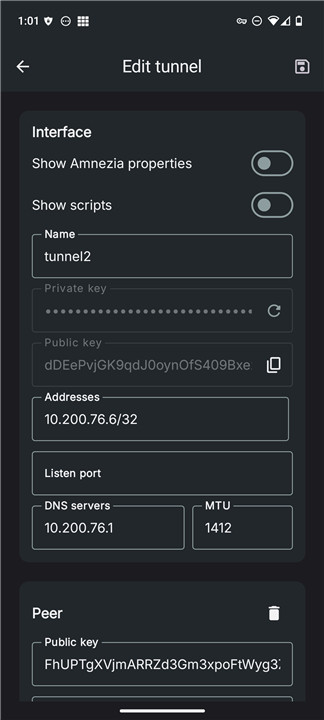
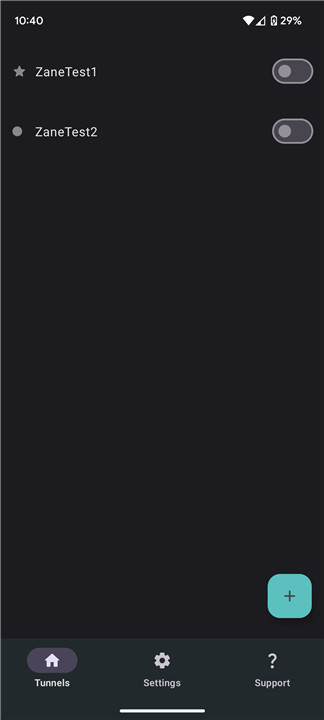
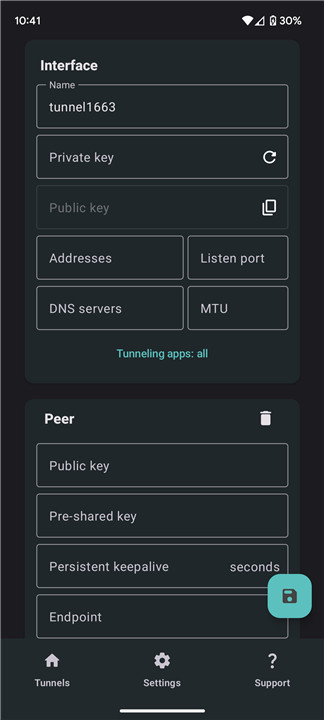
Users have the flexibility to add VPN tunnels through multiple options, such as configuration files (.conf), compressed ZIP files, manual entry, or by scanning a QR code. This variety accommodates different user preferences and technical skills.
+ Automatic VPN Connection:
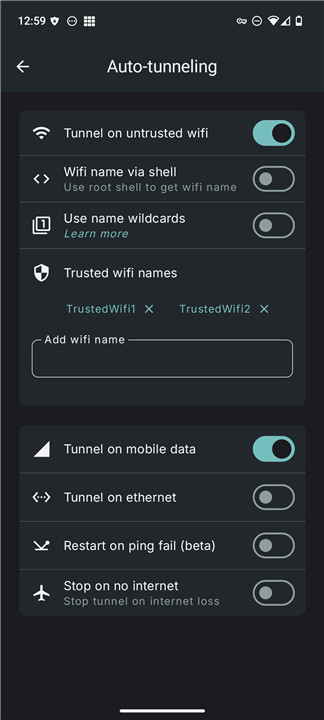
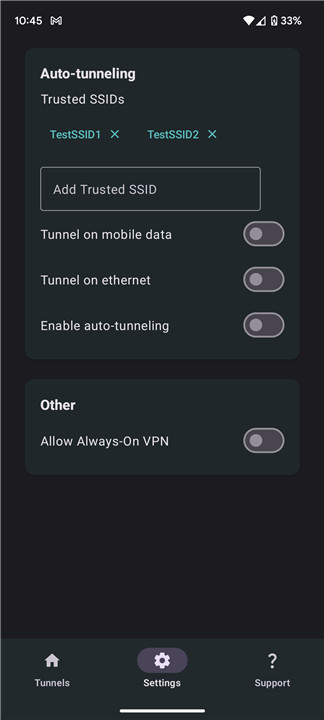
The app includes a smart auto-connect feature that automatically establishes a VPN connection based on the user's current network. It can identify the Wi-Fi SSID, detect when an ethernet connection is active, or initiate automatically when using mobile data, providing seamless protection without requiring user action.
+ Application-Specific Split Tunneling:
Users can tailor their VPN experience with split tunneling, which allows them to choose specific applications to route through the VPN. A search function further enhances usability, making it easy to quickly locate desired applications.
+ WireGuard Support:
The VPN client is compatible with the WireGuard protocol in both kernel and userspace modes, ensuring efficient, secure, and high-performance connections that take advantage of the latest advancements in VPN technology.
+ Amnezia Support:
Designed specifically for userspace mode, Amnezia offers improved protection against Deep Packet Inspection (DPI) and censorship, enabling users to maintain their privacy and access restricted content effectively.
+ Always-On VPN Capability:
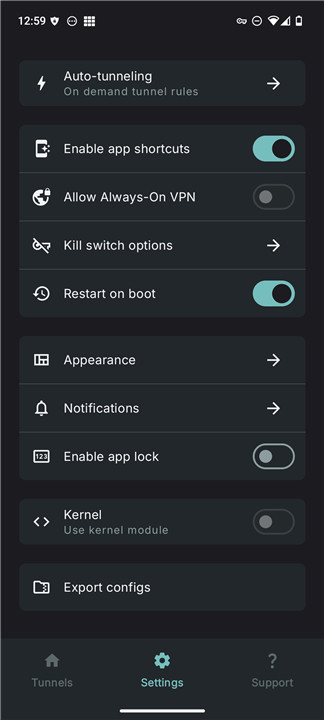
The application features an Always-On VPN option, ensuring that the VPN connection stays active at all times, protecting user data and online activities without any interruptions.
+ Tunnel Export Options:
Users can export their Amnezia and WireGuard tunnel configurations as ZIP files. This feature is useful for backing up settings or sharing configurations with others.
+ Quick Toggle Tiles:
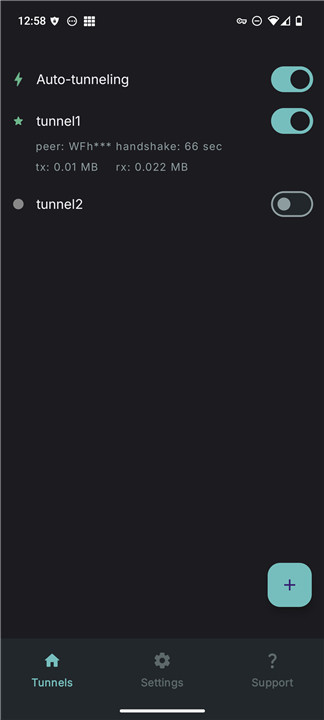
To enhance convenience, the application includes quick toggle tiles that allow users to easily switch their VPN connection on and off, providing instant access to VPN services.
+ Static Shortcuts for Automation:
Users have the ability to set up static shortcuts for their main VPN tunnel, which enhances compatibility with automation tools and systems. This functionality simplifies the experience for those who frequently modify their VPN configurations.
+ Intent Automation for All Tunnels:
The application facilitates intent automation across all available tunnels, allowing users to automate various tasks and operations related to their VPN connections. This feature significantly boosts user convenience and operational effectiveness.
+ Automatic Service Restart:
Following a device reboot, the application guarantees that the VPN service restarts automatically, ensuring uninterrupted protection and user-friendly operation without the need for manual setup.
+ Battery Preservation Practices:
To improve device lifespan, the app includes battery-saving features. These optimizations are aimed at reducing battery usage while the VPN is active, enabling users to maintain a secure connection without excessively draining their device's battery.
FAQ
Q: Which method is the easiest for beginners?
A: Scanning a QR code is the easiest method for beginners as it requires minimal technical knowledge and is quick to perform.
Q: How does the app automatically connect to a VPN?
A: The app uses a smart auto-connect feature that detects your current network (Wi-Fi SSID, Ethernet, or mobile data) and automatically establishes a VPN connection to ensure seamless protection without any user intervention.
Q: Can I customize when the auto-connect feature activates?
A: Yes, you can customize the auto-connect settings to specify which networks (e.g., specific Wi-Fi SSIDs, mobile data) should trigger the automatic connection.
Version History
v3.7.1——17 Mar 2025
An alternative VPN client app for WireGuard with additional features Download the latest version of WG Tunnel 3.7.1 to enjoy new features and updates immediately!
What's new:
- Multiple tunnel support for kernel mode
- Override for WG default DNS Ipv4 preference
- Stop kill switch on trusted support
- Limit location querying by auto tunnel
- Various bug fixes and improvements









Ratings and reviews
There are no reviews yet. Be the first one to write one.