


TP-Link Tapo
Overview
• The TP-Link Tapo app is designed to make setting up and managing your Tapo smart devices quick, simple, and convenient.
• Whether you are new to smart home technology or already have an existing setup, the app provides an intuitive interface that allows you to control your devices within minutes.
• With its seamless integration and wide range of features, Tapo puts the power of smart living directly in your hands.
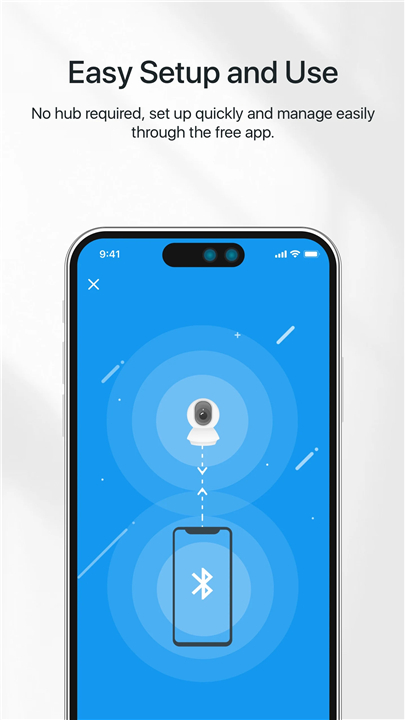
Easy Setup and Management
• The app guides you step-by-step through the initial installation process, ensuring your Tapo smart plugs, bulbs, cameras, and other devices are ready to use quickly.
• Once installed, you can access all connected devices from a single dashboard.
• The interface is designed for clarity and ease of use, making it simple to adjust settings or check device status.
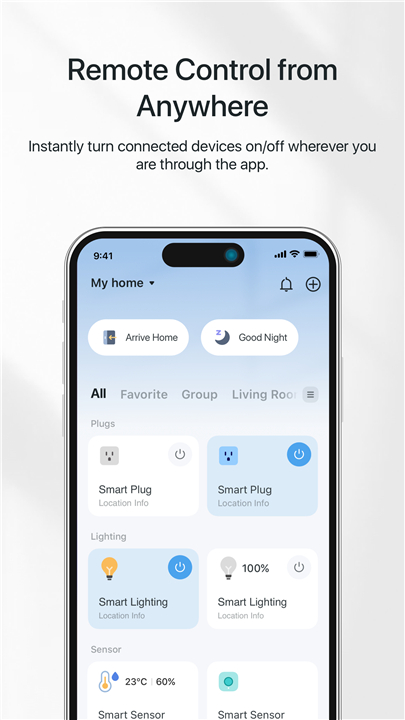
Remote Control from Anywhere
• Monitor and control your smart devices no matter where you are, using your smartphone or tablet.
• Turn devices on or off remotely to save energy or enhance security.
• Check real-time status updates to ensure your home is running as intended.
Voice Control Integration
• Works seamlessly with Google Home and Amazon Echo for hands-free control.
• Use simple voice commands to adjust lighting, switch appliances on or off, or activate presets.
Smart Features for Security and Convenience
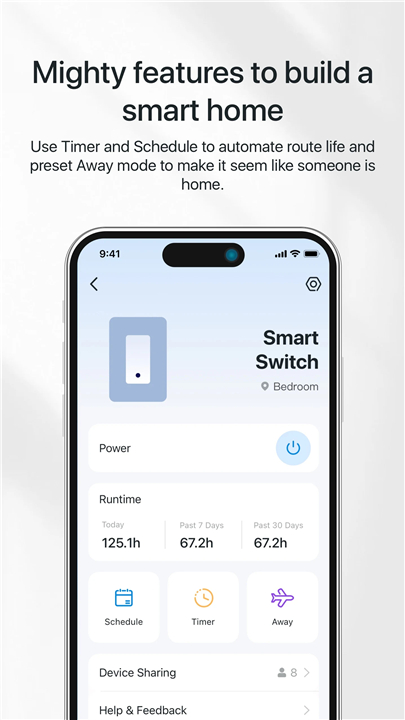
• Away Mode: Automatically turns your lights or devices on and off at intervals to simulate someone being at home.
• Countdown Timer: Set a timer to switch a device off after a certain period, perfect for appliances like heaters or fans.
• Scheduling: Program specific times for your devices to turn on or off, helping you maintain routines and save energy.
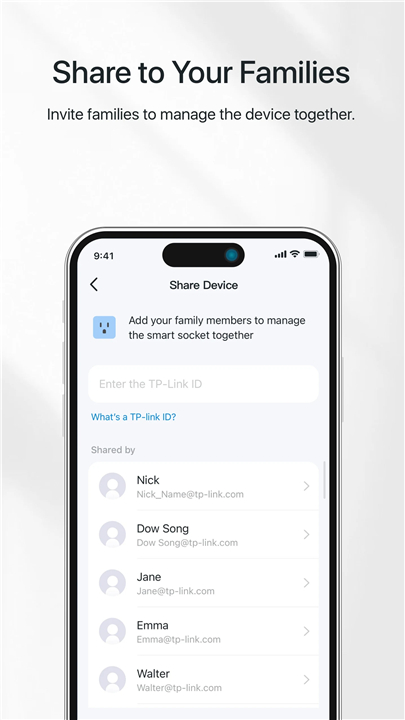
Shared Device Management
• Invite family members to the app so multiple users can control and monitor the same devices.
• Permissions can be adjusted to suit each household member’s needs.
FAQ
Q: How do I get started with setting up a new Tapo device?
A: After downloading the Tapo app on your smartphone or tablet, simply create an account or log in. The app will then guide you through a step-by-step process: connect your device to power, follow the on-screen prompts to join your home Wi-Fi network, and give your device a personalized name. Within minutes you’ll see your new smart plug, bulb or camera appear on your dashboard, ready for immediate use without any complicated networking jargon.
Q: Can I control my Tapo devices when I’m away from home?
A: Absolutely. Once your Tapo devices are set up on your home network, the app communicates through TP-Link’s secure cloud service to relay commands from anywhere in the world. This means you can turn off a smart plug you forgot before leaving for vacation or check your camera’s live feed while you’re at work, all through the same friendly interface you use on your home Wi-Fi.
Q: How do I integrate Tapo devices with voice assistants like Alexa or Google Home?
A: Voice control is remarkably easy to enable. After installing the Amazon Alexa or Google Home app on your phone, simply search for the Tapo skill (or action), enable it and link your TP-Link account. The assistant will automatically discover your Tapo devices, and you’ll be able to use natural voice commands to switch lights on and off, dim bulbs or even activate camera presets without lifting a finger.
Version History
v3.15.117——22 Dec 2025
Easy connect and fast control of all your Tapo smart devices. Download the latest version of TP-Link Tapo to enjoy new features and updates immediately!
*3.15.117
- Fixed some bugs and improved stability.
*3.15.112
- Fixed some bugs and improved stability.
*3.14.520
- Fixed some bugs and improved stability.









Ratings and reviews
There are no reviews yet. Be the first one to write one.