

TC Total Control-Multi Control APK
10.0.30.70645
TC Total Control-Multi Control
TC Total Control-Multi Control APK
Download for Android
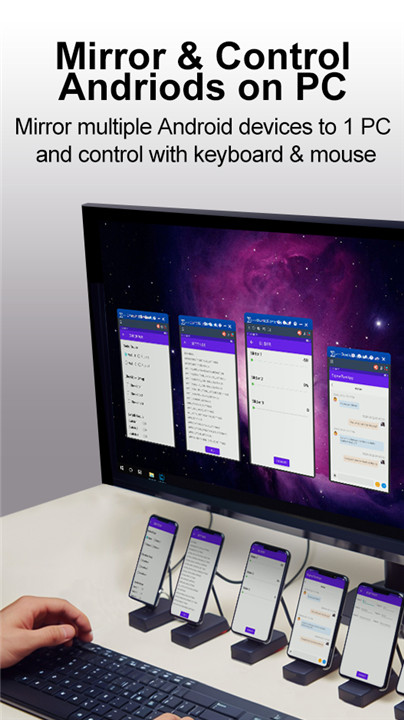
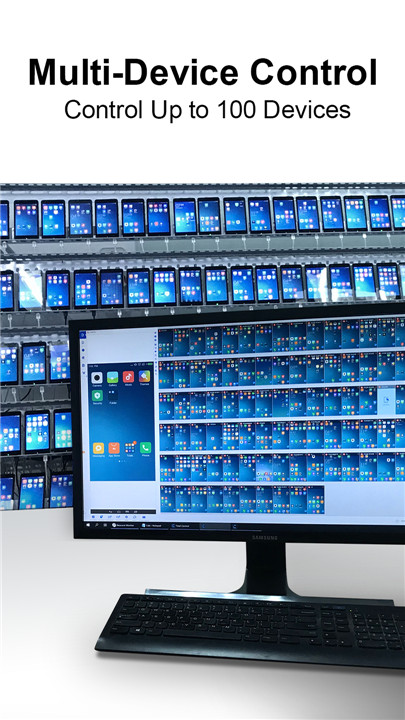
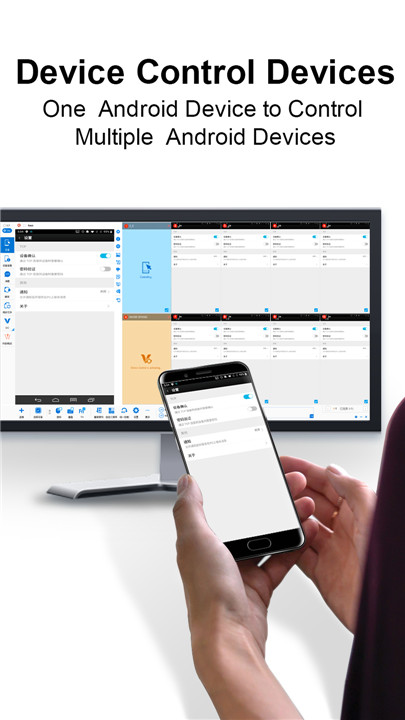
An all-in-one solution for managing Android devices, this software allows you to mirror both screen and audio from various devices to a PC, giving you the ability to control up to 100 devices using a mouse, keyboard, and voice commands. Additionally, you can manage multiple devices from a single Android device. Key features include synchronization of objects and coordinates, as well as script automation. It is widely utilized in Android device management, centralized customer service systems, mobile app testing, and more. To download the compatible Windows version and begin your experience, visit our website at www.sigma-rt.com/en/tc/download/.
Key Features:
● Screen & Audio Mirroring – Display multiple Android devices on a PC.
● Versatile Connection – Compatible with Wi-Fi, USB, and Ethernet.
● Recording & Screenshots – Capture screens and record unlimited videos.
● PC Control of Androids – Manage 1 to 100 Android devices from your PC using a mouse, keyboard, and microphone.
● Device Management – Control several devices from one Android device.
● Notifications – Read and respond to messages directly from your PC.
● Control with Screen Off – Use your device while the screen is off to conserve battery life.
● Multi-Device View – Open individual windows for each device (Windows Desktop Mode) or monitor several at once (Multi-Device Control Center).
● Automation – Utilize object-based actions instead of coordinate-based ones for efficiency.
● Scripting – Supports JavaScript and REST API, featuring over 200 built-in APIs for easy customization.
● AAIS – Command-based automation with object capture and replay capabilities.
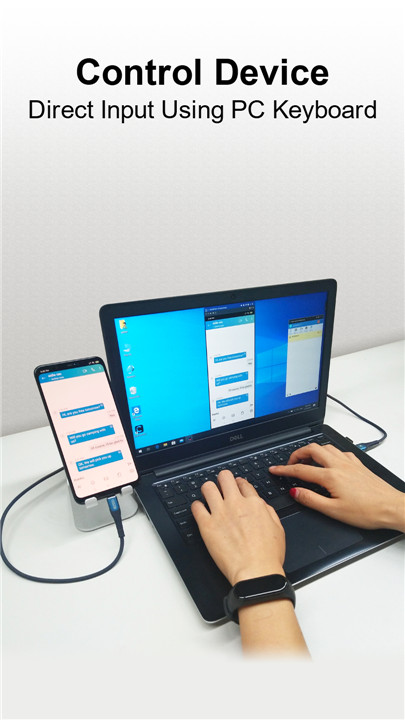
● Windows Input Support – Leverage native Windows language and input methods on Android devices.
Key Features:
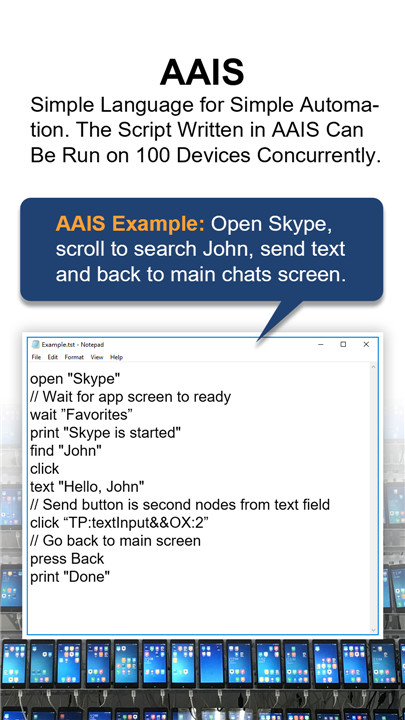
● AAIS: Utilizes straightforward language for effortless automation. Scripts created in AAIS can operate on up to 100 devices simultaneously.
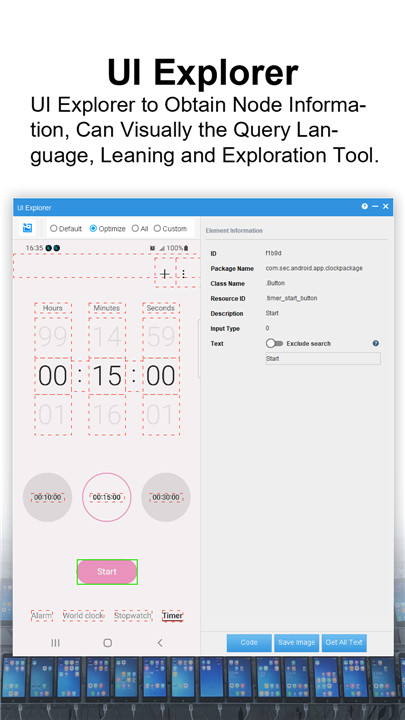
● Incorporates a robust query language for extracting data or executing actions on specific nodes.
● Offset: {query:"T:Model name&&OX:1", action:"getText"} retrieves the device's model name. OY/OX: allows navigation forward or backward (using negative values) to find a node.
● Scroll to find: This feature enables scrolling until a specified query is located. For example, {query:"T:John", preAction:"scrollToView", action:"click"} will scroll until "John" appears and then click on it.
● Line Mode: Use "LT" or "LB" for top or bottom line modes. For instance, {query:"LB:-1&&T:Chats&&OY:-1", action:"click"} will identify the text on the last line of the screen, find "Chats," move up one node (to the Chats icon), and click it.
● Template: A provided template helps narrow down searches. For example, {query:"TP:textInput", action:"setText('Hello')"} will look for a text field and input "Hello" into the first available field.
● You can combine multiple actions to complete a task: {query:"TP:textInput&&T:Type a message", actions:["setText(Hello)", "addQuery(OX:2)", "click"]} will enter "Hello" in the text field with the hint "Type a message," move right by 2 nodes, and click to send the message.
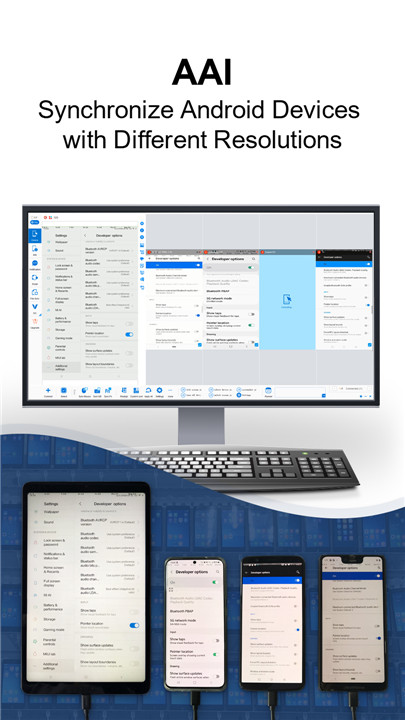
● With object-based functionality enabled in MDCC, clicking "OK" on the main device will send {query:"T:OK"} to all selected devices instead of using coordinates. This object-based synchronization is effective across devices with varying resolutions and screen sizes.
● For further details, refer to the "FindNode User Guide": https://www.sigma-rt.com/en/tc/find-node/
AAIS Example: Launch Skype, scroll to find John, send a message, and return to the main chat screen.
open "Skype"
wait "Favorites"
print "Skype has started"
find "John"
click "John"
text "Hello, John"
// The send button is two nodes away from the text field
click "TP:textInput&&OX:2"
//First back dismiss keyboard, second back go back to main screen
press Back
press Back
print "Done"
Discover additional information at: https://www.sigma-rt.com/en/tc/aais/
● Compatible Systems: Windows XP through Windows 11 / Android 6.x and later
● Official Site: http://www.sigma-rt.com/en/tc
● Start Here: https://www.sigma-rt.com/en/tc/guide/
● For Technical Assistance: support@sigma-rt.com
● Inquiries for Product Customization or Bulk Orders: sales@sigma-rt.com
FAQ
Q: How do I download and install Sigma-RT?
A: To download the compatible Windows version of Sigma-RT, visit our website at www.sigma-rt.com/en/tc/download/. Follow the installation instructions provided on the website to install the software on your PC.
Q: How can I mirror the screen and audio from my Android devices to my PC?
A: Once Sigma-RT is installed, connect your Android devices to your PC using Wi-Fi, USB, or Ethernet. In the Sigma-RT interface, select the devices you want to mirror and enable screen and audio mirroring. The screens and audio from your devices will be displayed on your PC.
Q: Can I control multiple Android devices from a single Android device?
A: Yes, Sigma-RT allows you to control multiple Android devices from a single Android device. You can use the main device to send commands, manage apps, and perform other actions on the connected devices.
Version History
v10.0.30.70645——20 Mar 2025
Seamless integration between Windows PC and Android devices Download the latest version of TC Total Control-Multi Control 10.0.30.70645 to enjoy new features and updates immediately!
1. Gradually migrate to utilize JavaScript module functionalities.
2. Compile modules into class files; require supports both .js and .class files.
3. A new panel in WDM(Windows desktop mode) provides MDCC features.
4. Switch between MDCC and WDM without reconnecting devices.
5. Android Secure Mode now displays content on button press.
6. Added support for emulators, currently LDPlayer, BlueStacks, MuMuPlayer.
7. Enhanced licensing stability and reliability.
8. Continuously updating FindNode.









Ratings and reviews
There are no reviews yet. Be the first one to write one.