

Audio Recorder
Capture Every Moment with Clarity
• Audio Recorder is an open-source application designed to transform the way you capture sound.
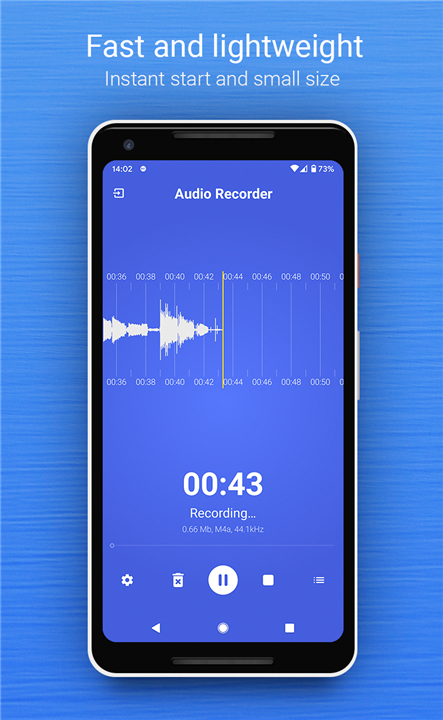
• Built for those who value speed and reliability, this app is optimized for an almost instantaneous start, ensuring you never miss a significant moment, a fleeting idea, or an important conversation.
• Whether you are a student, a professional, or a creative, Audio Recorder provides the precision tools you need to document your world effortlessly.
Versatile Recording Formats
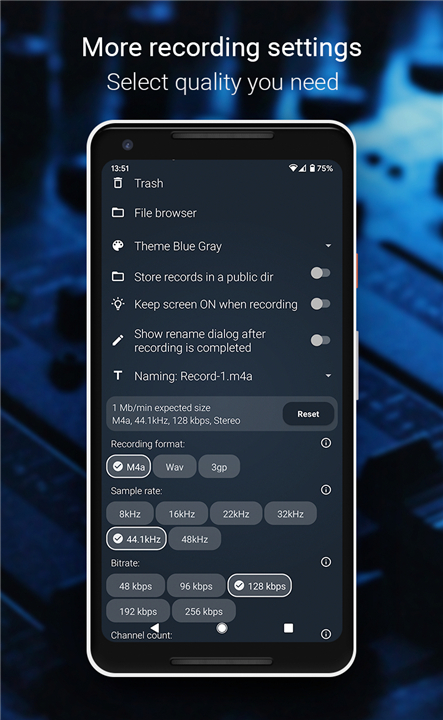
Tailor your files to fit your specific needs by choosing from multiple high-quality formats:
• M4A (AAC): The perfect balance of superior audio fidelity and efficient file size.
• WAV: Uncompressed, studio-standard audio for when you need absolute clarity and professional results.
• 3GP: A compact format ideal for conserving storage space without sacrificing accessibility.
Custom Control at Your Fingertips
• Take complete command of your recording environment.
• Within the settings, you can adjust the sample rate, modify bitrates, and toggle between mono and stereo modes.
• By refining these preferences, you gain direct control over the quality and size of your final audio files, ensuring they are perfectly optimized for your device.
Personalize Your Experience
• Your tools should reflect your personality.
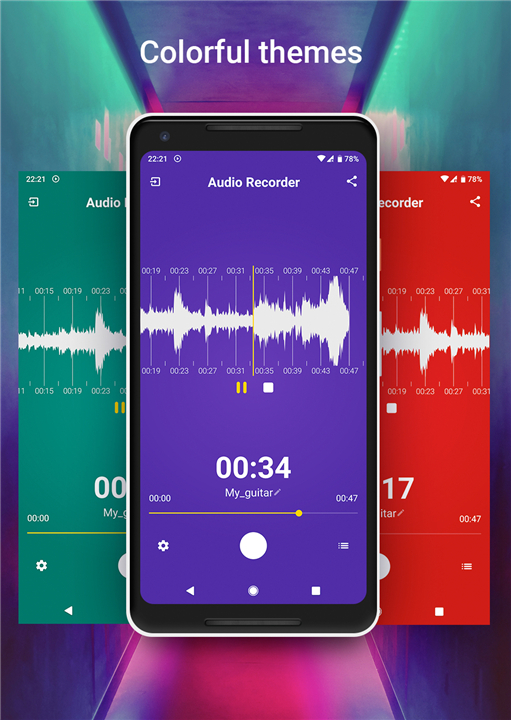
• With a selection of vibrant, colorful themes, you can customize the appearance of the interface to create a workspace that inspires you.
Core Features
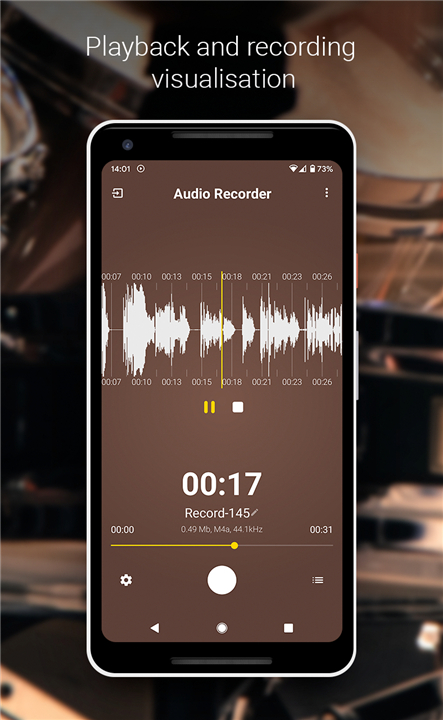
• Essential Capture: High-quality audio recording with visual waveform display.
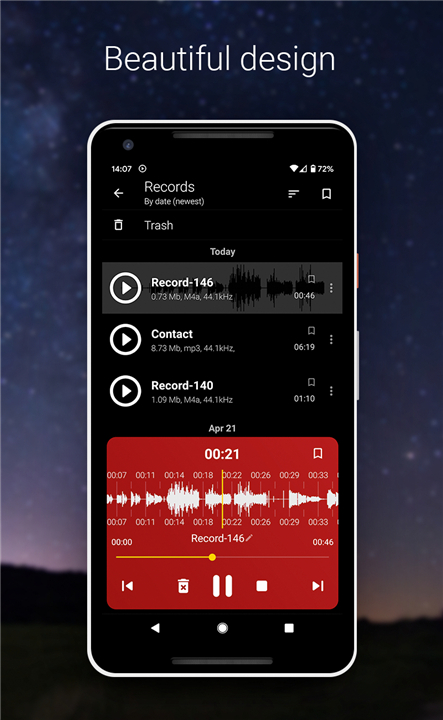
• Seamless Playback: Listen to your recordings directly within the app, even while multitasking in the background.
• File Management: Easily rename, bookmark, and organize your recordings in a clean, intuitive list.
• Connectivity: Quickly share your files with others or import existing audio clips into the app.
• Enhanced Utility: Full support for background recording and playback to keep your workflow uninterrupted.
Experience the freedom of an audio tool built with passion and transparency.
Explore the project on GitHub: https://github.com/Dimowner/AudioRecorder
FAQ
Q: How quickly can I start a recording?
A: The app is specifically optimized for an almost instantaneous start. This ensures that you can open the application and begin recording the moment inspiration strikes or a conversation starts, so you never miss a significant moment.
Q: What file formats are supported for my recordings?
A: You have the flexibility to choose between three formats depending on your needs. You can use M4A for a great balance of quality and size, WAV for uncompressed, professional-grade studio quality, or 3GP if you need to prioritize saving storage space.
Q: Can I manually adjust the recording quality?
A: Absolutely. Within the settings menu, you have the freedom to take command of your environment by modifying the sample rate and bitrates. This level of control allows you to optimize your audio files exactly how you want them.
Version History
v2.0.0——11 Jun 2026
Fast and lightweight Audio Recorder application. Download the latest version of Audio Recorder to enjoy new features and updates immediately!
*2.0.0
Minor bug fixes and improvements. Install or update to the newest version to check it out!
*0.9.99
- Set target Android to 14
- Added 288 kbps bitrate to m4a recording format.
- Update notifications UI for later Android versions. Added notification permission request.
- Updated record panel buttons. Removed ability to delete recorded progress when recording paused.
- Improved move to trash and restore from trash logic.
- Some minor fixes and improvements.
*0.9.33
- Added Chinese language support.
- Fixed few bugs.











Ratings and reviews
There are no reviews yet. Be the first one to write one.