

TermOne Plus
Overview
• Unlock the full potential of your Android device with TermOne Plus, the ultimate terminal emulator designed to bring the power of the command line directly to your fingertips.
• Built as the modern, high-performance successor to the classic "Terminal Emulator for Android," TermOne Plus is fully optimized for the latest Android releases, including Android 15.
Unleash Command-Line Power
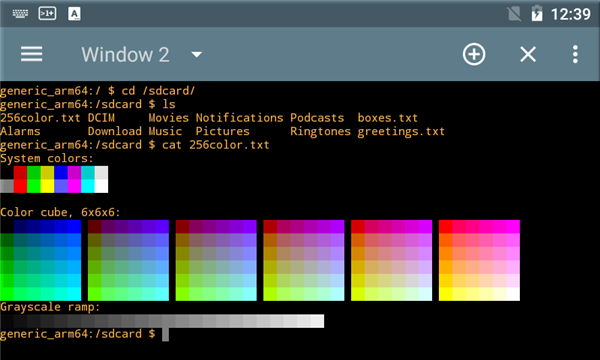
• Manage files and directories effortlessly with capabilities to list, create, move, and delete.
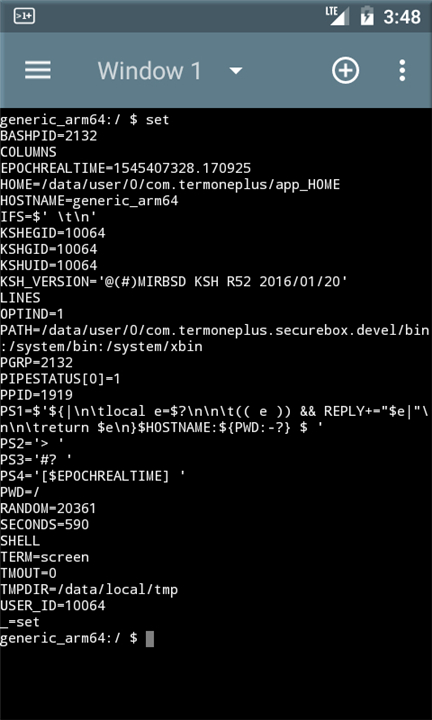
• Monitor system health with real-time data on running processes, network connections, and storage.
• Control system packages and capture screenshots directly from the console.
Advanced Emulation and Connectivity
• Run multiple terminal sessions simultaneously using independent windows.
• Experience robust VT-100 emulation supporting xterm, screen, linux, and native UTF-8 text modes.
• Navigate remote SSH connections smoothly with a fully functional textual interface.
Tailored to Your Workflow
• Automate your environment using custom shell startup scripts, aliases, and functions.
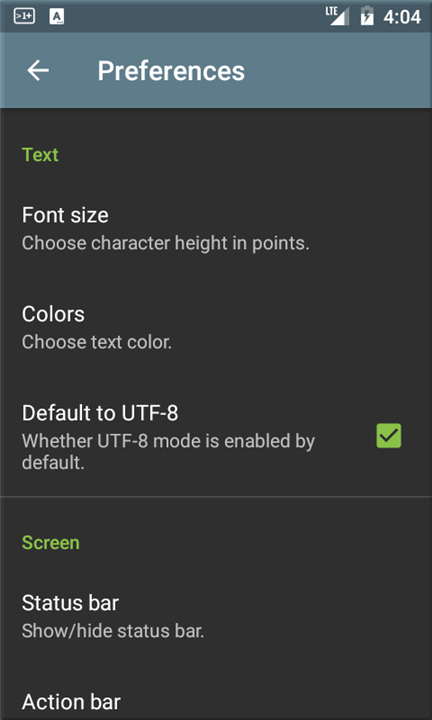
• Personalize your console with adjustable text sizes and premium color schemes like Solarized and Dark Pastels.
• Prevent interruptions during critical tasks by enabling integrated Wake and Wi-Fi locks.
Modern and Intuitive Design
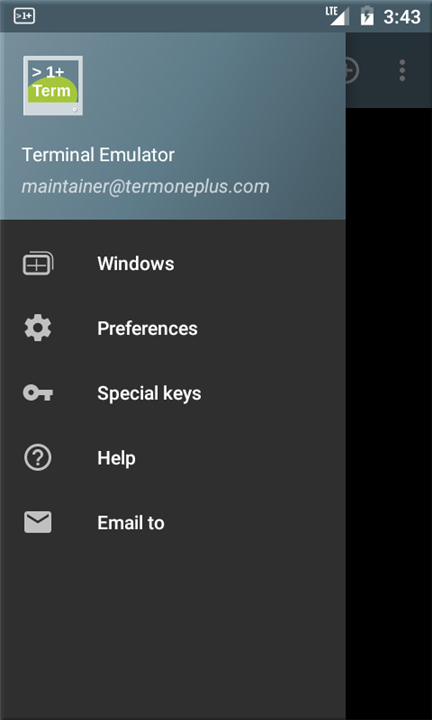
• Enjoy a sleek, Material Design interface featuring a clean navigation drawer and seamless Light and Dark themes.
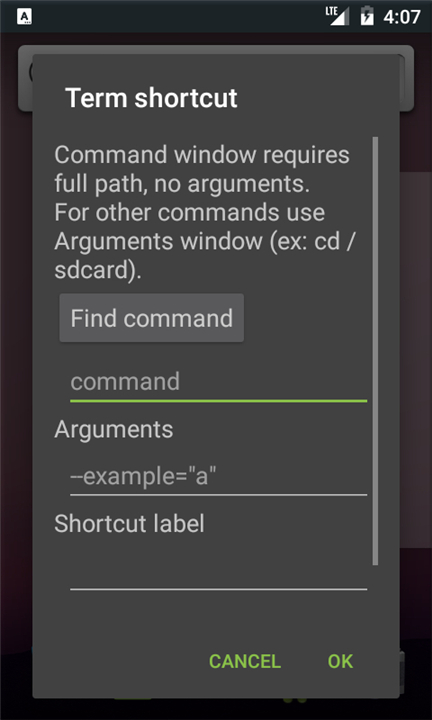
• Create convenient home-screen shortcuts to launch your favorite scripts with a single tap.
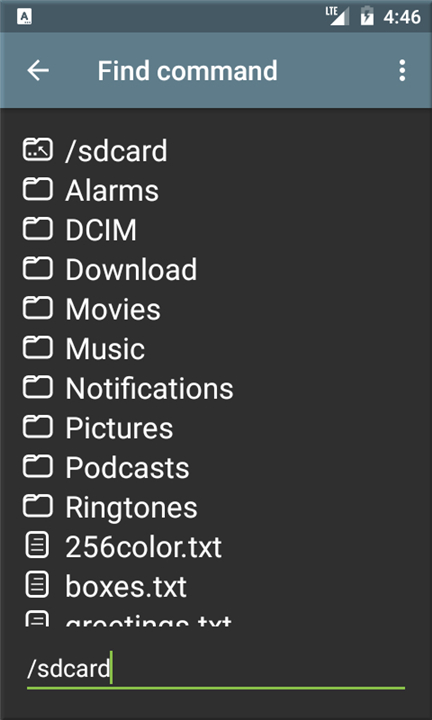
• Use the built-in file explorer to easily select and share files across other applications.
A Community-Driven Project
• TermOne Plus is fully localized in multiple languages and features a completely upgraded UI with superior stability and bug fixes.
• Visit our official site today to request new features, help with translations, or contribute to the next generation of mobile terminal emulation.
FAQ
Q: Is TermOne Plus compatible with the newest versions of Android?
A: Yes, absolutely! TermOne Plus is fully optimized for the latest Android releases, ensuring smooth performance, high stability, and modern compatibility up to and including Android 15.
Q: What kind of file management tasks can I perform using the terminal?
A: You can effortlessly manage your files and directories directly from the command line with capabilities to list, create, move, and delete files just as you would on a traditional desktop operating system.
Q: How can I monitor my Android device's system health within TermOne Plus?
A: You can easily monitor your device's health by running commands to view real-time data on running system processes, active network connections, and available storage.
Version History
v5.7.0——27 Aug 2026
Terminal emulator for Android Download the latest version of TermOne Plus to enjoy new features and updates immediately!
*5.7.0
Adapted for Android 16.
*5.6.1
Support 16 KB page size for 64-bit binaries.
*5.6.0
Catching timeouts in long running sessions.











Ratings and reviews
There are no reviews yet. Be the first one to write one.