

Stocks Widget
Overview
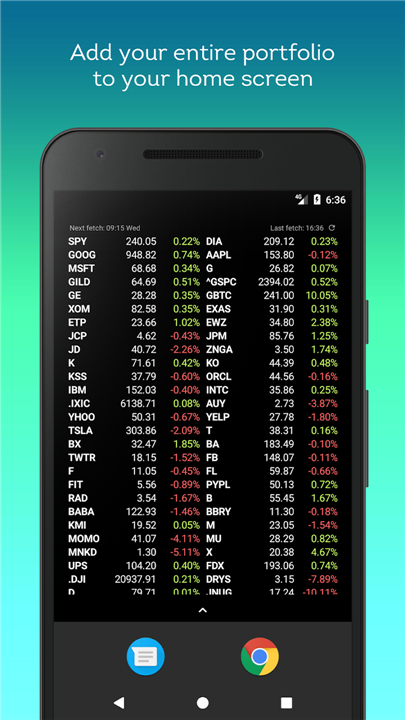
• Stocks Widget is an intuitive, feature-rich home screen tool engineered to deliver real-time stock price quotes and market updates directly to your mobile device.
• Monitor your investments seamlessly at a glance without needing to launch a full application.
Flexible Display and Layout
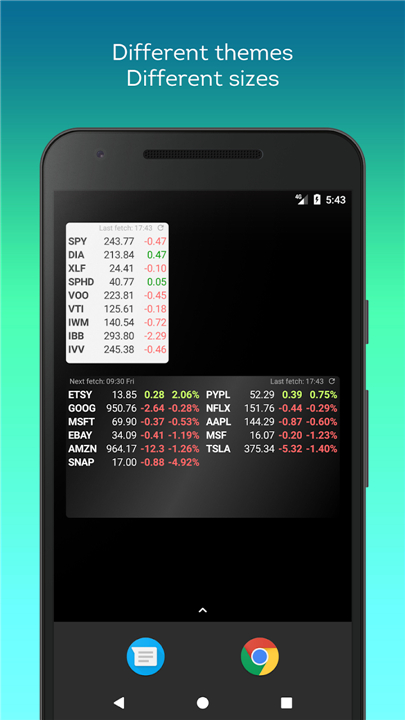
• Dynamic Resizing: Expand or shrink the widget to any dimension on your screen. The layout automatically adjusts its column counts to fit the width you select.
• Smooth Scrolling: Effortlessly navigate through large portfolios within a single widget, keeping your home screen organized.
• Multi-Widget Capability: Set up separate portfolios across multiple widgets to categorize different asset classes, sectors, or accounts.
Smart Portfolio Management
• Customizable Sorting: Automatically rank your holdings by descending percentage changes to identify top movers, or manually arrange symbols in your preferred sequence.
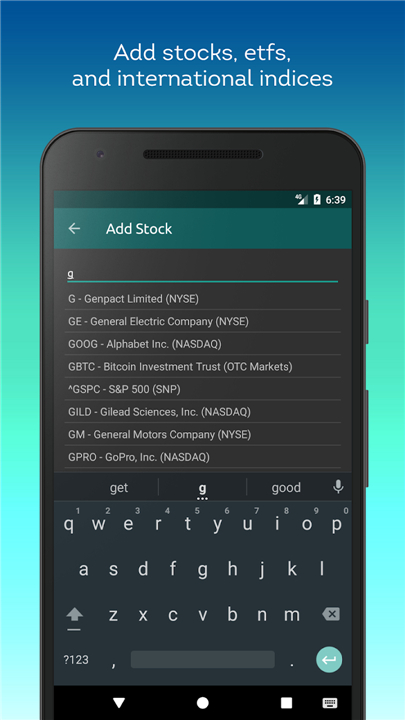
• Data Import and Export: Conveniently back up, restore, or transfer your complete stock watchlist using simple text files.
Optimized Data Refresh
• Tailored Update Intervals: Choose custom refresh frequencies to balance real-time tracking with data and battery conservation.
• Operational Scheduling: Define specific start and end times for updates to limit data fetching exclusively to active trading hours.
Comprehensive Market Insights
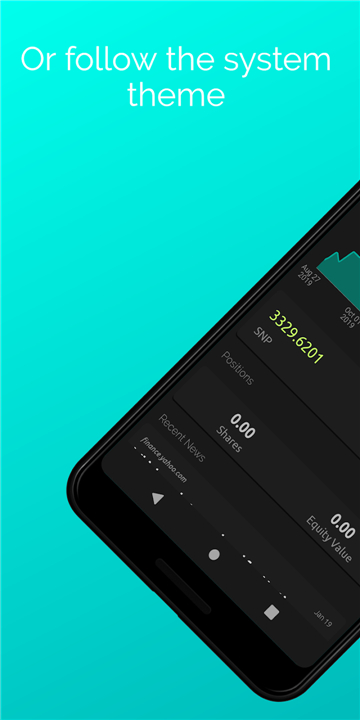
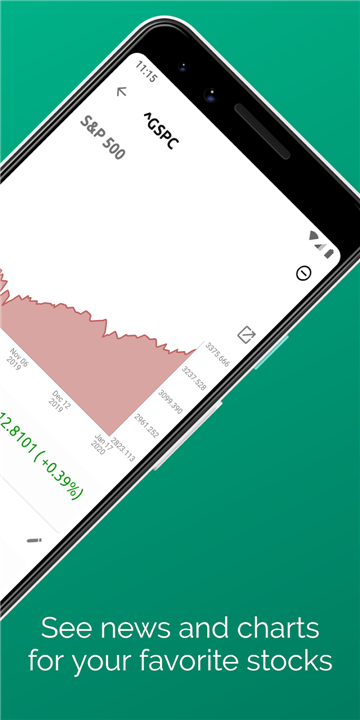
• Visual Price Graphs: Review historical price charts directly for any tracked symbol to analyze trends and technical performance over time.
• Real-Time News Feed: Access breaking financial news articles tailored to your tracked stocks to stay informed about market-moving events.
FAQ
Q: How does the dynamic resizing feature work for different screen layouts?
A: This widget is engineered with flexibility in mind, allowing you to expand or shrink it to any dimension that fits your personal home screen setup. As you adjust the size of the widget, the layout intelligently recalibrates its column counts to fill the selected width, ensuring that your data always looks organized and professional.
Q: Can I view a large number of stocks without the widget taking up my entire screen?
A: One of the most convenient features of this tool is its smooth scrolling capability. Even if you have an extensive portfolio with dozens of tickers, you can navigate through the entire list within a single, compactly sized widget, keeping your home screen tidy while maintaining access to all your essential data.
Q: Is it possible to track different groups of stocks in separate areas?
A: The widget supports multi-widget capability, which is perfect for users who like to stay organized. You can set up multiple independent widgets on different screens or in different sections to categorize your assets by sector, account type, or even separate high-risk growth stocks from your long-term stable dividends.
Version History
v4.1.003——11 Aug 2026
Track real-time stock prices and market news with the Stocks Widget. Feature-rich portfolio tracker with charts and custom home screen layouts. Download the latest version of Stocks Widget to enjoy new features and updates immediately!
*4.1.003
Minor bug fixes and improvements. Install or update to the newest version to check it out!
*4.1.002
Minor bug fixes and improvements. Install or update to the newest version to check it out!
*4.1.001
Minor bug fixes and improvements. Install or update to the newest version to check it out!











Ratings and reviews
There are no reviews yet. Be the first one to write one.