

AI Mail Home- Email Homescreen APK
1.01.46
AI Mail Home- Email Homescreen
AI Mail Home- Email Homescreen APK
Download for Android
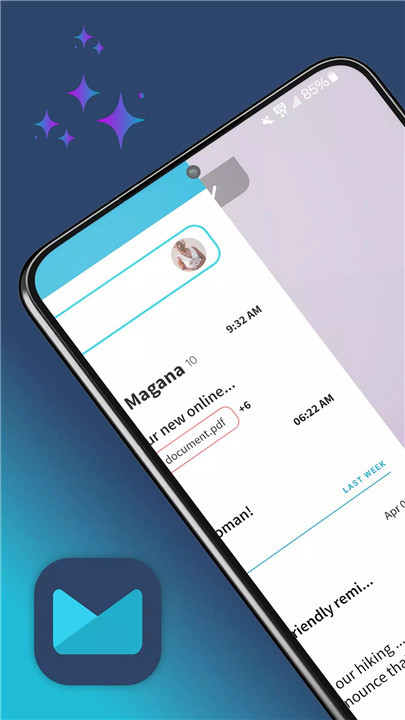
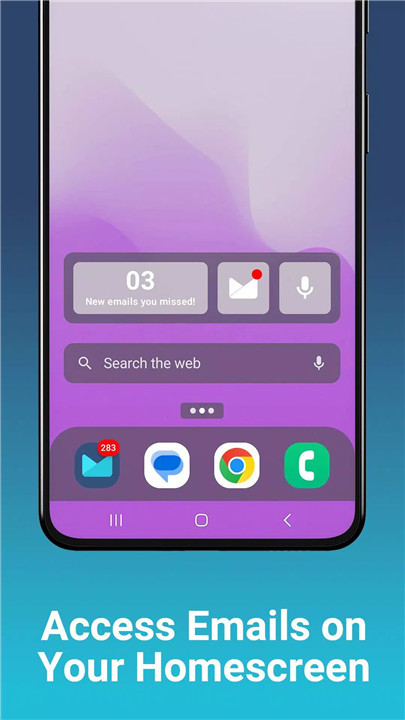

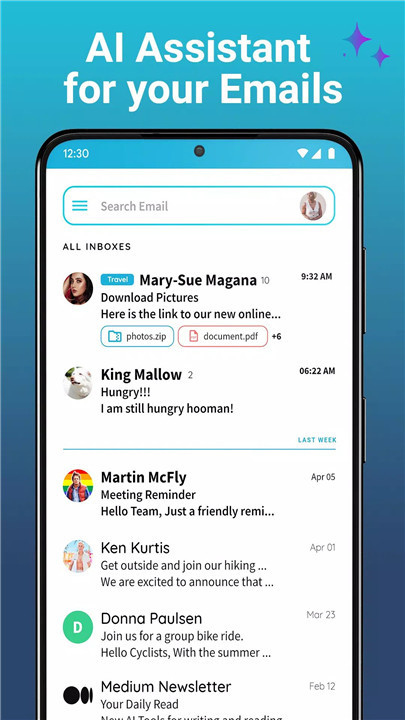
In today's fast-paced world, managing multiple email accounts can be a hassle. AI Mail Home transforms your Android home screen into a productivity powerhouse by bringing all your emails into one unified space. Let the smart AI assistant handle your emails so you can focus on what matters most.
AI Mail Reply
Never worry about how to phrase your email again. With AI Mail Reply, simply type or dictate what you want to say, then let AI write the perfect reply for you. You can customize the message to match the tone you want and get more done with less effort.
Unified Inbox
Stop switching between different email apps! AI Mail Home brings all your Gmail, Yahoo, Outlook, Hotmail, and AOL accounts into one simple, easy-to-navigate inbox. All your emails will appear in one place, giving you a comprehensive view without the headache of toggling between multiple apps.
One-Tap Spam Blocker
Tired of cluttered inboxes filled with spam? With AI Mail Home, you can block unwanted emails with just a tap. The spam blocker ensures your inbox stays clean and secure, and you won’t waste time dealing with unnecessary emails.
Calendar Invites in Your Mailbox
Never miss an important event again! AI Mail Home highlights all your calendar invites right in your email, allowing you to keep track of your appointments and meetings directly from your inbox.
Voice-Enabled Search
Finding emails has never been easier. Use the Voice-Enabled Mail Search feature to quickly locate any email simply by speaking into your phone’s microphone.
AI Smart Send
Save time with AI Smart Send! Let the AI write your emails for you. You can also adjust the tone and style of the email, whether you want it more formal or casual.
FAQs
1. How does AI Mail Home – Email Homescreen work?
AI Mail Home is an Android launcher app that integrates your email experience with your home screen. It combines multiple email accounts, such as Gmail, Outlook, and Yahoo, into one unified inbox. You can also use the app’s AI-powered features to generate email responses with just a few words, making it easy to handle emails efficiently without manual typing.
2. How do I add my email account to AI Mail Home?
To add your email account, open the app and follow the setup instructions. When prompted, sign in and grant the necessary permissions. For additional accounts, simply tap the plus icon and follow the steps to connect Gmail, Outlook, or Yahoo. You can easily switch between your accounts using the app’s navigation options.
3. How can I provide feedback or ask questions?
If you encounter any issues or have suggestions for features, you can contact the support team at support@aimailhome.io. They strive to respond within 72 hours to address your concerns or provide assistance.
----------------------------
What's New in the Latest Version 1.01.46
Last updated on Jan 30, 2025
Minor bug fixes and improvements. Install or update to the newest version to check it out!









Ratings and reviews
There are no reviews yet. Be the first one to write one.