

Usbkey Mobil Anahtar v2.0 APK
10
Usbkey Mobil Anahtar v2.0
Usbkey Mobil Anahtar v2.0 APK
Download for Android
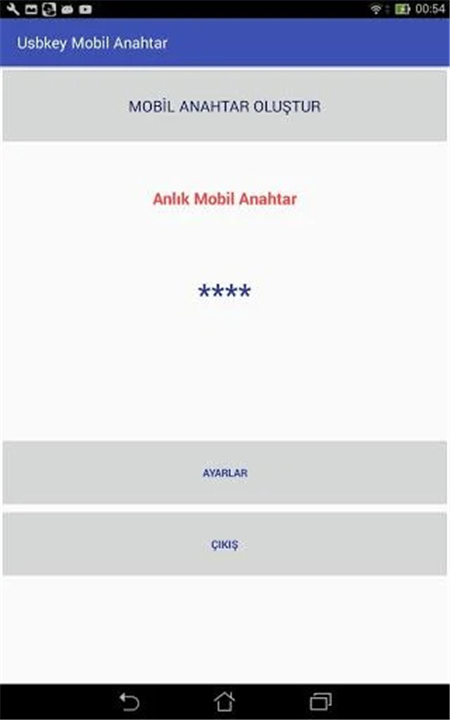
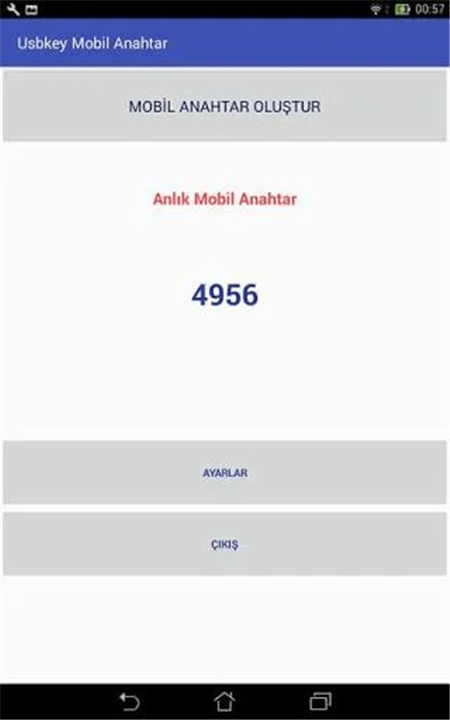
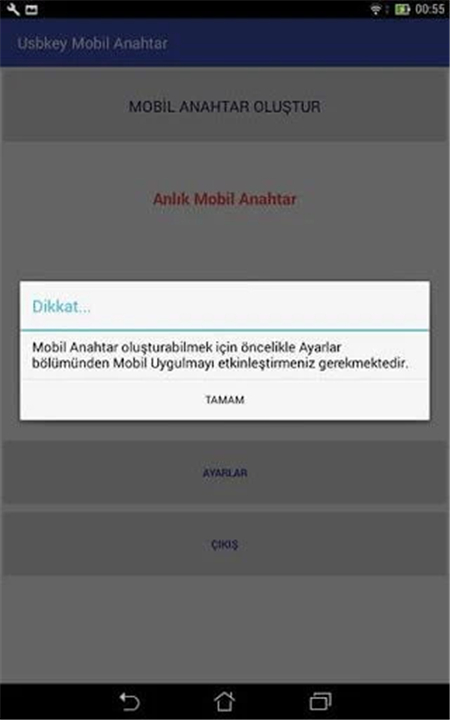
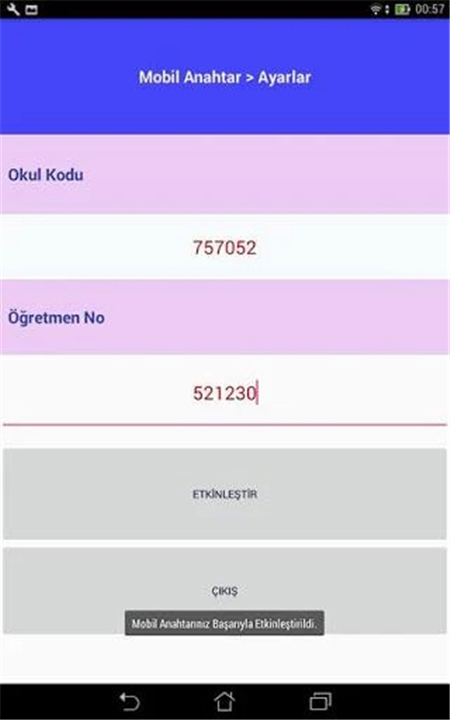
USBKey Mobil Anahtar v2.0
Enhanced Smart Board Security
• This document details the features and administrative protocols of USBKey Mobil Anahtar v2.0, a sophisticated program designed to bolster the security of smart boards utilized across primary and secondary educational institutions.
• Developed as an integral component of the broader Smart Board USBKey Protection Program, this version introduces significant advancements in user convenience and administrative control.
Program Overview & Purpose
• System Name: USBKey Mobil Anahtar v2.0 (Mobile Key)
• Core Objective: To secure and manage access to smart boards deployed in primary and secondary schools.
• Integration: It functions as part of the overarching Smart Board USBKey Protection Program, ensuring a cohesive security framework.
Key Functionality: Mobile Access & Convenience
The primary innovation of USBKey Mobil Anahtar v2.0 lies in its ability to modernize access methods for teachers.
• Elimination of Physical Keys: Teachers are no longer reliant on physical USB flash memory keys to unlock smart boards.
• Mobile Phone Integration: The program empowers educators to seamlessly open and operate smart boards directly using their personal Android operating system mobile phones.
• Enhanced Efficiency: This mobile-centric approach streamlines the process, reducing potential issues like lost or misplaced physical keys and fostering a more efficient classroom environment.
Security & Administrative Protocols
Maintaining robust security and centralized control is paramount within the USBKey system.
• Administrator Control: Crucially, direct permission for teachers to create their own mobile access keys through the USBKey Admin program is deliberately withheld. This ensures that key generation and distribution remain under strict administrative oversight.
• Preventing Unauthorized Access: This administrative hierarchy is vital for preventing unauthorized access or uncontrolled proliferation of access keys, thereby safeguarding the educational technology infrastructure.
Activation & Deployment Process
The activation of mobile access for teachers follows a defined administrative procedure.
• Administrator Configuration: System administrators are responsible for configuring access parameters, including specifying the number of schools and individual teachers who will be granted mobile key privileges.
• Application Code Generation: Based on these settings, a unique application code is generated for each authorized teacher or school.
• Activation Key Input: To enable the mobile access functionality on their Android devices, teachers must input this specific application code along with an activation key provided from the 'Mobile' section of the system. This final step links the teacher's device to their authorized smart board access.
FAQ
Q: What is the main objective of implementing USBKey Mobil Anahtar v2.0 in schools?
A: The core objective of this program is to securely manage and control access to the smart boards deployed in primary and secondary schools, ensuring that only authorized personnel can operate them effectively and safely.
Q: In which educational settings is this program primarily utilized?
A: This program is specifically designed and implemented for smart boards found across primary and secondary educational institutions, enhancing their security framework within these schools.
Q: Is USBKey Mobil Anahtar v2.0 a standalone security solution for smart boards?
A: No, it is not a standalone program. It functions as an integral component of the broader Smart Board USBKey Protection Program, working within a cohesive security framework to provide comprehensive protection.
Version History
v10——10 Feb 2026
USBKey the Smart Wood Protection Program was developed to unlock the phone. Download the latest version of Usbkey Mobil Anahtar v2.0 to enjoy new features and updates immediately!
*10
--> Andriod 5,6,7,8,9,10,11,12,13 sürümleri için ara yüz değiştirildi.
--> Uygulamayı kullanabilmek için aktivasyon bölümünden uygulamanın etkinleştirilmesi gerekiyor.
--> Uygulamayı aşağıdaki kodlarla test edebilirsiniz.
Okul kodu :334455
Öğretmen No :2045
Not: Uygulama kullanımı için herhangi bir ücret talep edilmemektedir.
*1.1
Uygulamaya dahili QR KOD tarayıcı iyileştirildi.
Program arayüzü güncellendi.
Android 12 ve 13 desteği eklendi.
Deneme Sürümünü etkinleştirmek için
Okul Kodu :334455
Öğretmen No :1122
kullanabilirsiniz.
*1.2
Uygulamaya dahili QR KOD tarayıcı eklendi.
Program arayüzü güncellendi.









Ratings and reviews
There are no reviews yet. Be the first one to write one.