

Why Download PicBook?
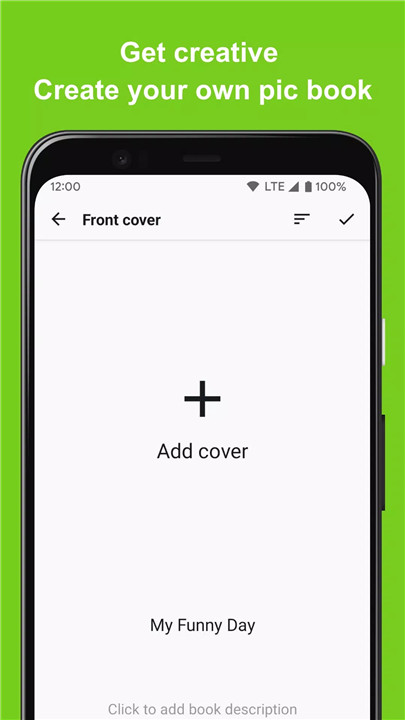
Unleash Your Creativity: PicBook allows you to design picture books using your own photos. Add text and record your voice to make each page unique and engaging.
Versatile Applications: Create more than just picture books. Use PicBook to make storybooks, memory albums, flashcards, and more, all tailored to your needs.
Local Storage: Your creations are saved locally, ensuring your content stays private and secure.
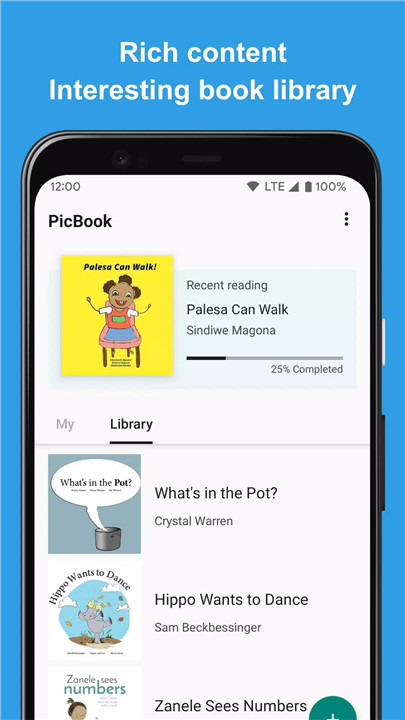
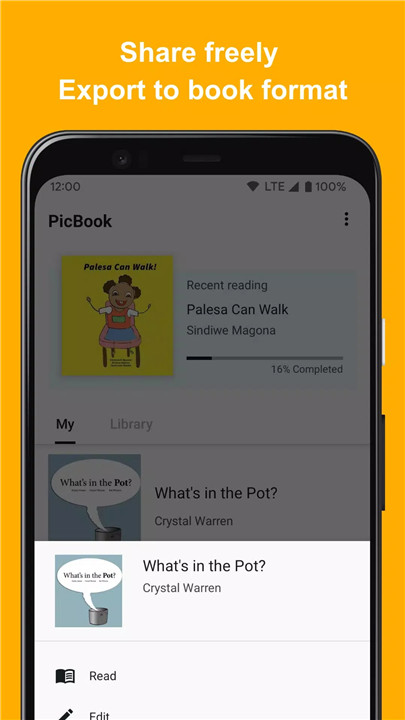
Ready-to-Use Templates: PicBook includes a variety of built-in picture books that you can read, edit, and use as templates for your own projects.
Key Features of PicBook
Easy Picture Selection: Choose pictures from your local device or Google Photos to start creating your picture book.
Customizable Pages: Add text and audio to each page to enhance your picture book with personal touches.
Local Storage: All content, including pictures and audio, is saved locally on your device, so your creations remain private.
Built-In Templates: Access a range of picture book templates for quick and easy creation.
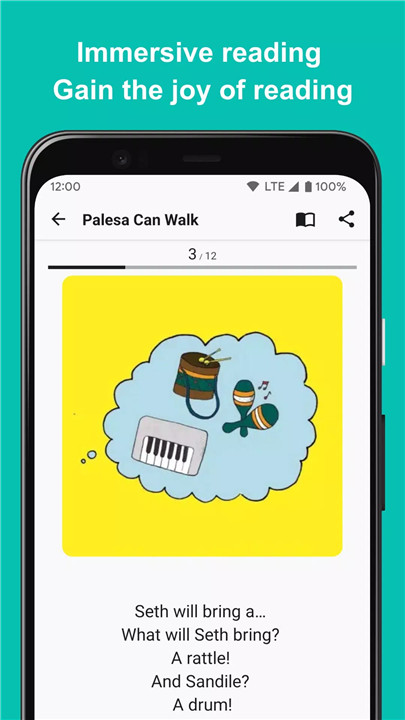
Interactive Reading Experience: Enjoy a complete picture book experience with interactive features.
Scenarios to Use PicBook
Flashcards: Create educational flashcards with your own voice and carefully selected images. Perfect for learning colors, letters, shapes, and more. PicBook makes learning fun and interactive!
Memory Albums: Document your travels or cherished moments with loved ones. Use heartfelt text and your voice to create a memorable audio-visual experience that captures the essence of your memories.
Storybooks: Craft engaging storybooks using your voice to narrate the tale. Your personal touch will bring the story to life, making it more meaningful and memorable for your audience.
FAQ
1. How do I start creating a picture book with PicBook?
Simply open PicBook and select the pictures you want to use from your device or Google Photos. You can then add text and record audio for each page to personalize your picture book.
2. Can I use PicBook to create educational materials?
Yes! PicBook is perfect for creating educational flashcards. You can use your voice and images to help with learning colors, letters, shapes, and other concepts.
3. Is my content saved on PicBook?
All your content, including pictures and audio, is saved locally on your device. This ensures that your creations are private and secure.
4. Are there any templates available in PicBook?
Yes, PicBook includes a variety of built-in picture book templates that you can use as a starting point for your projects. These templates can be edited to fit your needs.
5. How can I contact support if I have questions?
For any inquiries, please email kolacbb@gmail.com. Our service team is ready to assist you and will respond as soon as possible.
What's new in the latest 1.2.2
Last updated on Jul 25, 2024
Minor bug fixes and improvements. Install or update to the newest version to check it out!









Ratings and reviews
There are no reviews yet. Be the first one to write one.