

The FEMA App is an essential tool designed to help you prepare, protect, and recover during any disaster or emergency. With a simple, user-friendly interface, it provides tailored information to guide you before, during, and after a disaster, empowering you to stay safe and secure.
Plan for Emergencies
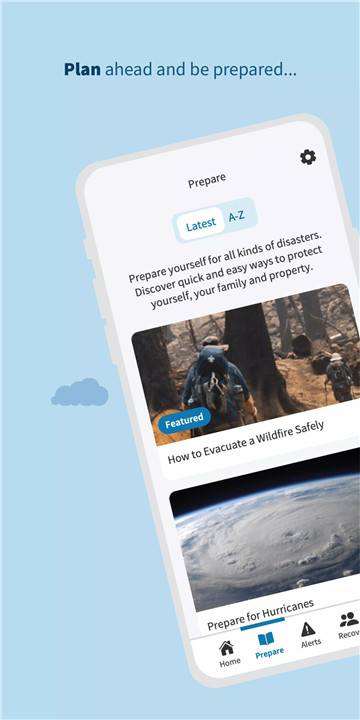
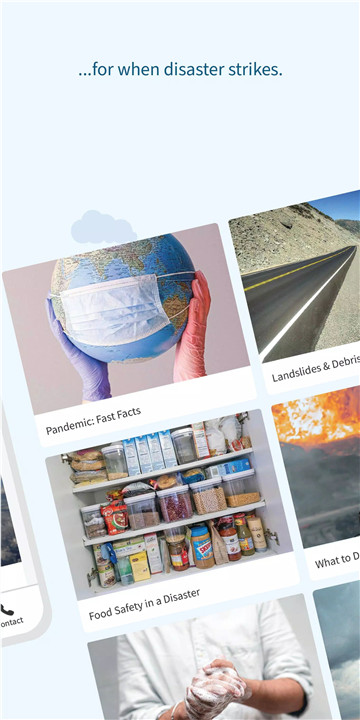
Planning is the first and most important step in disaster preparedness. The FEMA App helps you quickly learn how to prepare for common hazards, whether natural or man-made. It offers easy-to-follow guidance on creating a family emergency communication plan, assembling your emergency kit, and learning what actions to take immediately after a disaster.
Real-Time Alerts
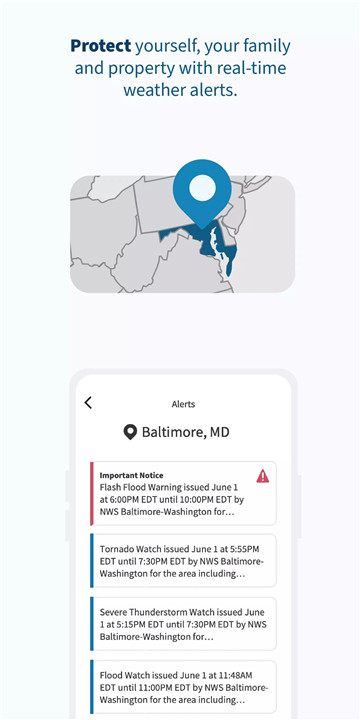
With real-time weather and emergency alerts, the FEMA App keeps you informed during any crisis. You’ll receive up-to-date warnings and notifications from the National Weather Service for up to five locations across the United States. This feature ensures that you’re always aware of potential hazards, giving you the opportunity to take protective measures before the situation escalates.
Find Shelters and Evacuation Centers
During a disaster, knowing where to go for shelter is crucial. The FEMA App helps you locate nearby shelters if you need to evacuate to a safe place. This feature ensures that you don’t waste time looking for safe spaces during a crisis and can get to safety as quickly as possible.
Recovery Assistance
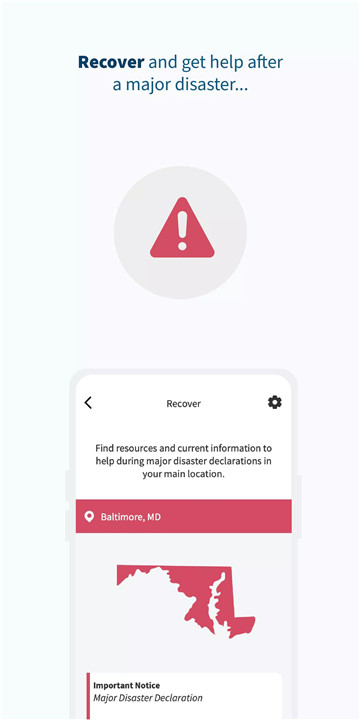
The FEMA App provides vital recovery tools to help you and your loved ones recover after a disaster. You can easily check if your location is eligible for FEMA assistance, find Disaster Recovery Center locations, and access important information related to disaster recovery.
Access to FEMA Resources
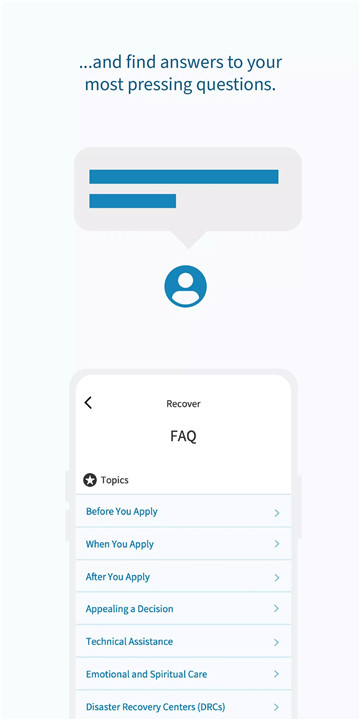
In addition to recovery support, the FEMA App provides answers to frequently asked questions and instant access to FEMA’s disaster resources. If you need assistance or have inquiries, the app allows you to reach out and get the help you need directly from FEMA’s team.
FAQs
1. How do I use the FEMA App for emergency planning?
The app provides easy steps for creating a family emergency communication plan, assembling your emergency kit, and preparing for common hazards.
2. Can I receive weather alerts for multiple locations?
Yes, the FEMA App allows you to receive real-time weather and emergency alerts for up to five different locations nationwide.
3. How can I find a nearby shelter during a disaster?
The FEMA App can help you locate nearby shelters in the event of an evacuation, ensuring you can find a safe place quickly.
4. Can I access FEMA assistance through the app?
Yes, the app allows you to check if your location is eligible for FEMA assistance and find Disaster Recovery Centers where you can receive support.
5. Is the FEMA App available for both iOS and Android?
Yes, the FEMA App is available for download on both iOS and Android devices, making it accessible to a wide range of users.
Version History
v3.0.12—18 Nov, 2024
Minor bug fixes and improvements. Install or update to the newest version to check it out!
v3.0.11—1 Feb, 2023
- New Push Notifications setting to temporarily silence push notifications for alerts. Now you can choose to silence push notifications for 1 hour, 8 hours or 24 hours. During this time period you will still receive push notifications from us, but there will be no sound or vibration.
- Updated TalkBack controls on Alert Preferences.
v3.0.10—15 Dec, 2022
- Introduced new home screen graphics
- Updated DRC/Shelter Nearby pages so the list matches the 200 mile search
- Added device info to FEMA feedback emails
- Added analytics tracking for screen reader usage
- Fixed color to email icons for branding purposes
- Bug fixes









Ratings and reviews
There are no reviews yet. Be the first one to write one.