

leafpad
Overview
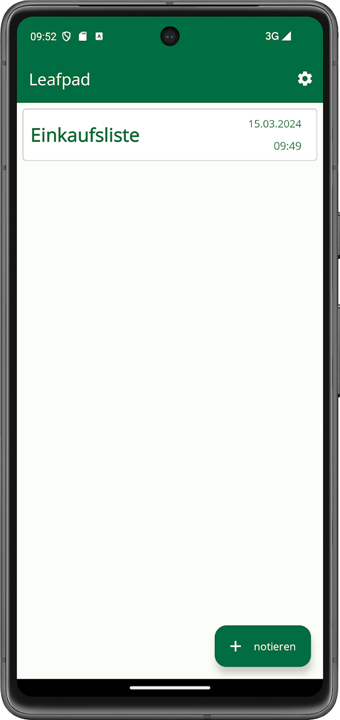
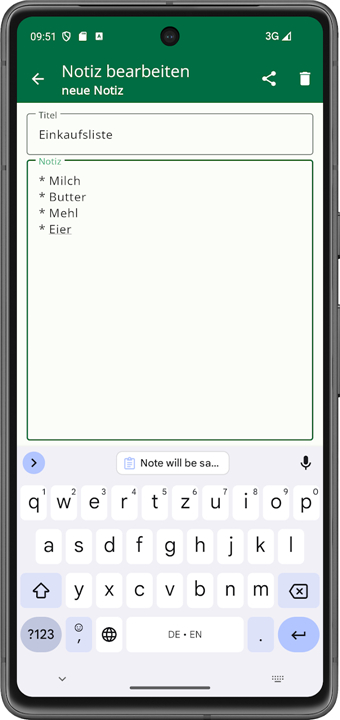
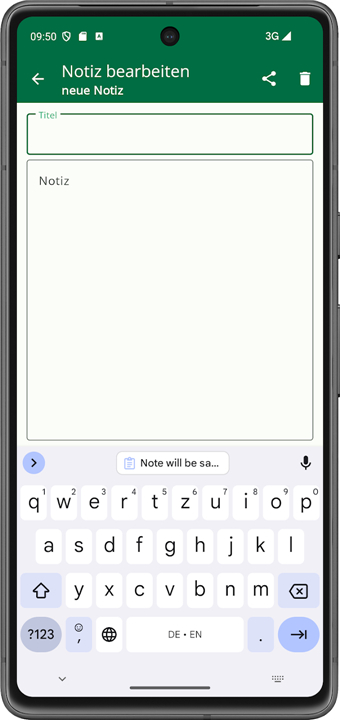
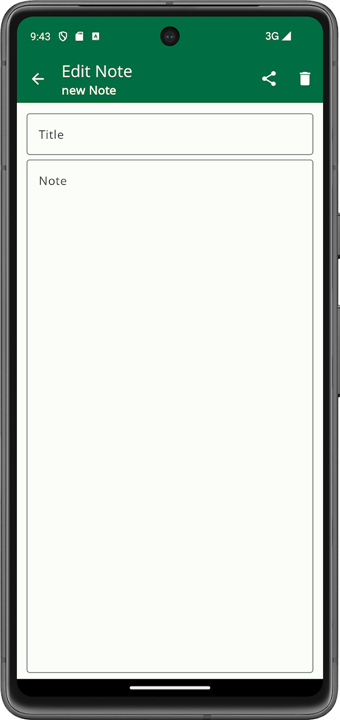
• Leafpad is a lightweight and streamlined text editing application designed for users who seek a distraction-free writing environment.
• It serves as a reliable digital notebook for capturing ideas, drafting lists, and managing text-based information without the complexities found in modern office suites.
Privacy and Security
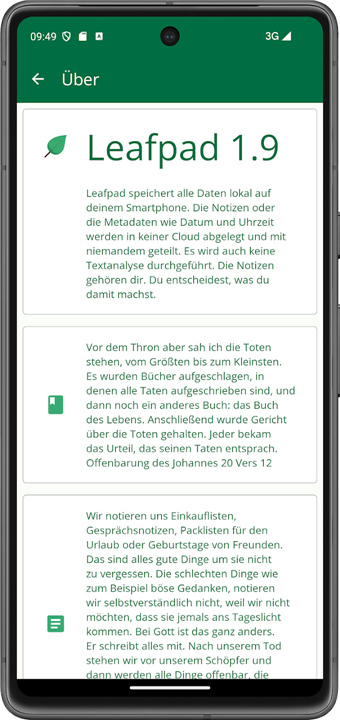
• The application operates entirely locally, meaning there are no cloud connections or external synchronization services that could compromise your information or lead to data leaks.
• It does not rely on a complex database system to store information, allowing for straightforward file management and easy manual backups.
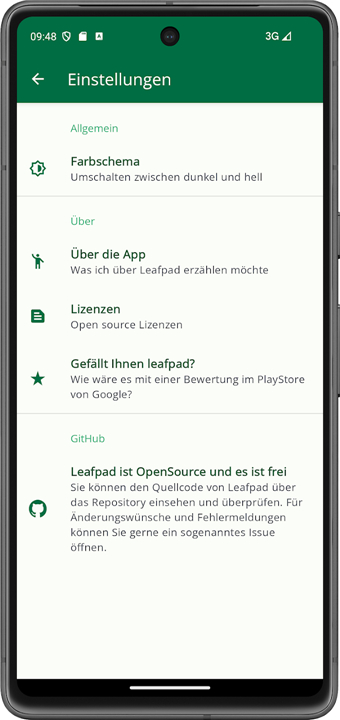
• Leafpad requires no special system permissions to function, ensuring that the software cannot access your contacts, location, or other sensitive device data.
• Enhanced privacy features allow you to hide specific notes, providing a layer of protection against prying eyes and unauthorized local access.
Open Source Transparency
• As an open-source project, the source code is fully accessible for audit and review, which fosters a high level of user trust and technical security.
• The software is developed and maintained by the community, ensuring it remains focused on utility rather than commercial interests or data harvesting.
• It contains no advertisements, trackers, or hidden analytics, maintaining a clean and ethical user experience.
Functionality and Performance
• The minimalist interface allows you to write and edit notes with maximum speed and minimal system resource consumption.
• It is an ideal tool for legacy hardware or users who prefer a utility that launches instantly and responds without lag.
• The editor supports standard text manipulation and fundamental formatting, making it a versatile choice for everything from quick reminders to long-form drafting.
FAQ
Q: How does Leafpad differ from more complex word processors?
A: Unlike feature‑rich editors, Leafpad sticks to the essentials: creating, editing, and saving plain‑text files. There’s no built‑in spell‑check, mail merge, or macro system, which means the program launches instantly and stays responsive even on older machines.
Q: Is any of my data sent to the cloud while I use Leafpad?
A: No. Leafpad works entirely on your local device. All notes and files stay on your hard drive unless you decide to move them elsewhere, so there’s no risk of unintended cloud syncing or remote data exposure.
Q: Do I need an internet connection to run Leafpad?
A: An internet connection is not required at all. Leafpad runs offline from start‑up to shutdown, making it ideal for environments where connectivity is limited or deliberately avoided for privacy reasons.
Version History
v1.24——13 Aug 2026
leafpad - a simple notebook Download the latest version of leafpad 1.23 to enjoy new features and updates immediately!
*1.24
Minor bug fixes and improvements. Install or update to the newest version to check it out!
*1.23
Minor bug fixes and improvements. Install or update to the newest version to check it out!
*1.22
Minor bug fixes and improvements. Install or update to the newest version to check it out!











Ratings and reviews
There are no reviews yet. Be the first one to write one.