

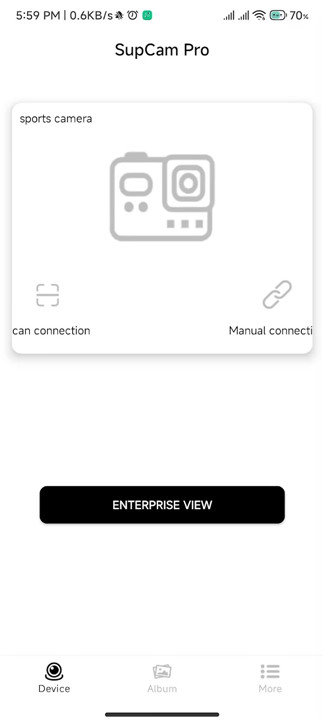
You need this app on your device to manage your action camera.
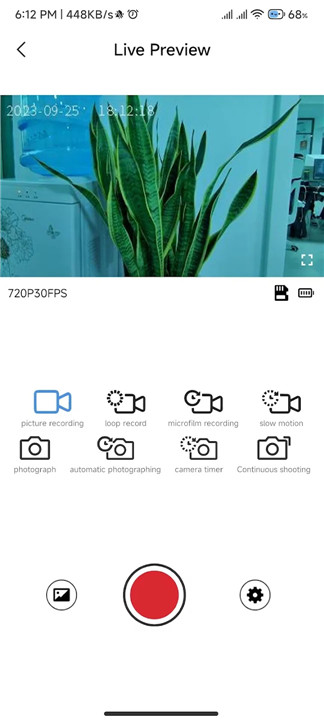
It lets you watch live video from the camera, start recordings, snap photos, check out the pictures you've taken, and download videos or images.
To connect:
1. Turn on the camera's Wi-Fi.
2. Link your smartphone to the camera's Wi-Fi. The password is in the manual.
3. Launch the HelloCam app.
4. Hit the 'connect' button.
Here’s what you can do with the app:
1. View the camera feed live.
2. In live view, you can start recording videos or take photos.
3. Use continuous shooting mode.
4. Set a timer for taking shots.
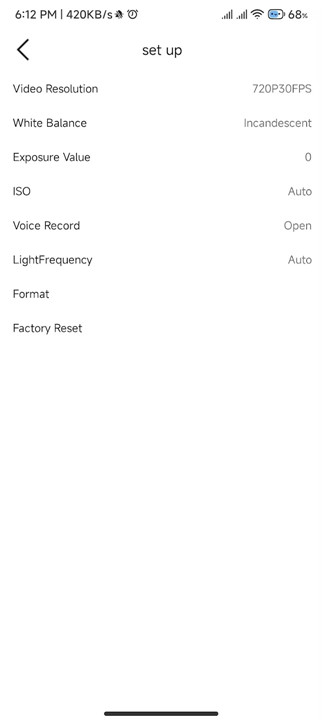
5. Adjust video quality.
6. Change image quality.
7. Format the camera's SD card.
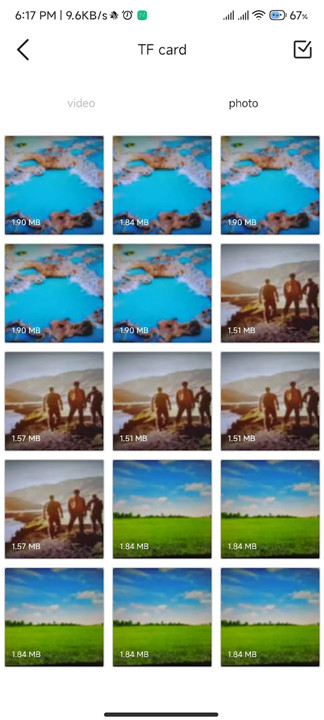
8. Browse your photo and video files.
9. Download or delete files.
10. View photos.
11. Play back videos with sound.
FAQ
Q: Is "SupCam Pro" free-to-use?
A: Yes, "SupCam Pro" is free-to-use.
Q: What Android version is required?
A: Android 5.0 and above is required.
Q: Why should I download "SupCam Pro"?
A: This is the application you must have on your device to control the action camera..
-----------------
What's New in the Latest Version 1.212.1107
Last updated on Nov 1, 2024
Minor bug fixes and improvements. Install or update to the newest version to check it out!









Ratings and reviews
There are no reviews yet. Be the first one to write one.