

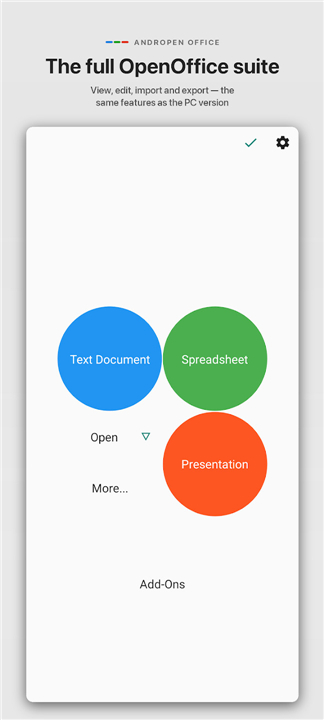
AndrOpen Office
Overview
• Unlock your productivity on the go with AndrOpen Office, the world's first complete port of OpenOffice for Android.
• Trusted by over 7 million users worldwide, this powerful office suite brings the comprehensive editing, viewing, and exporting capabilities of a desktop PC straight to your mobile device.
Five Professional Tools in One App
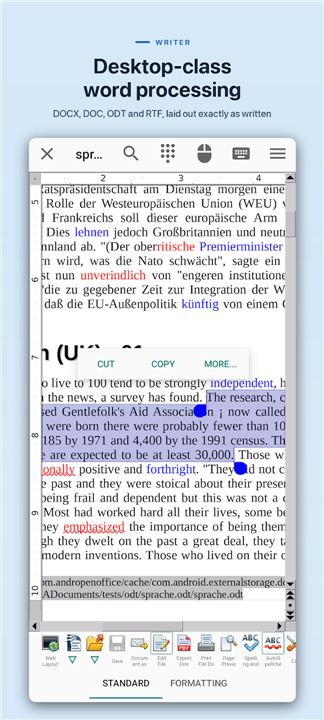
• Writer: Express your ideas effortlessly, from drafting a quick note to composing an entire book.
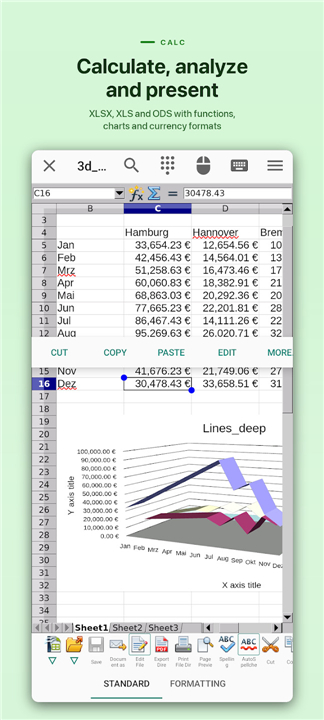
• Calc: Master your numbers with advanced spreadsheet tools built for precise calculations, data analysis, and visual reporting.
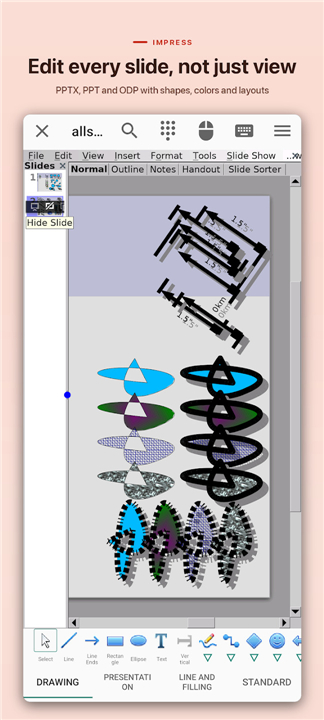
• Impress: Captivate your audience with dynamic, media-rich presentations created in minutes.
• Draw: Bring your vision to life with everything from simple flowcharts to detailed 3D illustrations.
• Math: Simplify complex equations using a graphic user interface or a versatile, direct-type formula editor.
Exceptional File Compatibility
• Microsoft Office: Seamlessly import and export Word (DOC, DOCX), Excel (XLS, XLSX), and PowerPoint (PPT, PPTX) files.
• OpenDocument Standard: Full read-and-write support for open-source standards (ODT, ODS, ODP, ODG, ODF).
• PDF Integration: View, edit, and export high-fidelity PDF documents.
• Versatile Media & Data: Complete support for TXT, CSV, Adobe Photoshop (PSD), SVG graphics, and various legacy image formats.
Built for Modern Productivity
• High-Fidelity Rendering: View and edit your documents with their original formatting preserved perfectly.
• Advanced Document Formatting: Experience full control over paragraphs, typography, and embedded objects.
• Cloud & Network Storage: Connect directly to Google Drive, Dropbox, OneDrive, Box, NAS, and WebDAV for effortless collaboration.
• Security & Utilities: Secure your files with password protection and polish your work with native spell-checking and thesaurus tools.
• Global Access: Available in over 40 languages with full printing support to bring your digital work to life.
Intuitive Touch Controls
• Natural Gestures: Navigate your workspace easily by swiping to scroll and pinching to zoom.
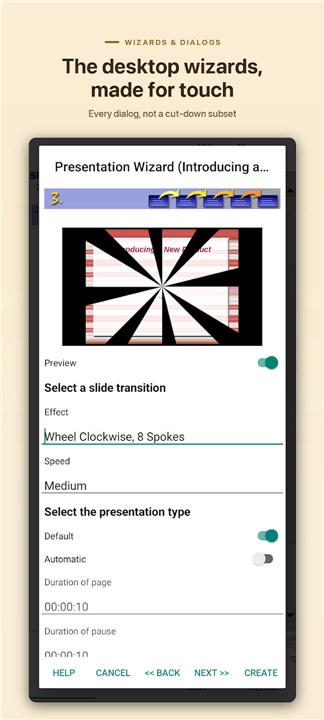
• Desktop Accuracy: Use the virtual mouse pad for precise editing, with long-press actions serving as right-clicks.
Note:
• AndrOpen Office is an independent project forked from the Apache OpenOffice project.
• It is not affiliated with the Apache OpenOffice or LibreOffice projects.
FAQ
Q: Which office applications are included when I install AndrOpen Office?
A: When you install AndrOpen Office, you get five professional tools packaged into a single application. These include Writer for drafting notes and composing books, Calc for advanced spreadsheet calculations and data analysis, Impress for creating media-rich presentations, Draw for vector graphics and illustrations, and Math for editing complex mathematical equations.
Q: Can I open and edit Microsoft Office files like Word, Excel, and PowerPoint?
A: Yes, you can easily open and edit your Microsoft Office files without any trouble. The app provides exceptional file compatibility, allowing you to seamlessly import and export legacy formats as well as modern XML formats like DOCX, XLSX, and PPTX.
Q: How does AndrOpen Office handle OpenDocument formats?
A: Because this application is based on OpenOffice, it offers full native read-and-write support for all the OpenDocument standards. This means you can work with ODT, ODS, ODP, ODG, and ODF files smoothly, ensuring that your open-source projects transfer perfectly between your desktop and mobile device.
Version History
v5.6.3——3 Sep 2026
A full functionality editor for OpenOffice / LibreOffice documents Download the latest version of AndrOpen Office to enjoy new features and updates immediately!
*5.6.3
Mobile
- Native UI for Writer page, columns, footnote, text grid, and header/footer dialogs.
- Native UI for paragraph and page style dialogs.
- Show keyboard Done action in single-line edit fields.
Writer
- Improved DOCX/DOC table round-trip (width, margins, borders, alignment, and background).
*5.6.1
PDF Import
- Render embedded fonts as vector paths.
- Render PDF annotations.
- Fix for dash line rendering.
- Fix for word spacing.
- Fix for crash.
Writer
- Fix for field round-trip in DOCX/DOC.
- Fix for crash in DOCX import.
Mobile
- Improved Paste Special dialog by adapting native UI.
Stability
- Fix for XML export crash.
- Fix for deadlock.
*5.6.0
Fix for Complex Field Character in docx import and export.











Ratings and reviews
There are no reviews yet. Be the first one to write one.