

Brother Mobile Connect APK
1.23.4
Brother Mobile Connect
Brother Mobile Connect APK
Download for Android
Brother Mobile Connect
Overview
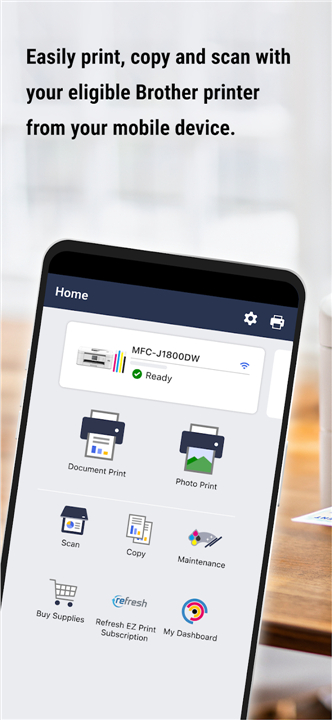
Meet Brother Mobile Connect—the friendly app designed to bring your mobile device and printer together in perfect harmony.
Print and Scan on Your Terms
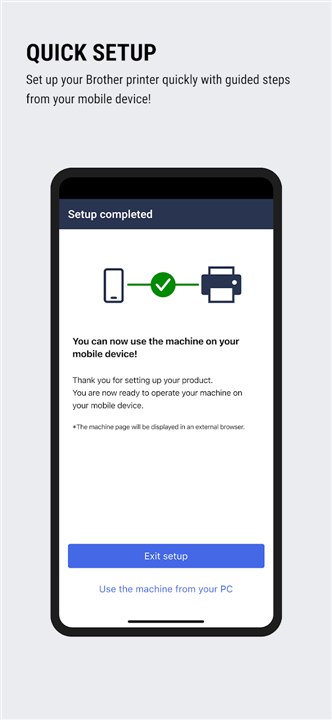
• Set up your compatible Brother printer in minutes with easy-to-follow, guided steps.
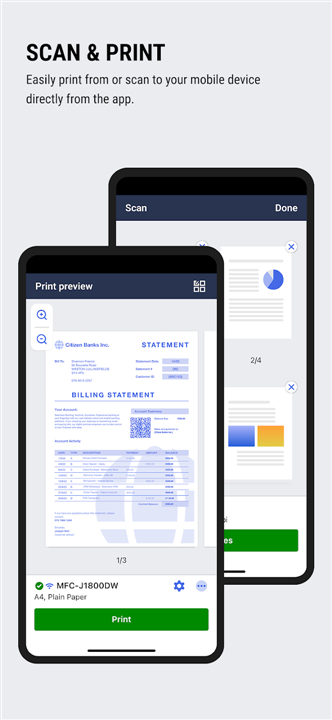
• Print, scan, and copy from virtually anywhere using the Connect Advance feature.
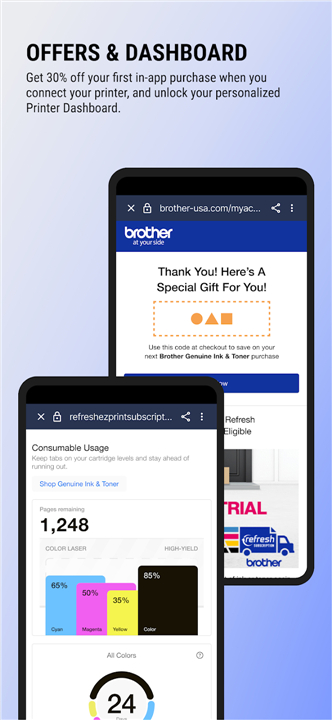
• Access your printer's dashboard to quickly adjust settings and track your total printed pages.
Never Run Out of Ink or Toner
• Monitor supply levels for up to five printers simultaneously from a single dashboard.
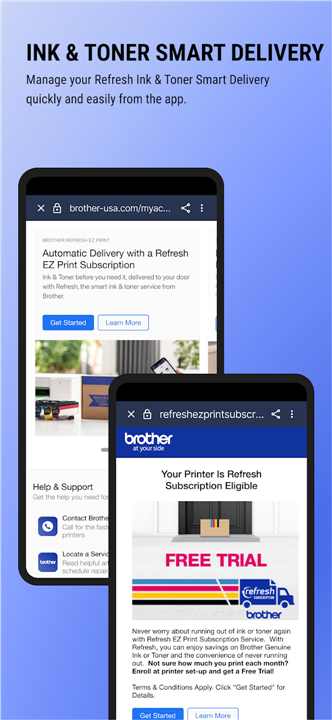
• Link your Refresh EZ Print Subscription to get automatic deliveries right to your door before you run low.
• Easily order authentic Brother replacement supplies directly through the app.
Enjoy Exclusive Perks
• Save on genuine ink and toner with personalized discount offers.
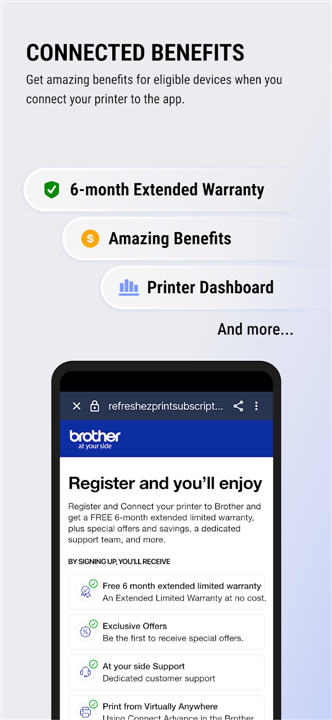
• Secure a free 6-month extended limited warranty on eligible printer models.
• Enable push notifications so you never miss out on special member savings.
Compatibility and Support
• Head over to support.brother.com to see if your printer model is supported.
• If your printer is not compatible with this app, try the Brother iPrint&Scan app instead.
• Share your thoughts and help us improve by emailing Feedback-mobile-apps-ps-mc@brother.com (please note we may not be able to reply to every email).
Note:
• App features, subscription availability, and warranty promotions vary by region, printer model, and device compatibility.
FAQ
Q: How do I set up my Brother printer using the app?
A: Setting up your printer is quick and easy. Simply download the Brother Mobile Connect app on your mobile device, open it, and follow the guided, step-by-step instructions on your screen. The app will assist you in connecting your printer to your local network in just a few minutes.
Q: Can I print and scan when I am away from my home or office?
A: Yes, you can. With the Connect Advance feature, you can securely print, scan, and copy from virtually anywhere. As long as your mobile device has an active internet connection, you can manage your print jobs on the go.
Q: How many printers can I manage at the same time using the app?
A: The app allows you to monitor and manage up to five compatible Brother printers simultaneously from a single, centralized dashboard. This is highly convenient for homes or small offices with multiple machines.
Version History
v1.23.4——3 Aug 2026
Print, scan, and manage your printer seamlessly with the Brother Mobile Connect app. Track ink levels, order supplies, and more. Download the latest version of Brother Mobile Connect to enjoy new features and updates immediately!
*1.23.4
- Added functionality to support our new user platform
*Not available in all countries
*1.23.3
- Added functionality to support our new user platform
*Not available in all countries
*1.23.2
- Added functionality to support our new user platform
*Not available in all countries











Ratings and reviews
There are no reviews yet. Be the first one to write one.