

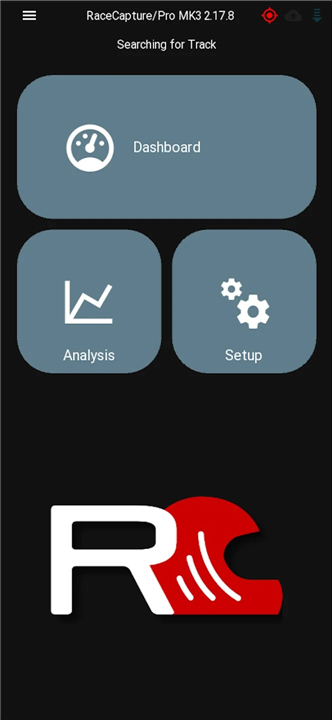
Race Capture
Unleash Your Performance
• Elevate your racing experience by transforming your Bluetooth-enabled phone or tablet into a powerful, real-time dashboard and data analysis hub.
• RaceCapture unlocks the full potential of your RaceCapture/Pro system – the affordable, cutting-edge data acquisition solution from Autosport Labs.
• Discover how to push your limits at http://www.autosportlabs.com.
Command Your Data: Key RaceCapture Advantages
RaceCapture isn't just an app; it's your indispensable co-pilot for every track day and race.
1. Real-time Performance Insights:
• Live Telemetry Streaming: Instantly broadcast your performance data to http://podium.live for dynamic live analysis, seamless sharing with your team, crucial lap comparisons, and post-session playback.
• Predictive Lap Times: Leverage RaceCapture/Pro's high-performance GPS to see real-time predictive lap times, empowering you to find those crucial tenths of a second.
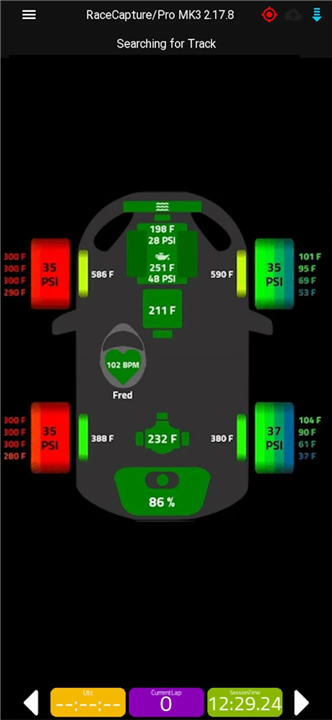
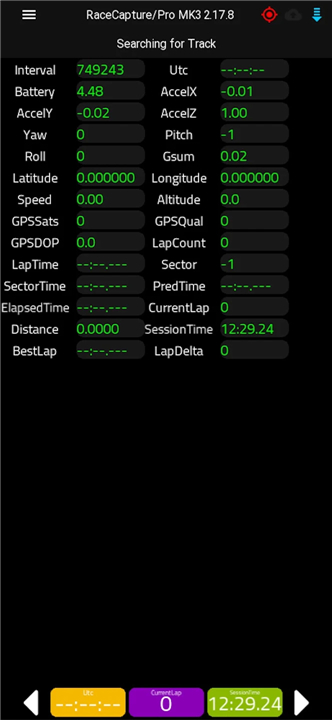
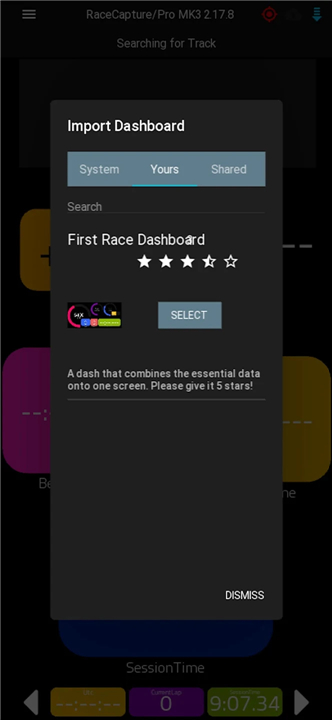
• Customizable Gauges: Design your perfect dashboard with personalized gauges displaying sensor data, OBD-II, and CAN bus streams directly from your RaceCapture system – see exactly what matters to you.
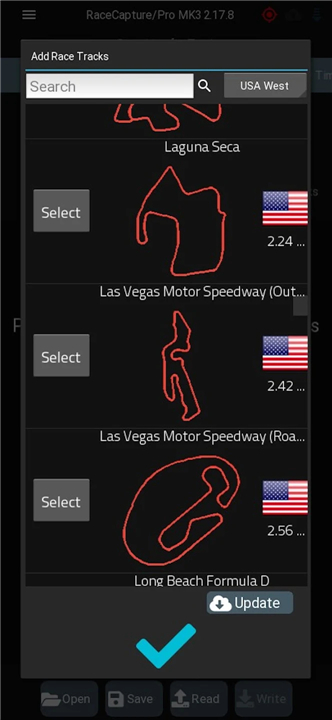
• Automatic Track Recognition: Effortlessly connect to hundreds of global racetracks with automatic detection, ensuring you're always ready to run.
2. Advanced Analysis & Strategy:
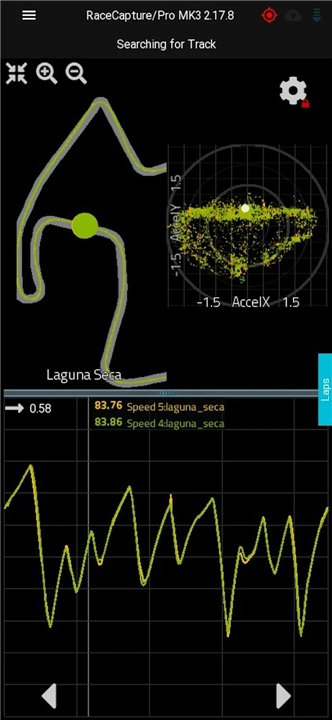
• In-App Data Review (Beta): Dive deep into your performance with integrated analysis tools. Import your RaceCapture/Pro log files and scrutinize your lap data right from your device.
• Smart Pit Stop Timer: For endurance racers, a configurable, automatic pit stop timer keeps your strategy precise and your focus on the track.
3. Ultimate Trackside Convenience:
• Full System Control: Configure every feature and setting of your RaceCapture/Pro system directly from your phone or tablet – no laptop required, ever!
Your Journey to Victory Starts Here: Getting Set Up
Ready to experience the difference? Getting RaceCapture running is quick and intuitive:
• For a comprehensive walkthrough, visit our full quick-start guide: http://autosportlabs.net/RaceCapturePro2_QuickStart
• Step 1: Plug your Bluetooth module into RaceCapture/Pro. Confirm the LED is blinking rapidly.
• Step 2: In your Android device's Bluetooth settings, pair with the "RaceCapturePro" module.
• Step 3: Launch the Race Capture app. When prompted, select 'yes' to update race tracks.
• Step 4: The app will automatically detect and connect to your RaceCapture/Pro. The Bluetooth adapter's LED will become solid.
• Step 5: Navigate to the dashboard view and personalize your screens with the channels you've enabled.
Stay On Track: Support & Troubleshooting
We're committed to your success. If you encounter any bumps in the road, we're here to help:
• Firmware Check: Ensure your RaceCapture/Pro firmware is always updated to the latest version.
• Bluetooth Connection Tips:
+ Try toggling Bluetooth off and on in your Android settings.
+ Restart your phone or tablet.
+ Find more detailed troubleshooting steps here: http://autosportlabs.net/RaceCapturePro2_QuickStart
• Direct Assistance: Still need a hand? Email us at racecapture@autosportlabs.com or join our vibrant community forums at http://www.autosportlabs.org.
FAQ
Q: What kind of hardware is required to use the RaceCapture app?
A: To fully utilize RaceCapture, you'll need a RaceCapture/Pro system from Autosport Labs. The app itself runs on your existing Bluetooth-enabled phone or tablet, which then acts as the display and control interface for the data acquisition unit.
Q: Where can I find more detailed information or explore RaceCapture's capabilities further?
A: You can discover how to push your limits and get a comprehensive overview of RaceCapture and the RaceCapture/Pro system by visiting the Autosport Labs website at http://www.autosportlabs.com.
Q: How does RaceCapture provide real-time performance insights during a track session?
A: RaceCapture offers several real-time performance insights, including Live Telemetry Streaming that broadcasts your data to podium.live for dynamic analysis, sharing, and post-session playback. It also leverages RaceCapture/Pro's high-performance GPS to provide predictive lap times, helping you identify opportunities to gain those crucial tenths of a second.
Version History
v2.18.0——11 Feb 2026
The companion dashboard for the RaceCapture motorsports telemetry system Download the latest version of Race Capture to enjoy new features and updates immediately!
*2.18.0
* New: Add RaceCapture/Track MK4 to setup wizard
* New: Add BTLE connection support for compatible systems (RaceCapture/Track MK4, PodiumConnect/Micro)
* New: Add TPMS setup page for compatible systems (RaceCapture/Track MK4, PodiumConnect/Micro)
* New: Support logfile channel precision for import / export
* New: Make bottom dashboard bar visibility customizable
* New: Add option to enable/disable thermal image gauge scale
* New: Allow dashbo
More: http://autosportlabs.com/blog
*2.17.1
* Fix: Ensure track selection view pops up on dashboard when no track has been detected, or if multiple track layouts have been detected
More: http://autosportlabs.com/blog
*2.16.1
* Fix: Resolve issue selecting a track in various areas of the app (lap recalculation, setup wizard)
* Fix: Clarify language for pit stop timer help description
* Fix: Update Telefonica O2 UK APN description to Pay&Go
* Fix: Ensure chart value marker is visible above or below the touch point on mobile devices
More: http://autosportlabs.com/blog









Ratings and reviews
There are no reviews yet. Be the first one to write one.