

Screen Mirroring - 1001 TVs APK
6.1.3.12
Screen Mirroring - 1001 TVs
Screen Mirroring - 1001 TVs APK
Download for Android
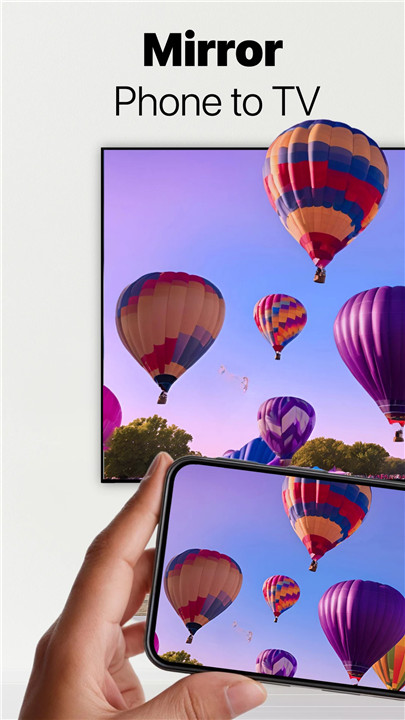
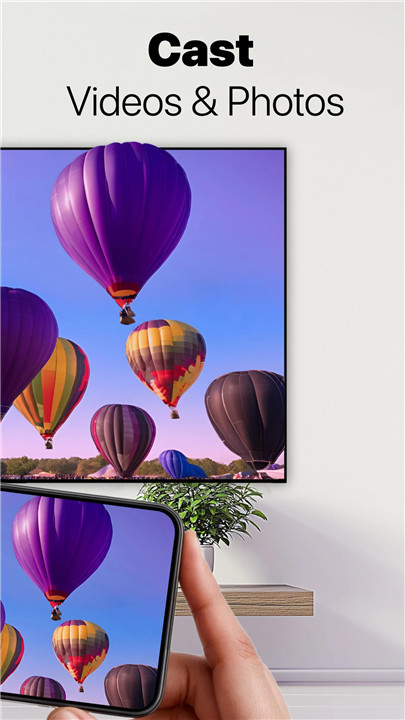
The ultimate tool for seamless screen mirroring and sharing.
1001 TVs - A robust Android application designed for screen mirroring with smart TVs (including Roku TV, Fire TV, and Chromecast), as well as casting Android screens to computers and mirroring to web browsers.
This app is intended for use on phones and tablets, so please install it on your device.
Compatible Devices:
+ Windows & Mac
+ iOS & Android
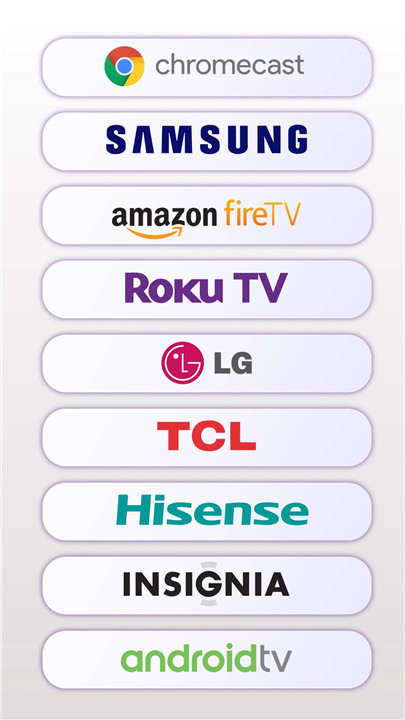
+ Smart TVs: Roku TV, Fire TV, Samsung, LG, Sony, Vizio, Panasonic, TCL, Philips, Hisense, Huawei, Xiaomi, and more.
Key Features:
+ Mirror Your Screen to Any Android TV
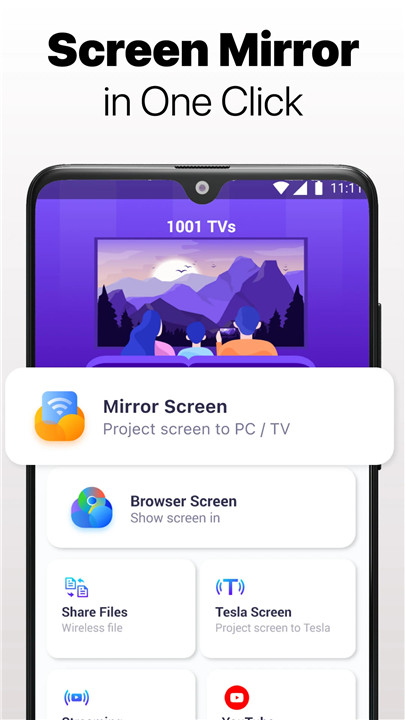
This Smart TV Cast app allows you to wirelessly mirror your smartphone or tablet to various TVs, such as Roku TV, Fire TV, TCL, Samsung, Sony, and others. Simply launch the app on your TV, use the mobile app to scan the QR code, and your phone's display will appear on the TV!
+ Mirror to Chromecast
With this Android app, you can project your phone screen and view it through a web browser or Chromecast on any compatible device (Windows/Mac/Tablet/TV) connected to the same Wi-Fi network. Just enter the URL on the target device—no extra software installation needed.
+ YouTube Streaming
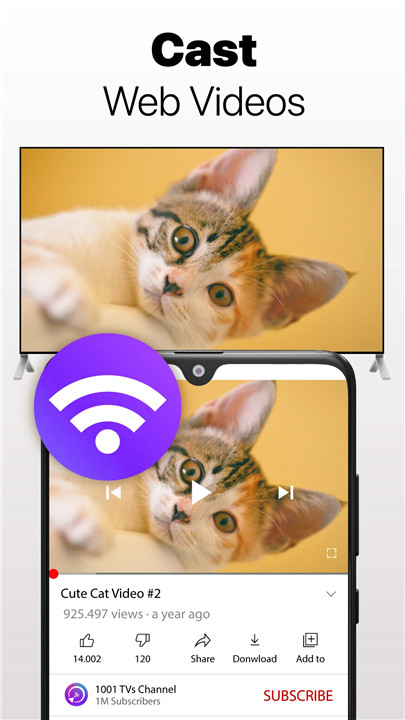
Choose videos from the YouTube page, select a TV device, and your video will stream on the smart TV without requiring the YouTube app on your phone. Streaming to your TV is simpler than you might think!
+ Project Your Screen to a Windows PC
After downloading the app from the official website, run it and use your phone's app to scan the QR code. Your phone's display will show up on the PC! *You can also cast from a Windows PC to another Windows or Mac device!
+ Digital Album
Easily cast photos and videos to your TV, with options to keep a photo displayed and remote control features to adjust the view.
+ Vertical Screen Support
Effortlessly showcase your phone screen on a portrait TV, ideal for enjoying short videos and live streams.
+ Cast Any Screen to Your Phone
This feature allows you to cast your phone screen to another phone, an iPad screen to a phone, and even a computer screen to a phone.
+ File Transfer
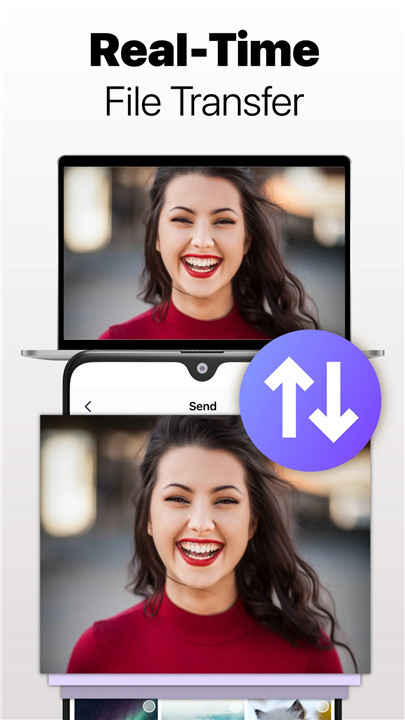
Easily and swiftly transfer files to your desired device. Sharing files is a breeze! Instantly send a PDF from your device to another in real-time.
+ Wireless Screen Extension
Transform any device—be it a phone, tablet, or TV—into an additional screen for your computer.
+ Cast to Any UPNP/DLNA Compatible Media Player
Choose a media file on your phone to stream, and watch as your TV plays the video or showcases the photos in a slideshow.
User Cases:
+ Sports Match Streaming:
Project major sporting events such as the NFL, FIFA World Cup, UEFA, Olympics, Super Bowl, and NBA onto your TV for an immersive viewing experience.
+ Play Games:
Experience gaming on the big screen by mirroring your mobile device to your TV.
+ DLNA:
Send photos, images, and short videos from your phone to your smart TV for a larger display.
+ Movies:
Stream films directly to your smart TV for a theater-like experience.
+ Music:
Play your favorite tunes from your phone through your TV.
+ Online Classes/Education:
Safeguard your children's eyesight by mirroring live classes onto a larger TV screen instead of using a cellphone.
+ Training:
Display your fitness app on the TV for an enhanced workout experience.
+ Business Meetings:
Wirelessly project PowerPoint, Excel, and other documents onto a large TV screen for clear visibility during meetings.
+ Video Chat:
Have video conversations with friends on the big screen.
+ Live Streaming:
Stream content from platforms like YouTube, Twitch, Facebook, Instagram, TikTok, and more.
Feedback:
We appreciate your download of the 1001 TVs screen mirroring application. For any feedback, please reach out to us at 1001tvs@nero.com or visit our official website: https://1001tvs.com.
Note:
If you haven't subscribed, all Pro features are available for a limited number of trials. To gain unlimited access to Pro features, a subscription is necessary.
FAQ
Q: Can I mirror my screen to a Chromecast?
A: Yes, you can mirror your screen to a Chromecast. Simply use the 1001 TVs app to project your phone screen and view it through a web browser or Chromecast on any compatible device connected to the same Wi-Fi network. Enter the URL on the target device, and no extra software installation is needed.
Q: Can I stream YouTube videos to my TV without the YouTube app?
A: Yes, you can stream YouTube videos to your TV using 1001 TVs. Choose a video from the YouTube page, select your TV device, and the video will stream on the smart TV without requiring the YouTube app on your phone.
Q: Can I cast photos and videos to my TV?
A: Yes, you can easily cast photos and videos to your TV using the 1001 TVs app. You can keep a photo displayed and use remote control features to adjust the view.
Version History
v6.1.3.12——20 Mar 2025
Screen Mirroring App & Cast phone to Roku TV, Chromecast, DLNA in HD without lag Download the latest version of Screen Mirroring - 1001 TVs 6.1.3.12 to enjoy new features and updates immediately!
Fixed connection issues and improved device search stability.









Ratings and reviews
There are no reviews yet. Be the first one to write one.